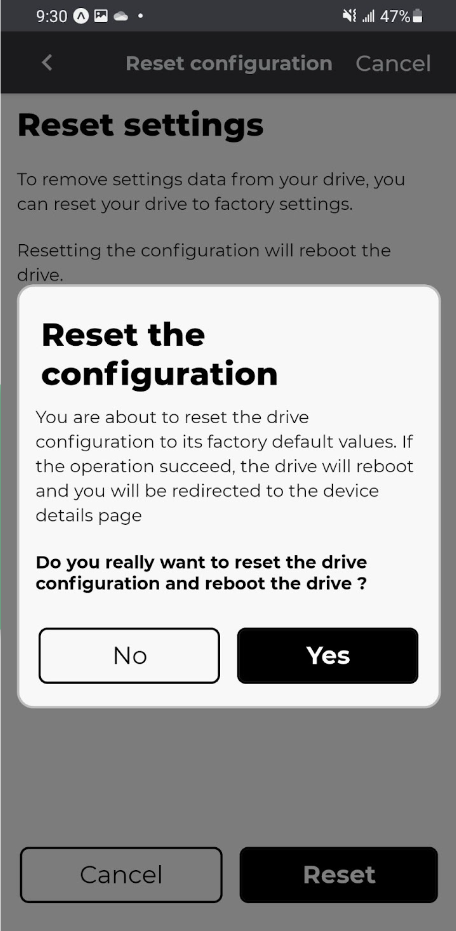
Reset to factory settings
To delete the user's setting from the Clean Power VFD, it's possible to reset it to factory settings.
Reset to factory default configuration is possible via the Mobile or the Clean Power VFD, or the communication netwrok API when your role allows it.
Warning
Note that resetting the configuration will reboot the Clean Power VFD.
ProcedureReset from the mobile App⚓
Make sure that you are running the latest software version on your smartphone.
Make sure that your Clean Power VFD is also running the latest software version
Your mobile App must be paired and connected to the Clean Power VFD via the same network.
Access the Reset function.
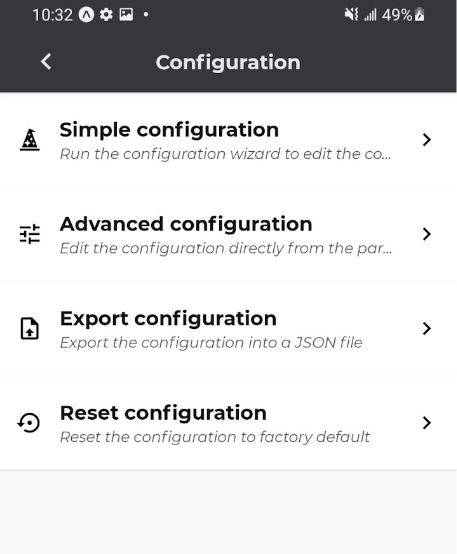
From the overall menu of the mobile App, select "Configuration"
Select the Reset function.
Select "reset configuration".
Start the reset.
Tap on the button reset, and confirm your action by tapping the button Yes inside the poped-up confirmation window.
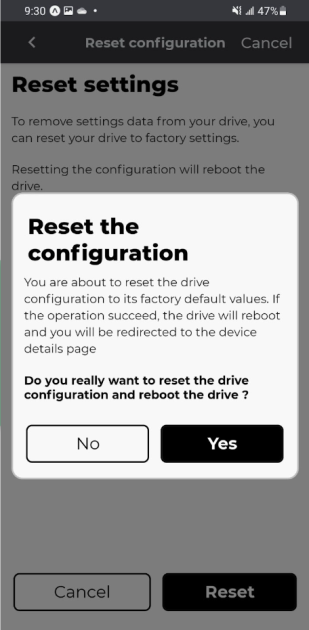
- Result
The reset function is running and the Clean Power VFD is reboot when the operation is complete.