HMI description
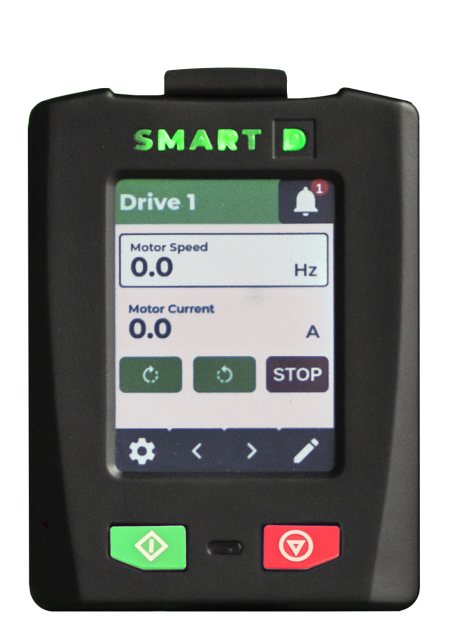
The Clean Power VFD name is displayed, as preset by the user.

The Clean Power VFD status is displayed in the header of the HMI
Ready to run - Running - Out of service - Lockout - Emergency mode

The speed setpoint is displayed and can be modified.
Navigate left and right between groups of actual values
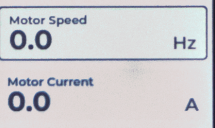
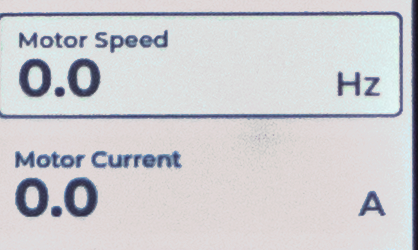
Actual values such as current, voltage, frequency, power, etc. are displayed

Access to menu

When Clean Power VFD is in ready-to-run status, pushing this button starts the motor.

Proximity sensor. HMI screen lights up when you are nearby the sensor.

When the Clean Power VFD is in running status,pushing this button stops the motor

The button displays the number of unresolved alarms. Pushing the button gives access to the alarms list and operations.

The SmartD logo color and lighting pattern displays the Clean Power VFD's alarms main status