Starting Enterprise Steam
- Start Enterprise Steam by running the following command on your YARN edge node.
sudo service steam start
- (Optional) Check the log file to verify that Enterprise Steam starts correctly:
sudo cat /var/log/steam.log
At this point, you can open a Chrome browser and navigate to your Hadoop edge node (where Enterprise Steam is currently running). For example, https://<hadoop-edge-node>:9000. Note that in your browser, you may be required to authenticate using the Administrator username and password that you created during the installation process.
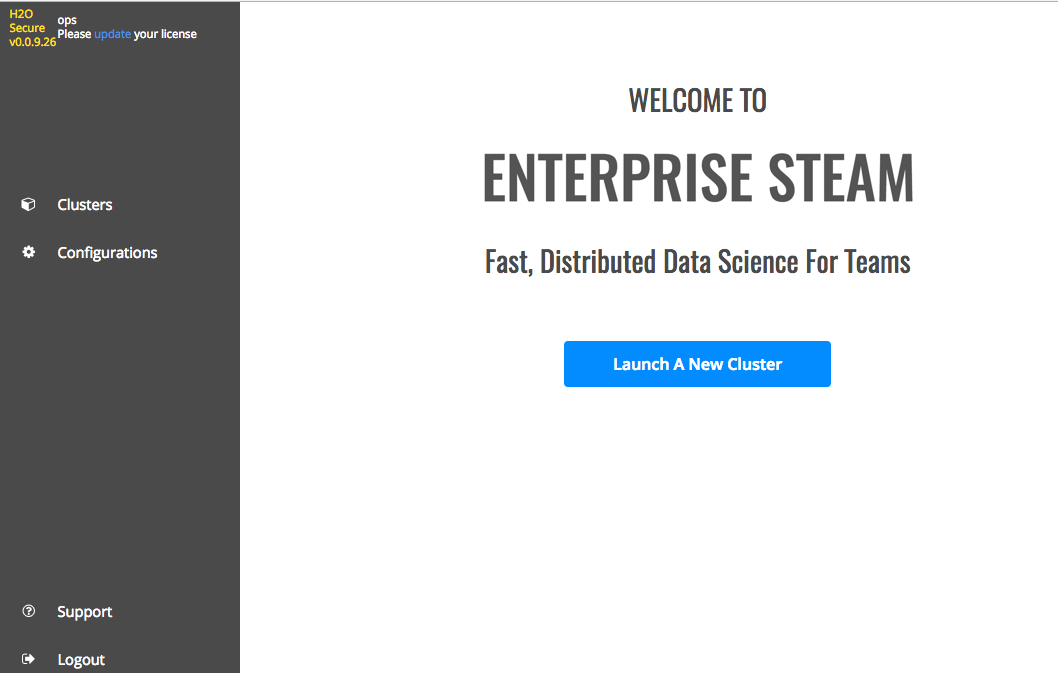
Welcome page
Uploading a License File
A license is required in order to run Enterprise Steam. The first time you log in to Enterprise Steam, a message will display in the upper-left corner prompting you to enter your license key. This license is obtained from H2O Sales.
- Click the “Please updated your license” link in the upper-left corner to jump to the Configurations > Licensing page.
- Click the Browse button, and navigate to your Enterprise Steam license file.
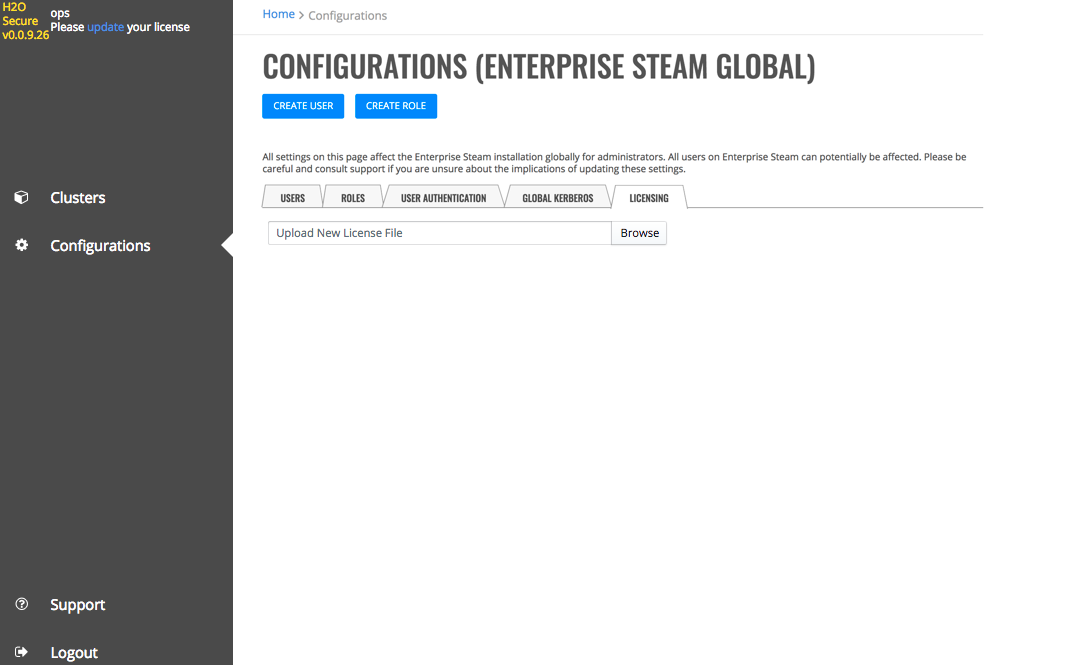
Upload a license