 Share this Page
TUTORIAL STEP 5
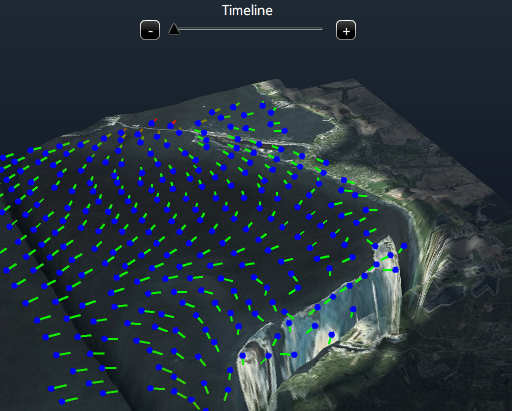
Now that you have a view with some data, you can play with the timeline to see how data changes over different time points. To better see how a view changes press ctrl, shift, left mouse button and drag the mouse horizontally. This feature allows you to easily compare the current view with its latest version and can be used whenever an update of the view or of the viewpoint is performed. Just try ctrl-shift-click and drag the view from time to time, to see its effect.