If you're having troubles when connecting your scanner, try the following steps:
1
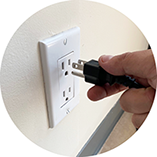
Turn off the scanner and unplug it.
2
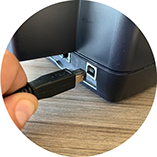
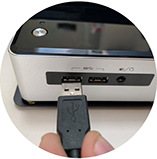
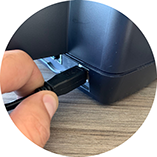
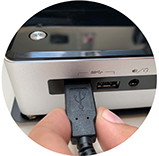
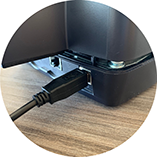
Disconnect the connection cable between the scanner and your computer and then reconnect.
3
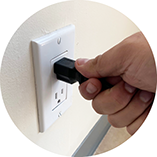
Plug the scanner in and turn it on.
4
Be sure that the scanner is closed.
5
Go to the ViaCheck system and retry the scanning process.

If the problem persists, contact here our support team.



 This website was created for ViaCheck, a Viamericas product. Website designed by Viamericas for ViaCheck by Viamericas. 2019.