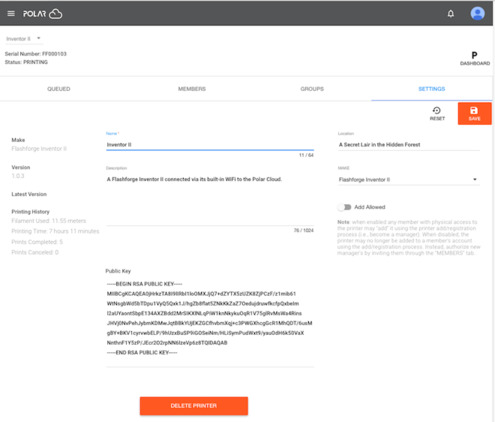
Figure 19: Polar Cloud printers list showing a FlashForge Inventor II
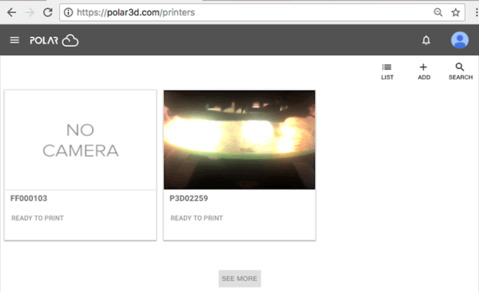
Your Flashforge Inventor II printer will automatically be tied to your Polar Cloud account. From the Polar Cloud you will now see the printer in your listing of printers. It will have a serial number beginning with the letters “FF”; see Figure 19.
From the “SETTINGS” tab of the printer’s management page you may give your printer a more friendly and recognizable name; see Figure 20. Be sure to click the “SAVE” button (in red) after making any changes, such as changing the printer name!
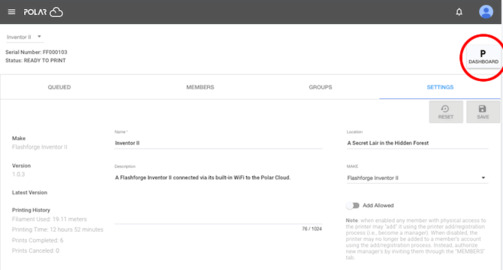
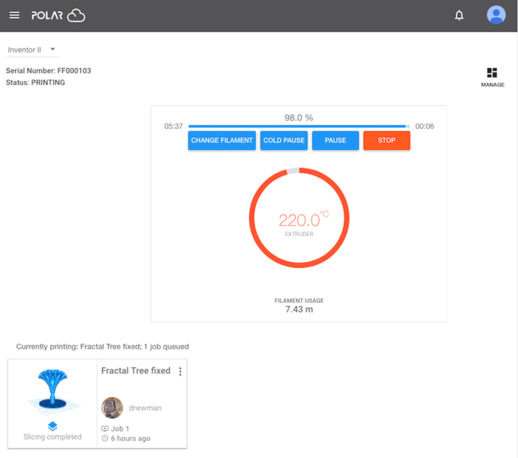
Clicking the “DASHBOARD” button at the upper right of the “SETTINGS” screen, see Figure 21, will take you to the printer dashboard screen, see Figure 22.