Want to turn your lights on or off at a certain time. Then the timer feature is for you. The cool thing about the timer feature is that you or your mobile device does not need to be in the vicinity of the bulb for it to work. Once the timer has been set, it will work even if you are away from home.
IMPORTANT: The Flux light bulbs will need to be physically powered on for the Timer to work. And if the bulb is physically powered off, it will lose the timer setting, and you will have to use the app to resend the timer setting.
To set a timer:
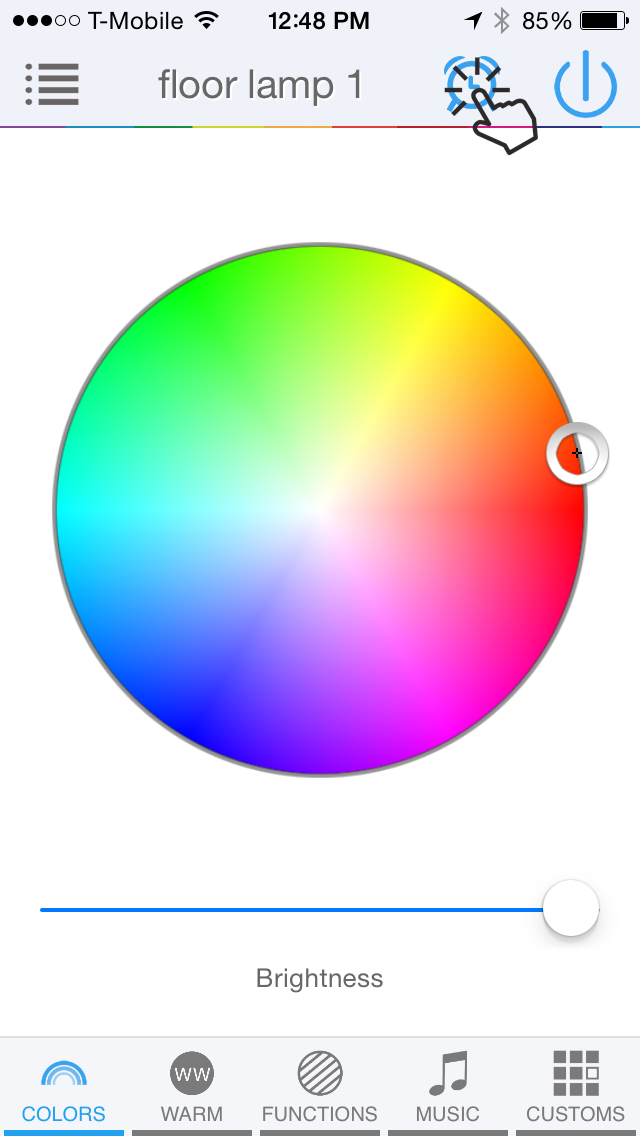
Select the alarm icon from the features page.
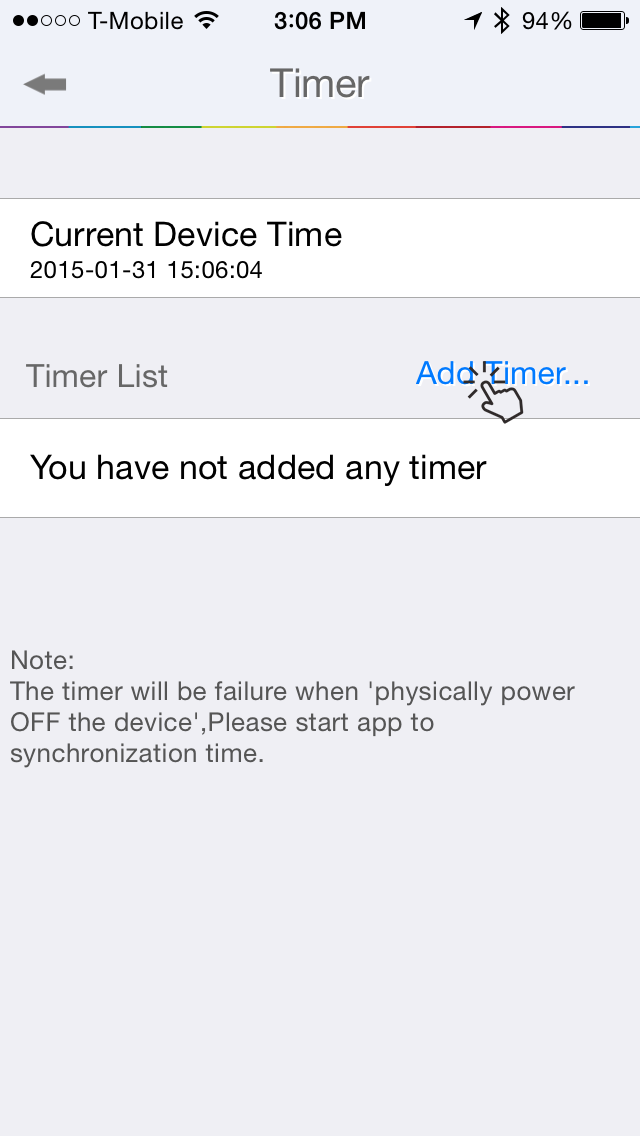
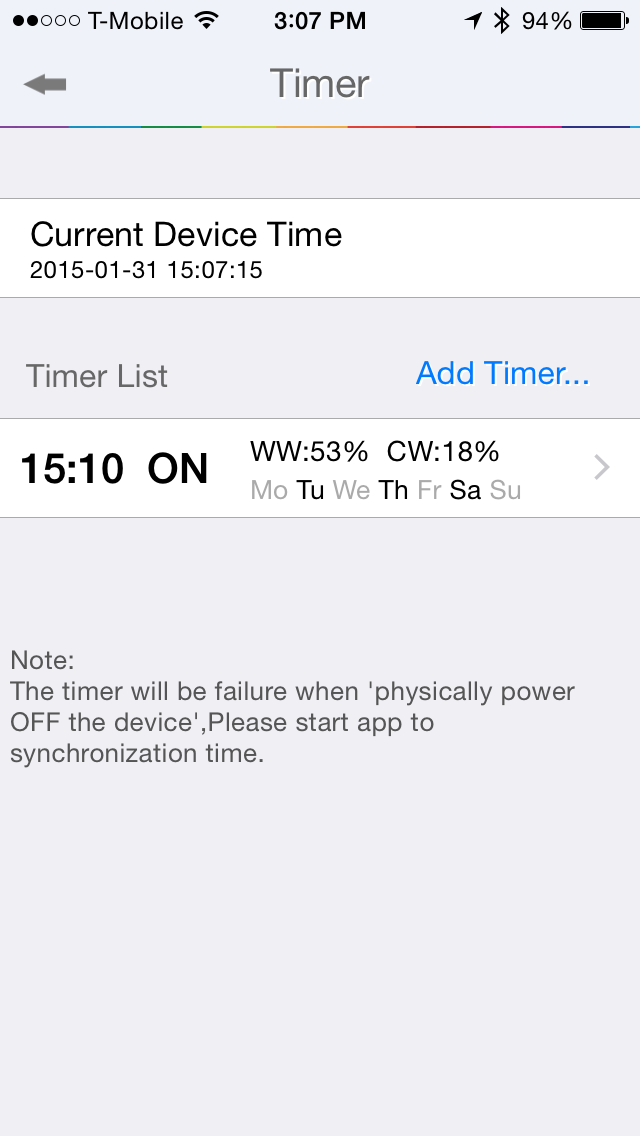
It will show the current time of the bulb under the “Current Device Time”. Make sure its same as your phone.
Select “Add Timer”.
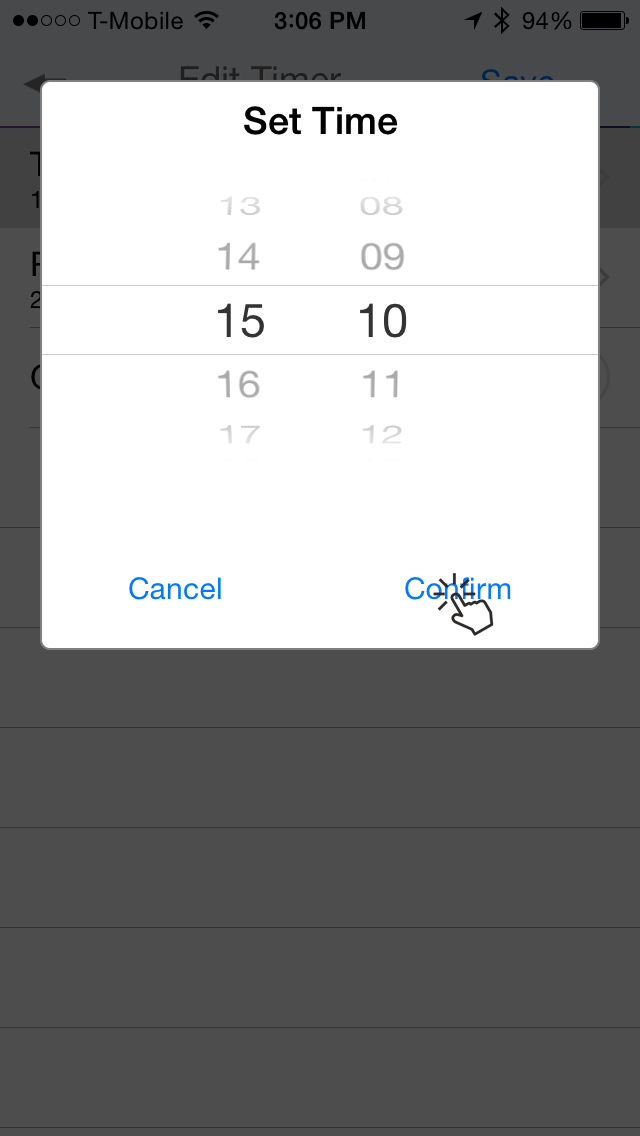
Set the time you want.
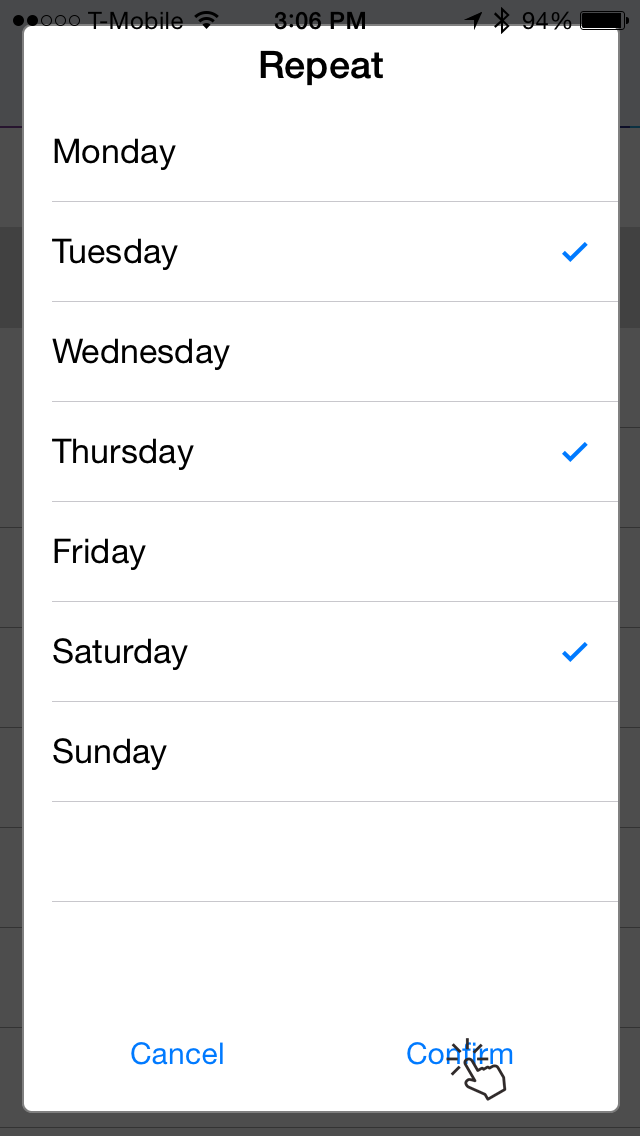
Choose whether you want this to be repeated on specific days. Leaving this empty means the action will be applied one-time and expire.
And select whether you want to turn the bulb ON or OFF with this timer action.
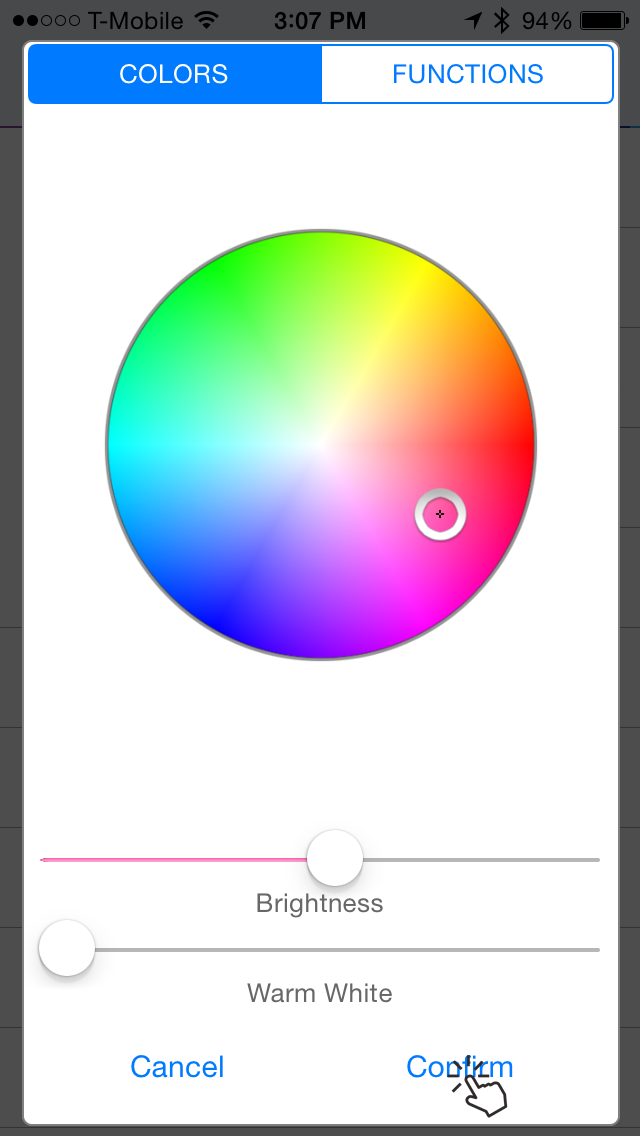
If you have selected to turn the bulb ON, you can also optionally select a color and brightness level or even a pre-programmed mode the bulb should be on when turned on.
Press Save to send the timet to the bulb.
Step 1
Step 2 & 3
Step 4
Step 5
Step 6 & 7
Step 8
NOTE: You can have more than one timer set. They will be applied in the order in which the timer is set. So you can create interesting effects like wake up sunrise timers (more on this later).
NOTE: You can have a maximum of 6 timers set for a given bulb.