Now with the Flux WiFi Smart Light Bulb’s "Music Sync" feature, your room could be a relaxation chamber or the hottest club in town. To sync the light bulbs to your music:
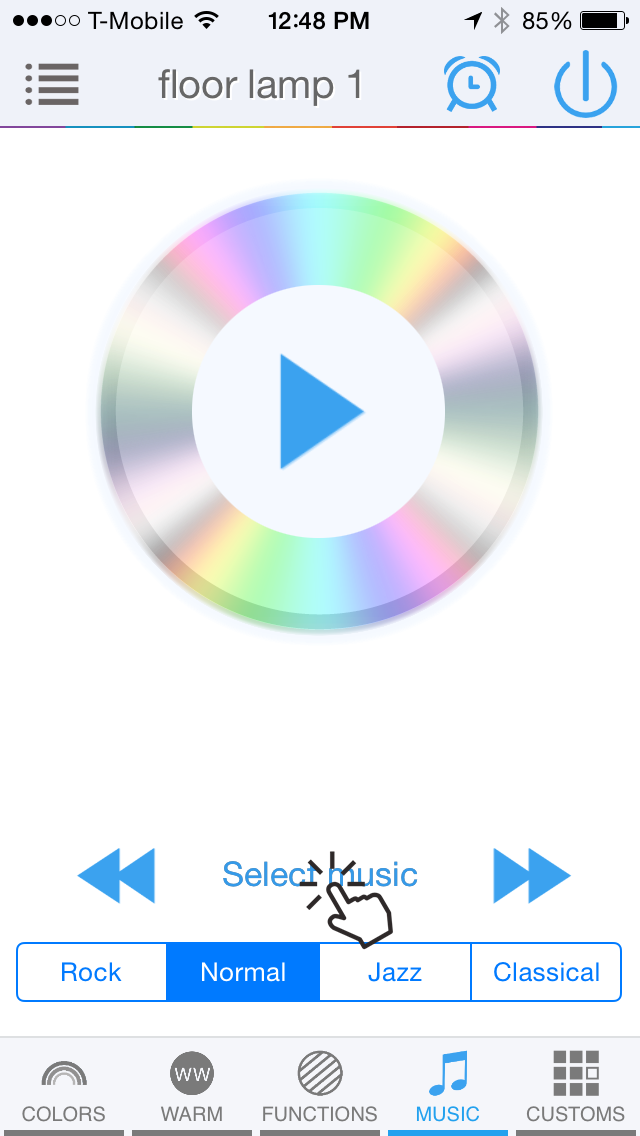
Go to the "MUSIC" feature tab.
Press “Select Music”.
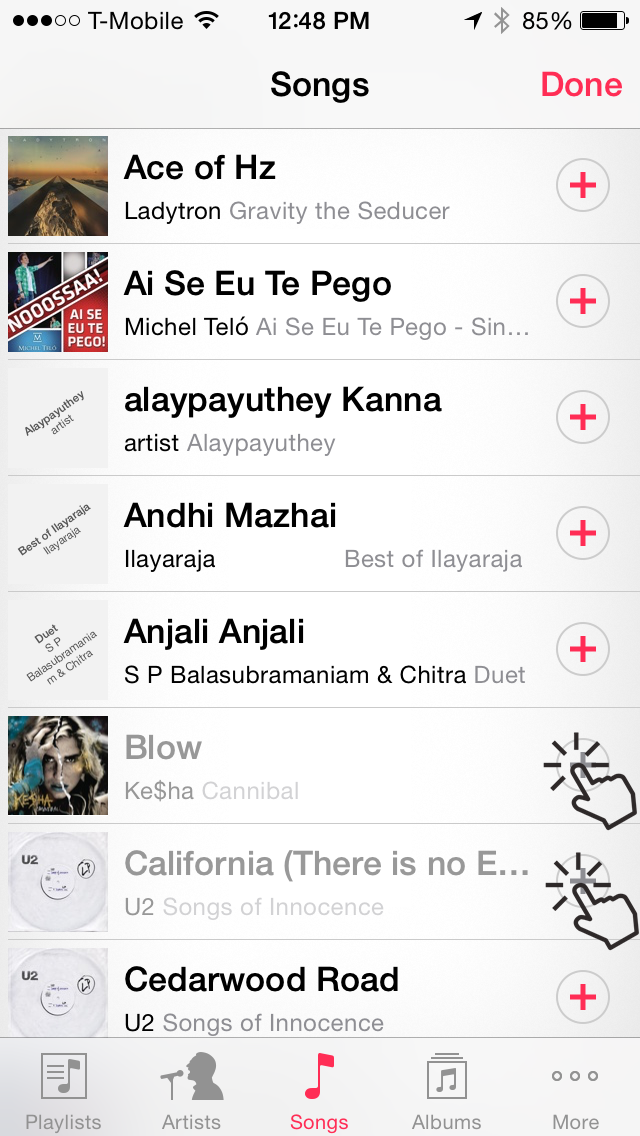
Select one or more sings you want to play. This is your playlist.
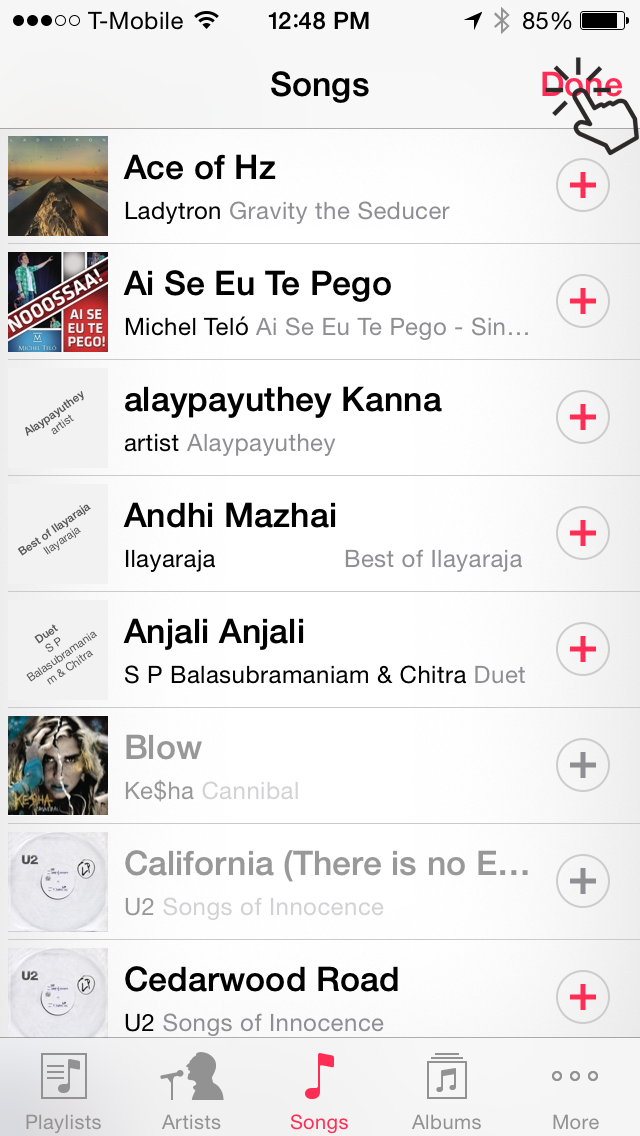
Press done in the music selection screen.
Press the play button.
You can change the transition mode between Normal, Jazz, Rock and Classical.