|
Flatten Composite |
  
|
|
Flatten Composite |
|
Convert an existing Composite into a single level layer.

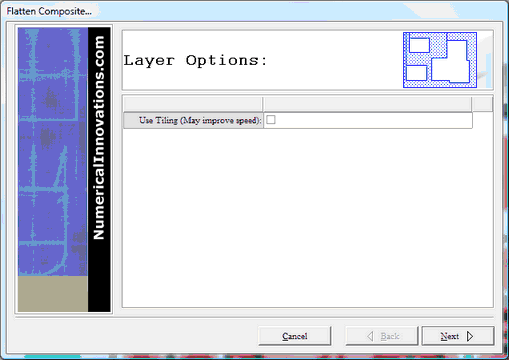
Flatten Composite (screen shot):
Command Sequence
1. Select the objects you want to flatten.
 Note: This function requires that you select a composite layer (ie. a layer has objects with a composite level greater than 0)
Note: For more information about object selection see Viewing & Selection Basics
2. Select menu: Tools | Flatten Composite...
3. Click button "Next" to begin Flatten Composite