Databricks
Databricks combines the best elements of data lakes and data warehouses to help you reduce costs and deliver on your data and AI initiatives faster. Hal9 supports Databricks and having them work together unleashes the most advanced analytics powered by generative AI, at any scale.

This video tutorial describes the how to connect Databricks to Hal9 and showcases them both in action for cloud and enterprise environments.
Hal9 and Databricks

You can use Hal9 with Databricks running in databricks.com, Azure, AWS or any other cloud provider that supports Databricks. In addition, you will need Databricks with support for Data Analytics, which is part of Databricks Premium pricing. Furthermore, the current version of Hal9 requires you to use a Unity Catalog, future versions of Hal9 might drop this requirement.
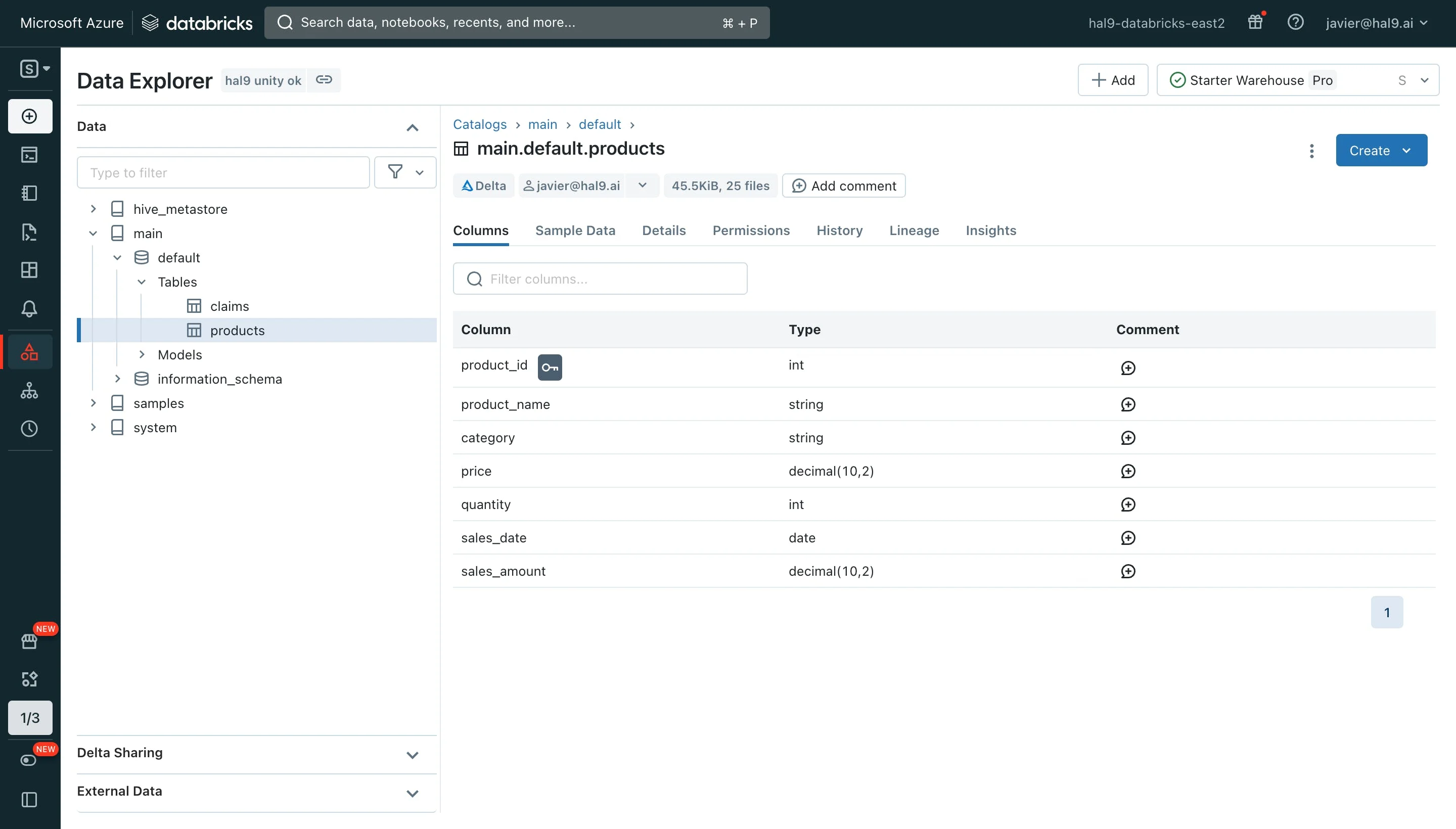
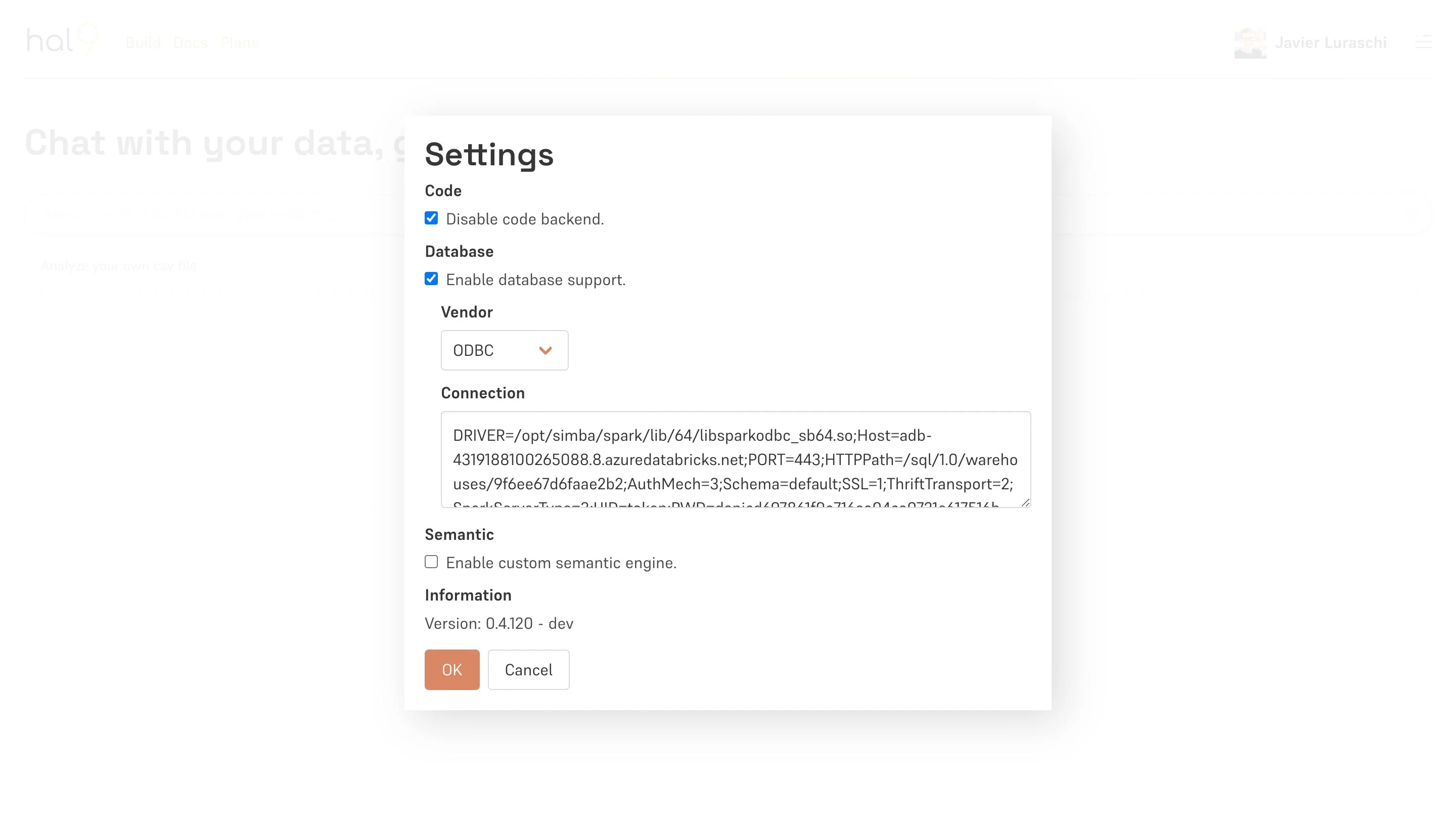
From Hal9 running in the cloud or on-premise, you will need to configure an ODBC connection string, our team is here to help if you need assistance.
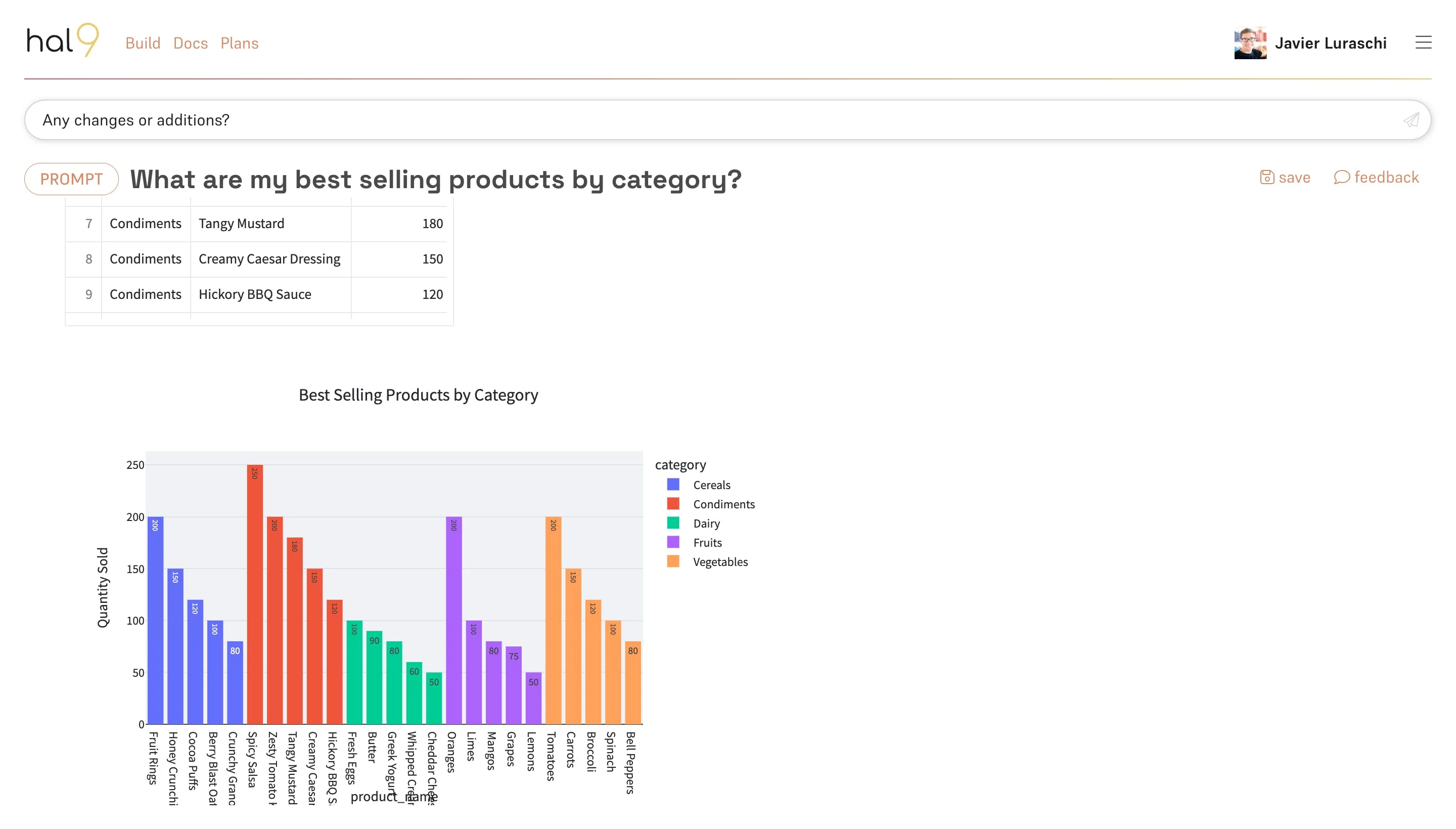
Once that’s configured, you are ready to ask any data question and Hal9 will answer them through our conversational AI with appropriate tables, visualizations, and interactive controls.
Hal9 and Databricks on the enterprise setting
As we know, we can run Hal9 inside cloud providers like AWS, Google Cloud and Azure with a Docker container or Kubernetes.
For example, if we use as cloud provider Azure then it will be running both, Databricks and Hal9, and we can connect all within our enterprise organization and all our data stays within the enterprise account.
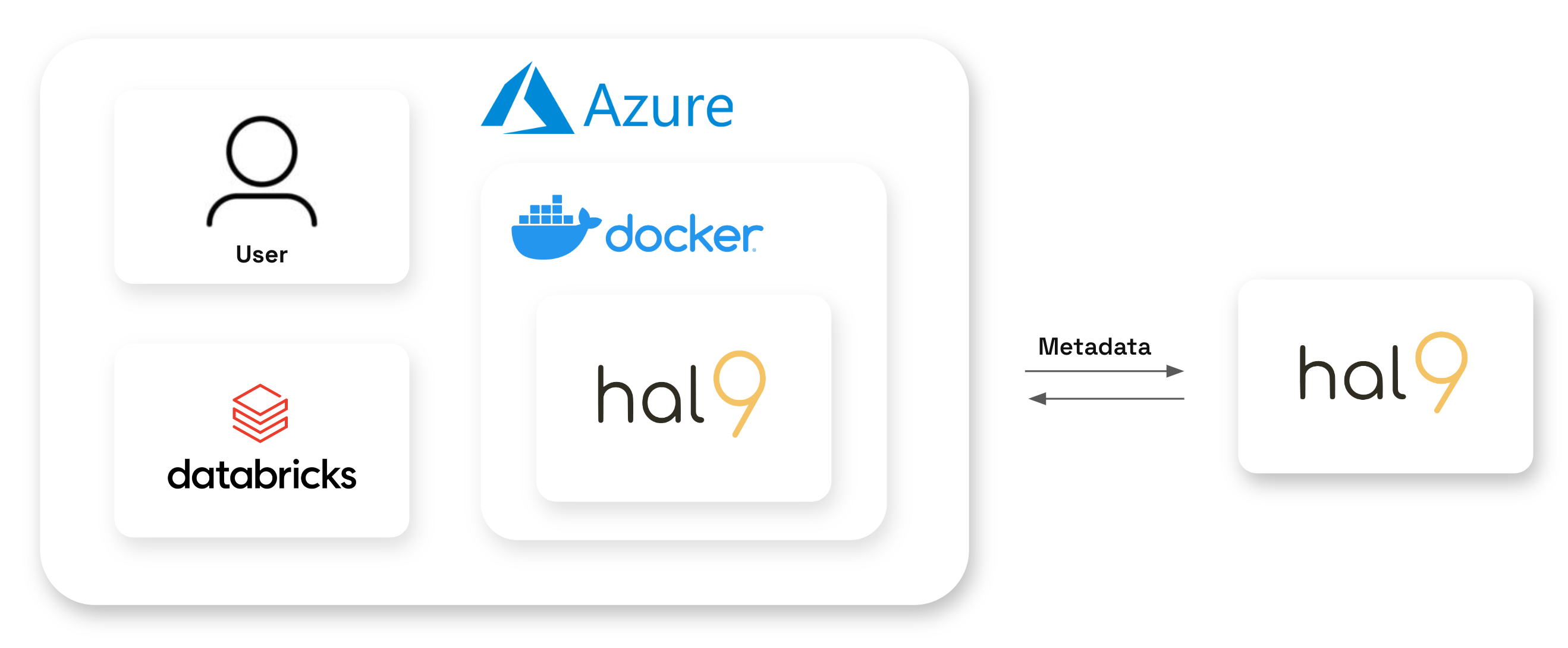
For this one, once we have Hal9 running in Azure inside a Docker image, we should go to our enterprise URL and we need to set the conecction in Hal9 using the settings panel. As soon as the connection is successfully established, we can start chatting with our data!