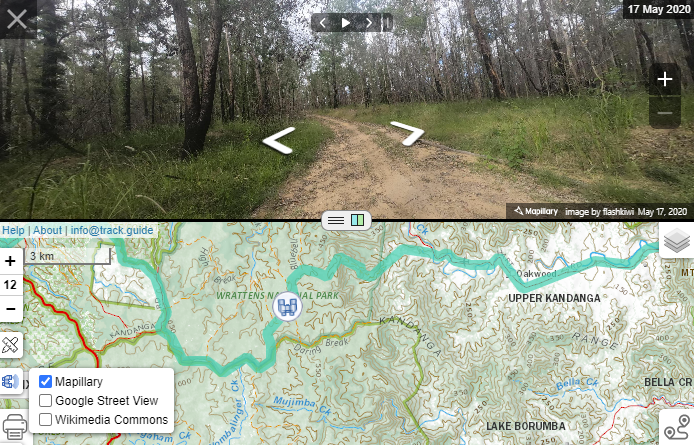
View panoramas
To assist in planning your trip you can add panoramic web services like Mapillary and Google Street View to your map.
Click on the Panoramic View button  in the top left corner of the browser
Select the Panoramic service(s) you would like to view

You will see an overlay illustrating the panoramic views
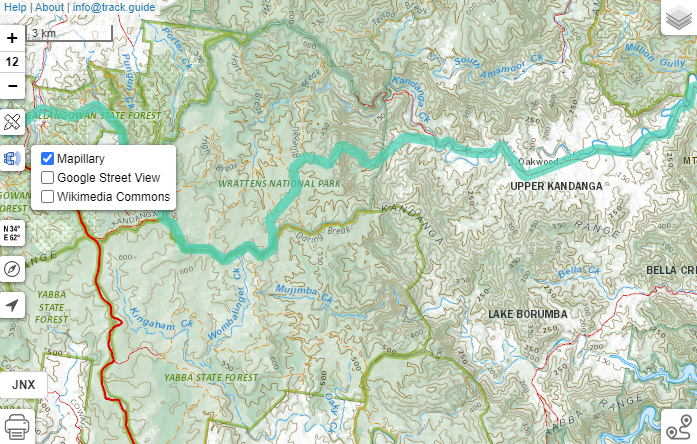
Click on the overlay at the point you want to see the panoramic view
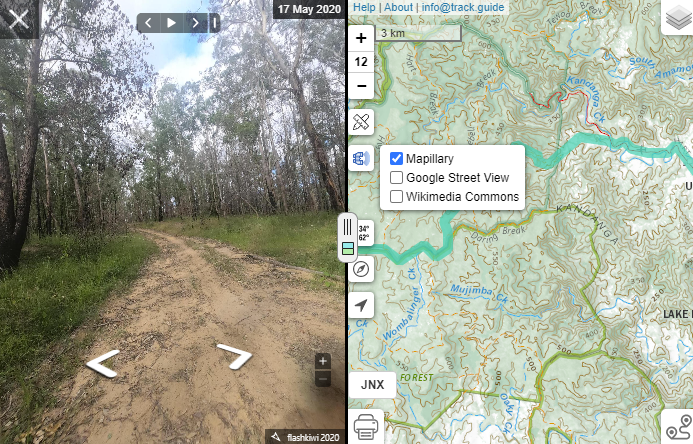
You can use the the play button and/or back and forward buttons to advance through the images
You can also click on the overlay to navigate through the imagery
You can change the perspective by clicking  and change the size by clicking on split window