Measure distances
You can measure distances using the Ruler tool
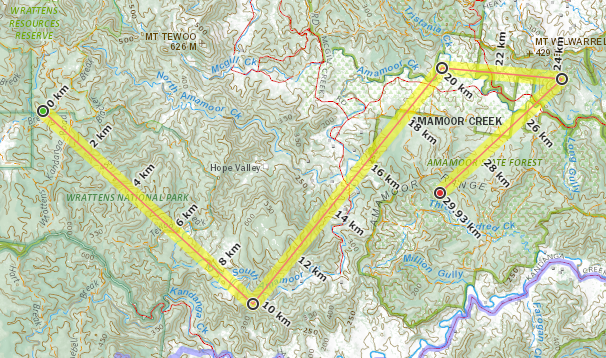
Click on  then click on the starting point on the map.
You can add as many points as you like by clicking on the map.
To end the ruler click again on the last point and the point icon will turn red
You can move a point by double clicking on it
You can edit the point by right clicking on it
The line you created is added to the GPS dialog
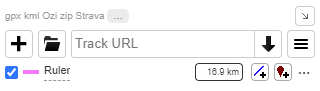
You have the same functionality as a GPS track (for example view elevation, display distance, save as a GPX, etc.) See Managing GPS files for more help