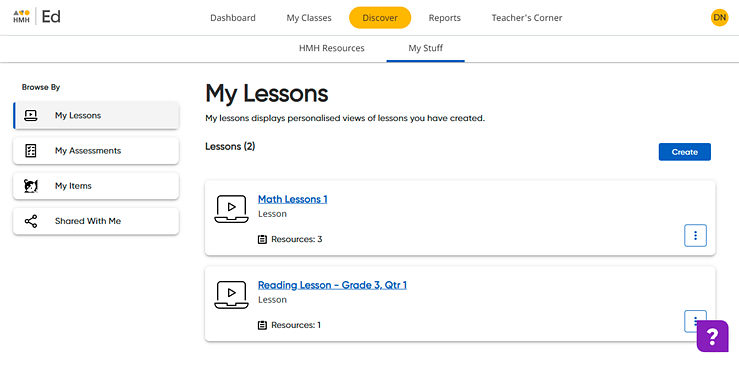
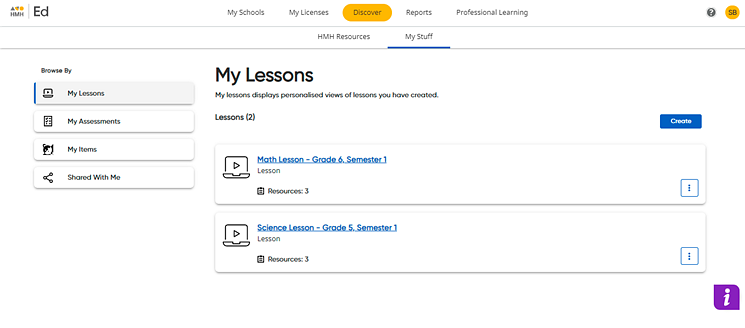
1. Click the Discover tab and My Stuff tab, and then on the left Browse By panel, click the My Lessons link. The My Lessons page appears. If you have saved lesson, they are listed on this page.
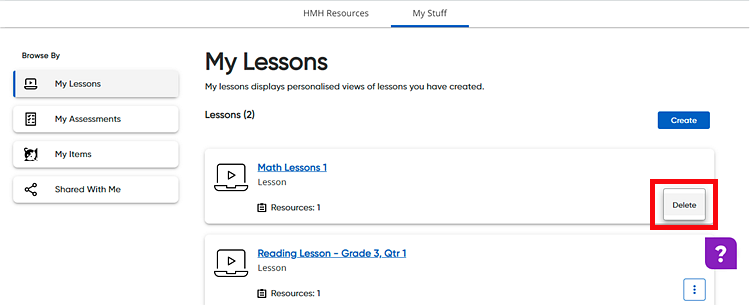
2. Click the vertical ellipsis button  for the lesson to be deleted and then click Delete.
A confirmation dialog box appears.
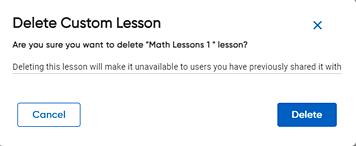
Note: If you delete a lesson that you have shared with other users, the lesson is also deleted from your shared users' lists.
3. Click Delete. The lesson is removed.
See also: