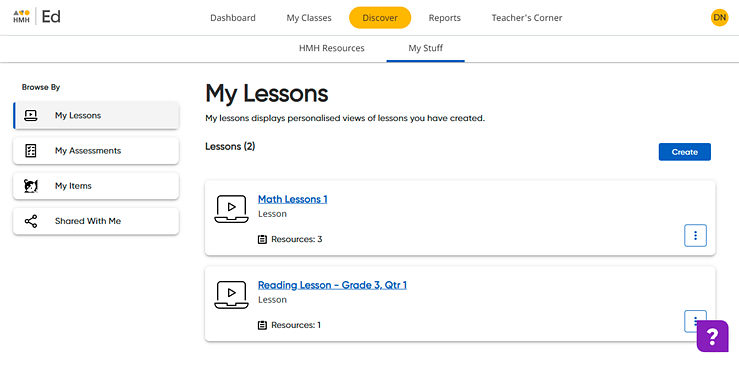
The My Lessons page allows you to create a collection of resources that you can access and assign from one location.
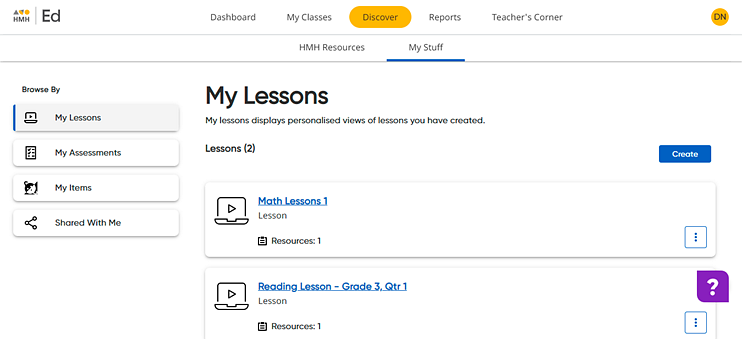
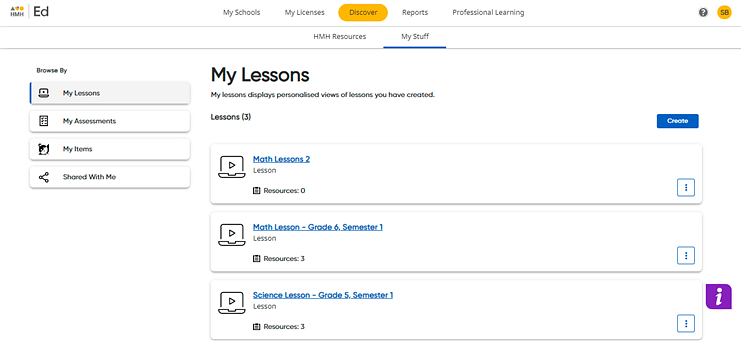
1. Click the Discover tab and My Stuff tab, and then on the left Browse By panel, click the My Lessons link. The My Lessons page appears listing your saved lessons.
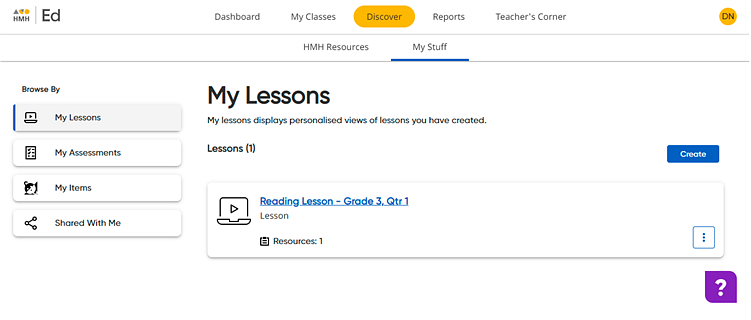
2. Click  . The Create Custom Lesson dialog box appears.
3. In the Lesson Title field, type a name for the lesson.
4. (Optional) In the Description field, type a description of this lesson.
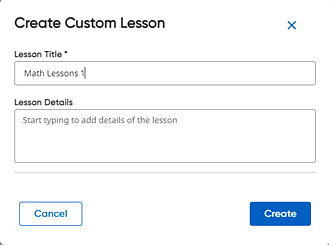
5. Click Create. The Custom Lesson page appears with a message confirming the lesson creation. You can add resources to the lesson directly from this page.
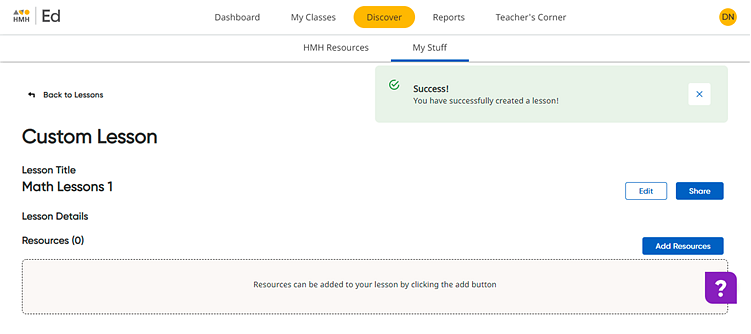
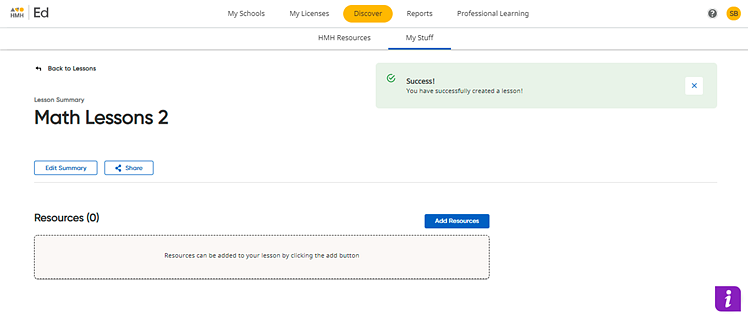
To see the newly saved lesson in the list of plans, click the Back to Lessons link in the upper left corner. You can open any saved lessons on the My Lessons page by clicking the lesson title in the list.
See also: