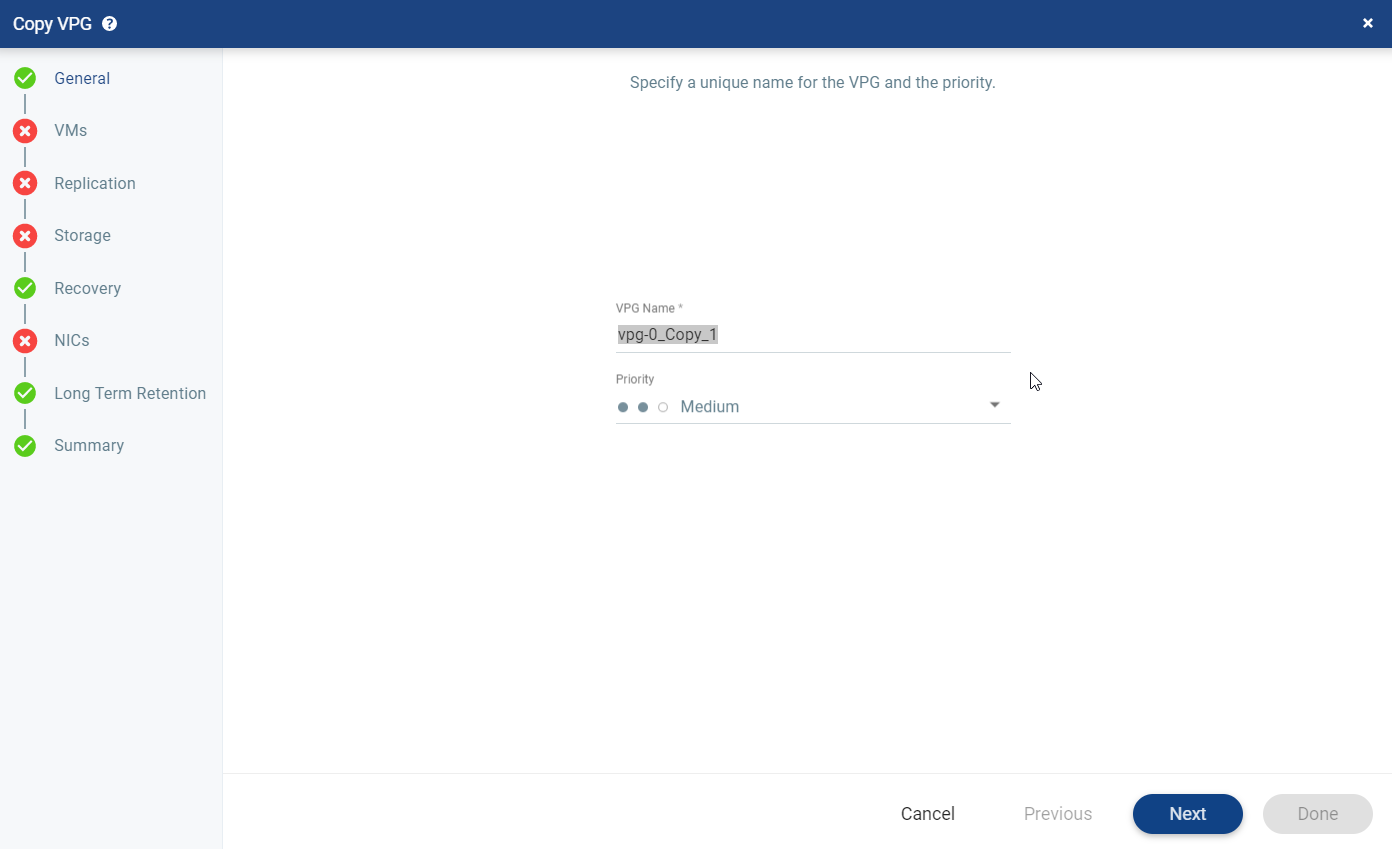
Copy VPG Settings
After defining VPGs, you can create a new VPG by copying the VPG-level settings of an existing one.
|
1.
|
From either the protected or recovery site, in the VPGs tab, select the VPG to be copied and click MORE > Copy VPG Settings. |
The Copy VPG wizard is displayed.
|
2.
|
Modify the VPG name, or leave as is. The copied VPG name appears in this format - <[OriginalVpgName]_Copy_X>. |
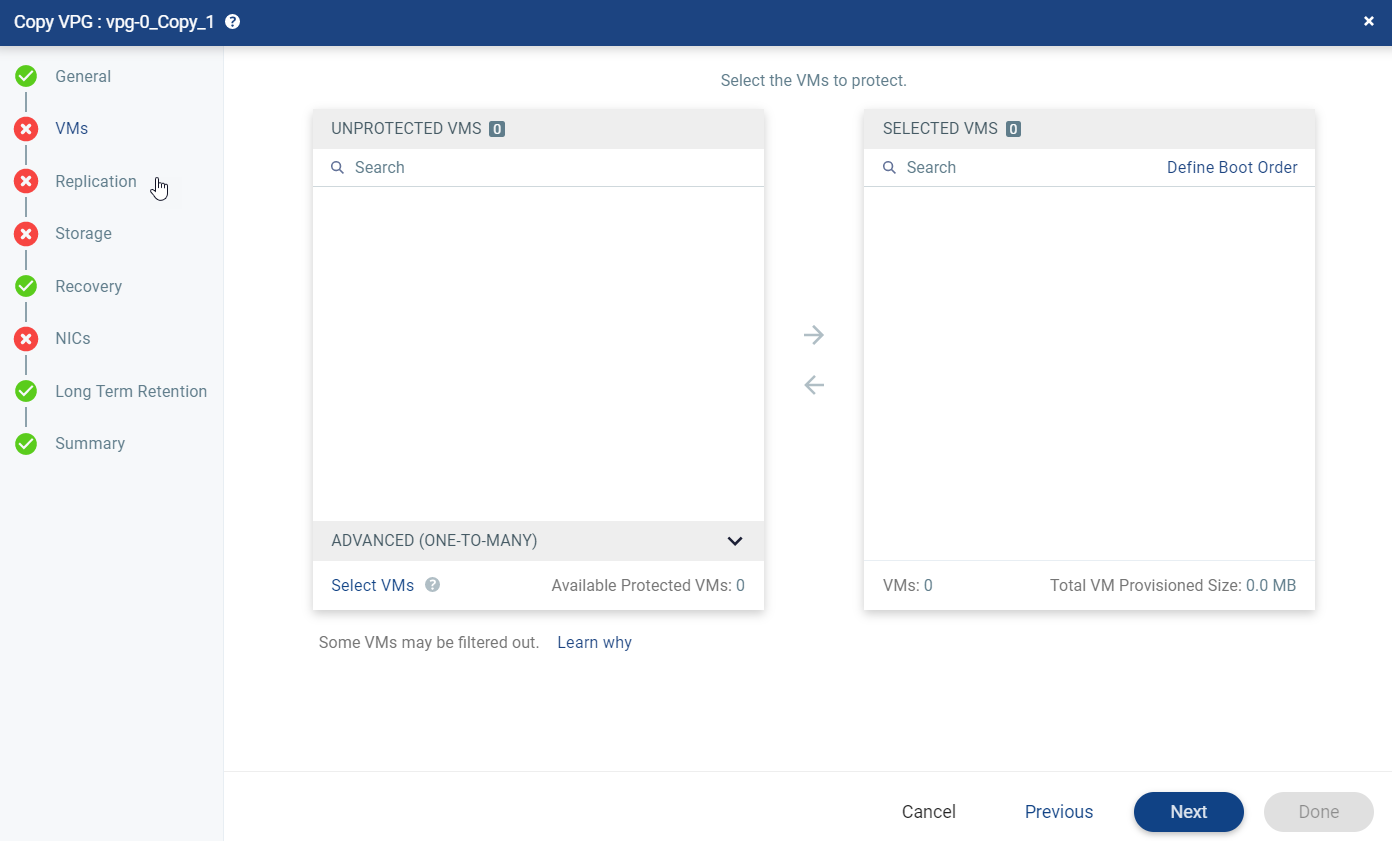
The VMs step is displayed.
|
4.
|
Select the VMs that will be part of this VPG and click the right-pointing arrow to include these VMs in the VPG. |
|
•
|
Zerto uses the SCSI protocol. Only virtual machines with disks that support this protocol can be specified. |
|
•
|
When using the Search field, you can use the wildcards; * or ?. |
Virtual machines that are not yet protected are displayed in the list. A VPG can include virtual machines that are not yet protected and virtual machines that are already protected.
|
5.
|
Once selected, either click DONE to create the VPG with the pre-populated settings, or click NEXT to review or edit the settings. |
See also: