Exporting and Importing Experiments
Driverless AI supports exporting and importing of Driverless AI experiments from version 1.10 onwards.
Exporting an Experiment
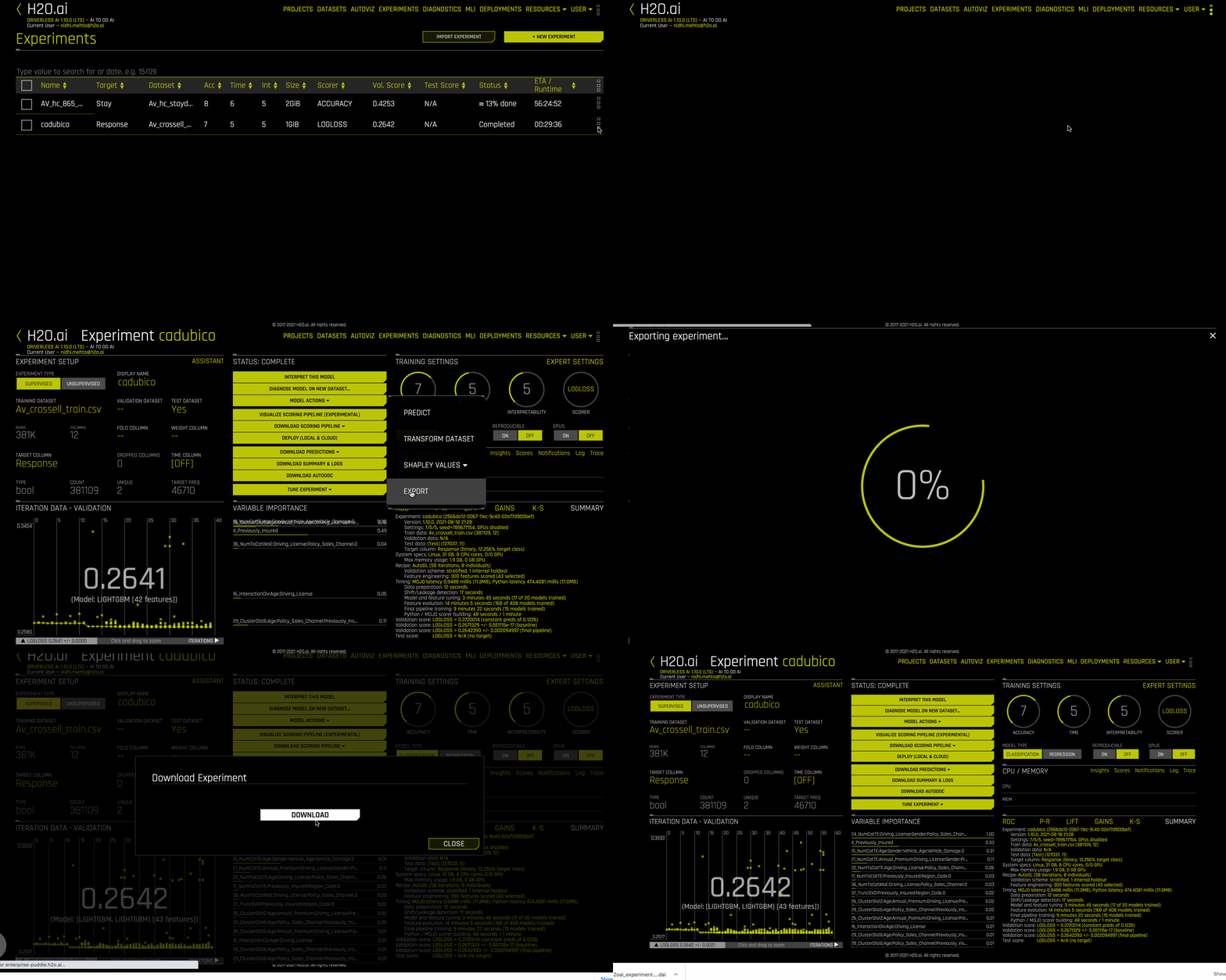
An experiment can be exported either from the main Experiment listing page by clicking on the three dot icons to the right of the experiment name and selecting Export, or from the completed experiment page by clicking on the Model Actions button. An exported Driverless AI experiment has a _.dai_ file extension linked to it.
Importing an Experiment
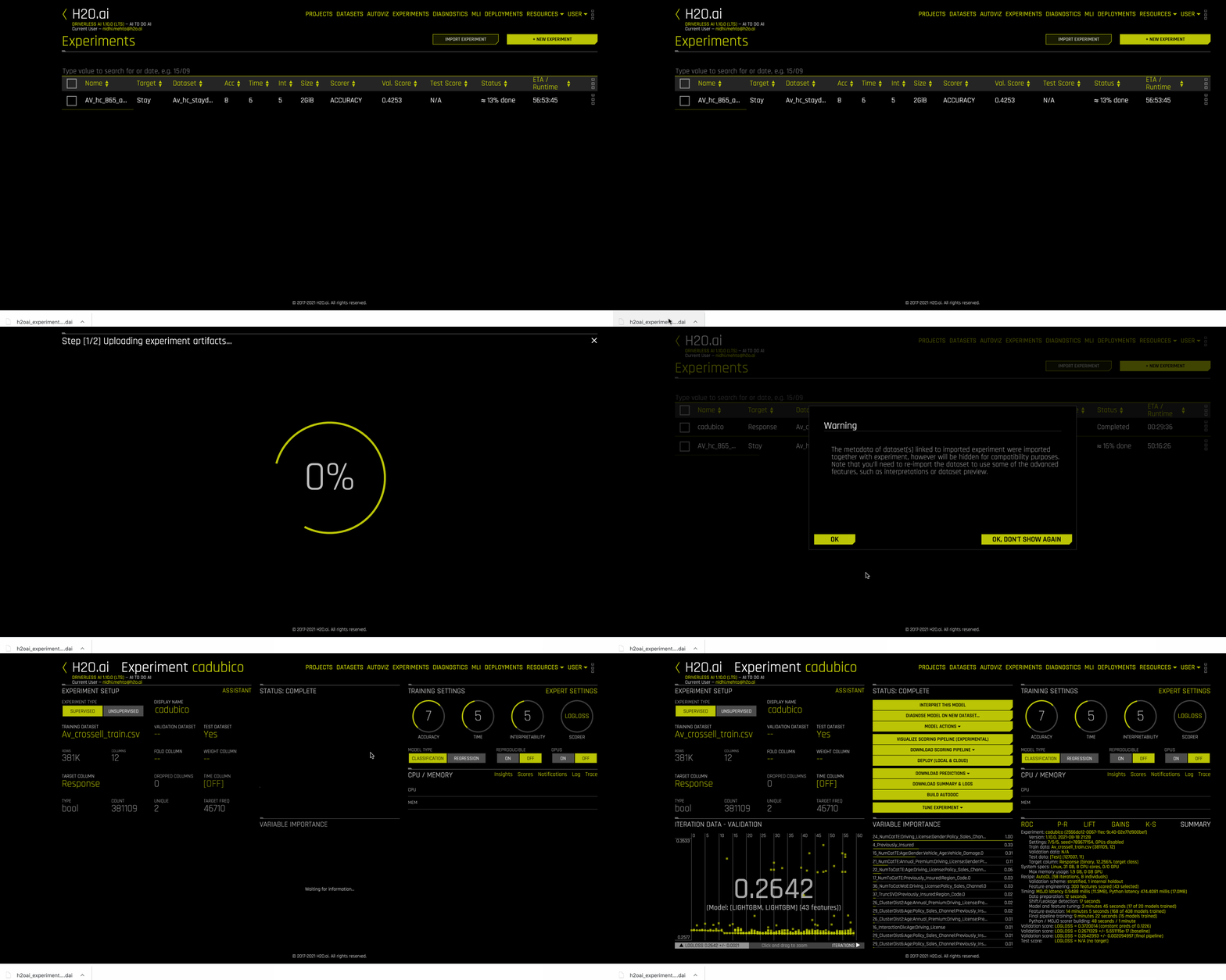
An experiment can be imported either by clicking on the import experiment button on the top right of the Experiment listing page and selecting the exported experiment from the dropdown of your local file system, or by dragging and dropping the exported experiment from your local file system to the Experiment listing page.
Avoid refreshing the page while the experiment import is in progress so that the import process does not get interrupted.