Monitoring VPGs – The VPGs Tab
The following topics are described in this section:
View details of all VPGs in the VPGs tab. This tab lists all the VPGs from both the local and remote sites and provides summary details of each VPG.
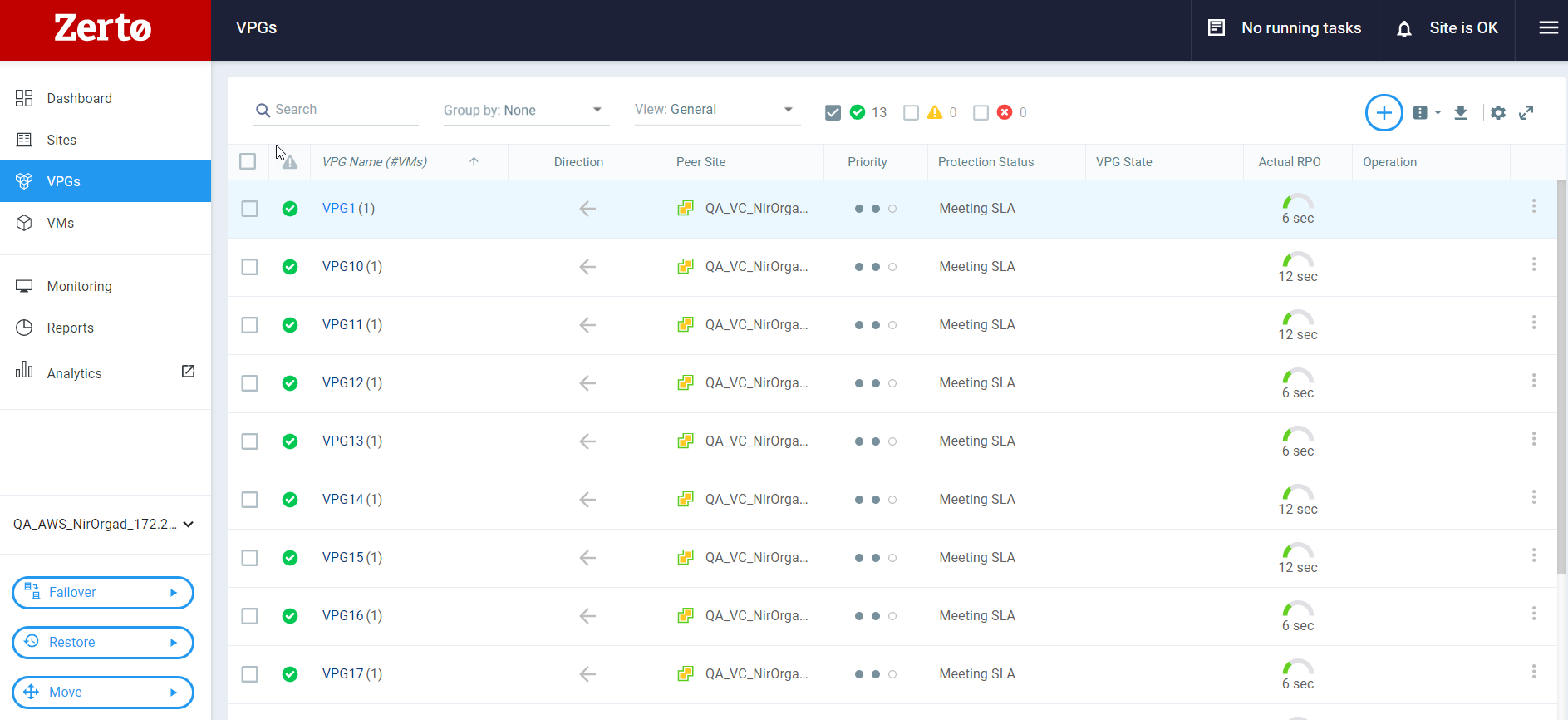
You can create a query using the view field to display VPG information in a list. You can filter the VPGs that will be displayed according to their status by checking the check boxes alongside the VPG status icons ( ). The query can be customized by adding and removing filters.
See also: