Site Settings
The Site Settings dialog enables configuring various site settings. These include the default script timeout and protection policies such as the commit policy for a failover or move operation.
The following topics are described in this section:
To specify site information:
|
1.
|
In the Zerto User Interface (top right), click SETTING ( ) and select Site Settings. ) and select Site Settings. |
The Site Settings dialog is displayed.
|
•
|
In vSphere and Hyper environments, the following window is displayed. |
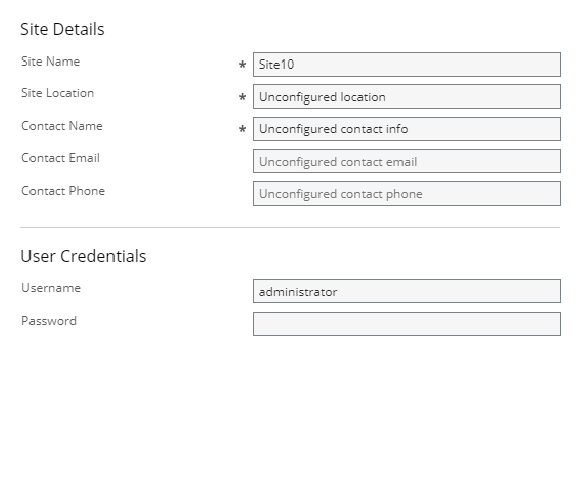
|
•
|
In AWS environments, the following window is displayed. |
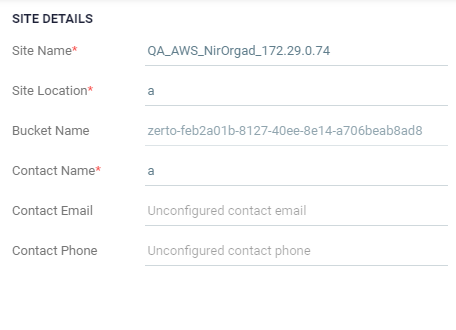
|
•
|
In Azure environments, the following window is displayed. |
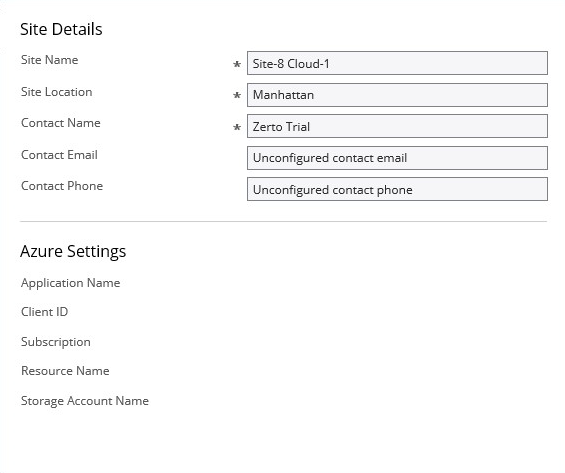
|
2.
|
Make any required changes to the settings, click SAVE and then APPLY. |
See also: