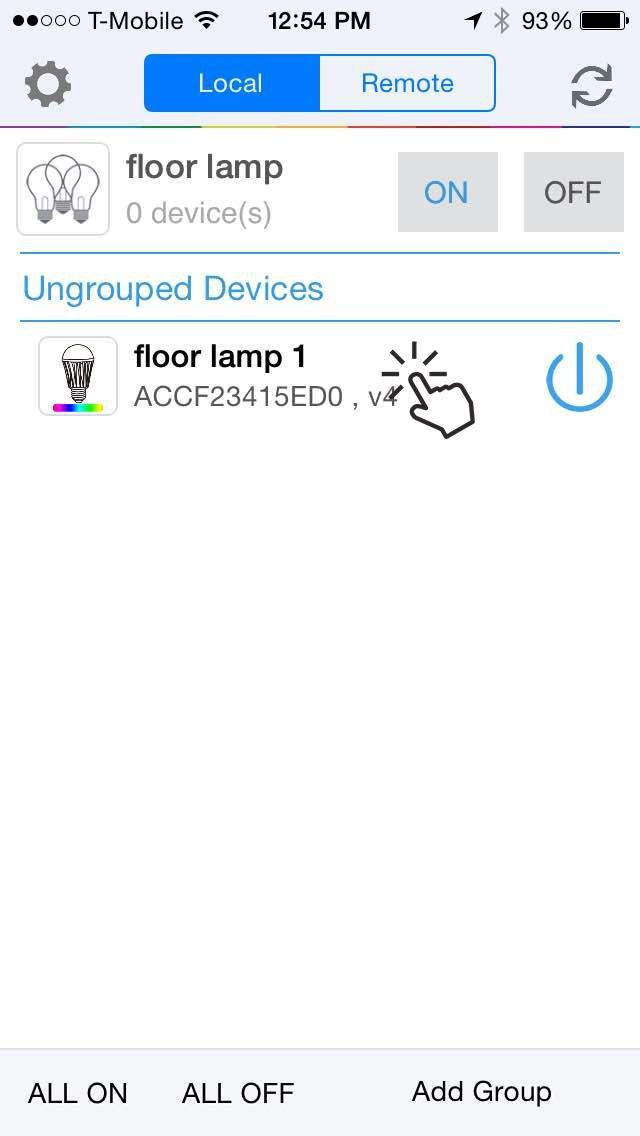
Once you have one or more groups created, you can now assign the bulbs you are connected to to these groups. A bulb can be part of only one group at any given time. You can add a bulb to a group as follows:
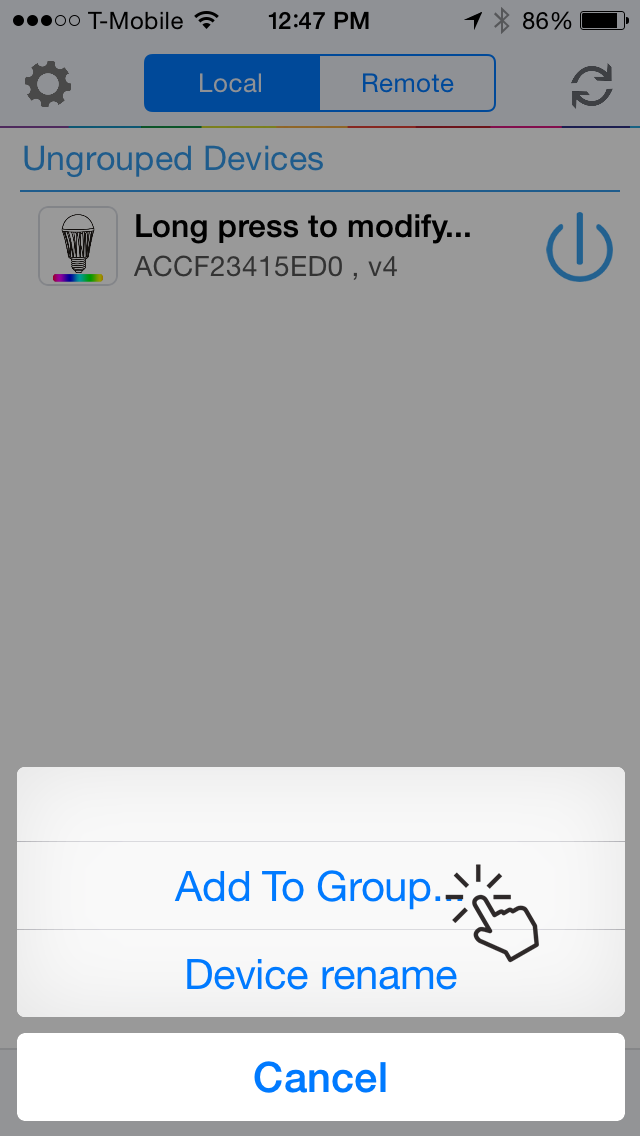
From the “Devices List” page, long press on the bulb you wish to add to a group.
Select “Add to Group” option from the pop-up menu.
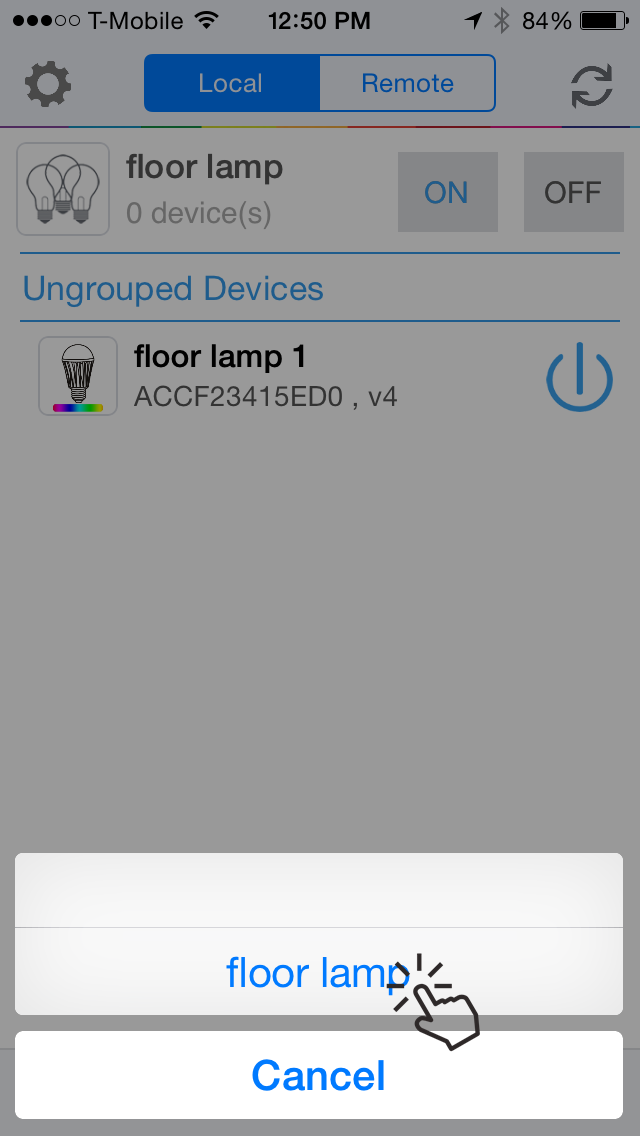
Select the group you wish to add it to from the list that shows up.
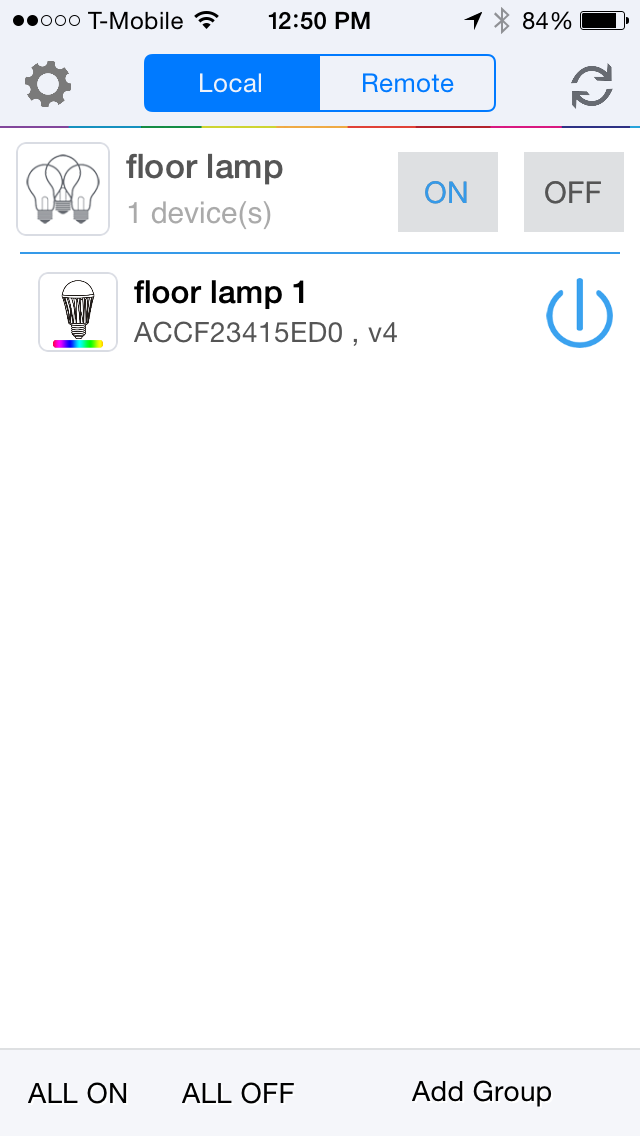
Once a device is added to the group, the app menu will show the number of devices that belong to the group. You can have at most 5 bulbs in a group.