To upload the application to the module and then run the application:
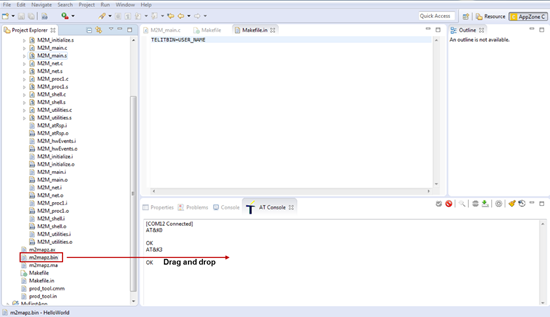
1. Select the bin file of the application that you created (the default name is m2mapz.bin) and drag it to the AZ C Console.
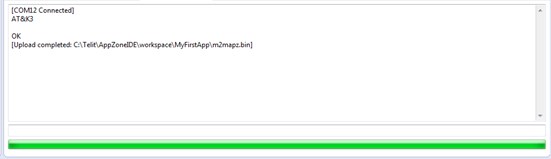
A message notifies you that the upload was successful.
2. Set the application as the default application:
a. Right-click inside the AZ C Console and then select File System > Change Dir -> \MOD.
b. In the
AZ C Console click File Manager ( ) to open the File Manager.
c. Right click the file and then select Set as AppZone Application.
For more information, see Managing Files on the Module.
3. To run the application, right-click in the AZ C Console and then select AppZone > Start Application > AT+M2M=4,10.
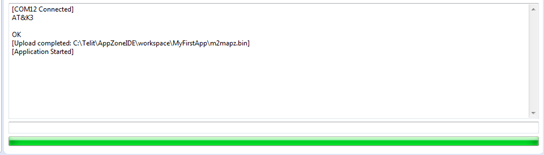
A message notifies that the application has started.