|
Insert Cell |
  
|
|
Insert Cell |
|
Adds an Insert into the active cell. A Insert represents the inclusion of one cell as a part of another.

Insert Cell (screen shot):
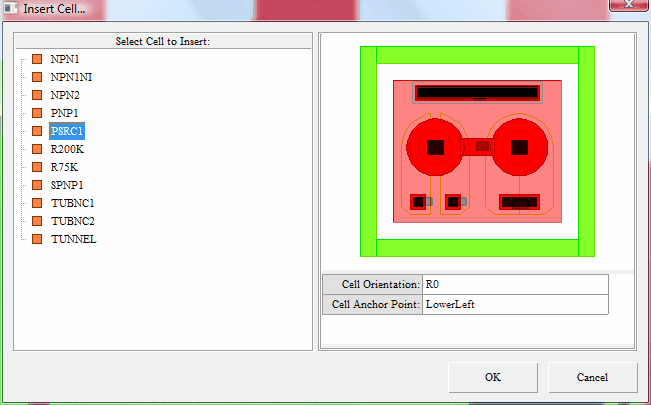
Cell Orientation:
The default is R0 (0 degrees rotation). Choose from:
"R0" Represents 0 degree rotation
"R90" Represents 90 degree rotation
"R180" Represents 180 degree rotation
"R270" Represents 270 degree rotation
"MY" Represents mirror about the Y axis
"MYR90" Represents mirror about the Y axis then 90 degree rotation
"MX" Represents mirror about the X axis
"MXR90" Represents mirror about the X axis then 90 degree rotation
Cell Anchor Point:
The default is LowerLeft. Choose from:
"LowerLeft" - Represents the lower left extents of the master cell.
"Center" - Represents the center of the master cell.
"Origin" - Represents the true origin relative to the master cell.