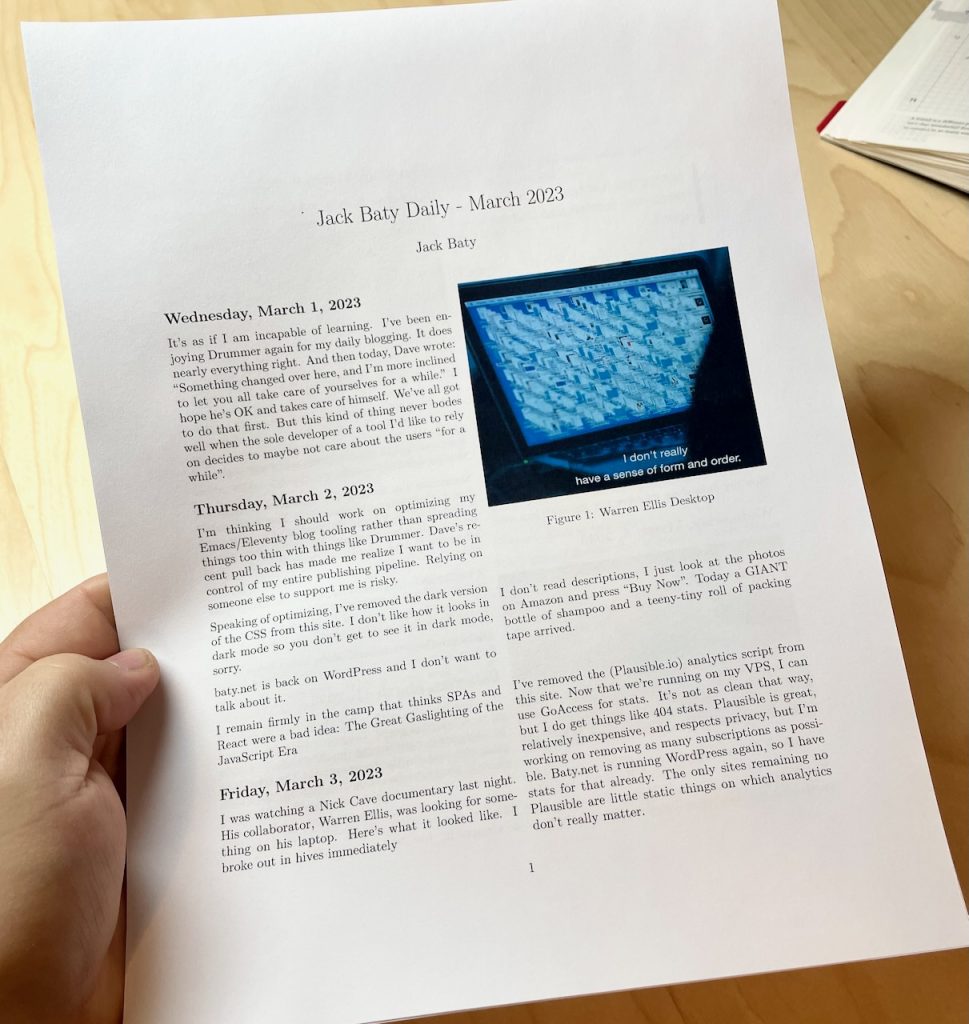
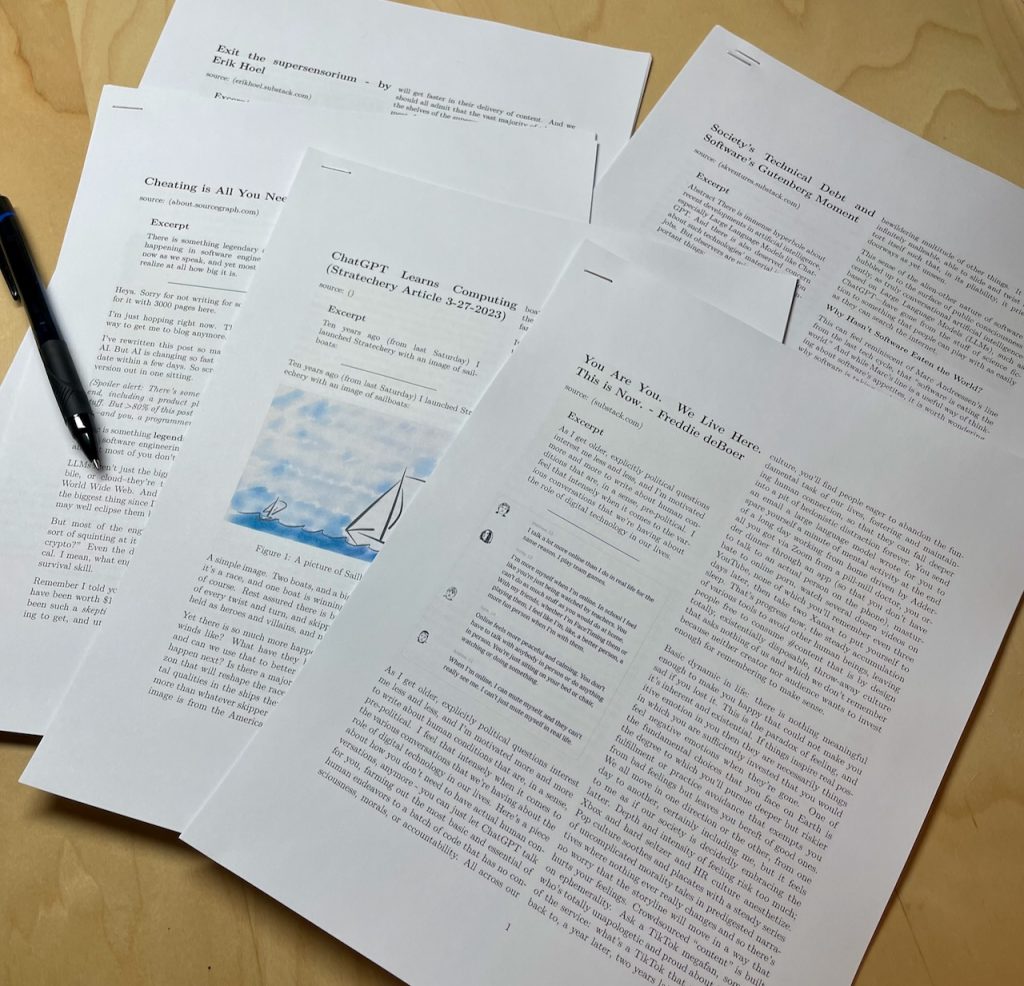
At the end of each month, I convert my Org-journal entries into a nice PDF, print it, and put it into a binder.
It occurred to me that my daily.baty.net website content is just a bunch of markdown files that could be treated the same as my org-journal files and perhaps printed as well.
I concatenated March’s entries into a single Markdown file, like so:
cat 2023-03*.md >> ~/Desktop/202303-MarchBlog.md
The resulting file wasn’t in great shape for printing, so I had to clean it up. At minimum, I needed to do the following:
- Convert the YAML titles into Markdown headings (e.g. “title: Saturday, March 4, 2023”)
- Remove all YAML delimiters (“—“)
- Remove all date lines (e.g. “date: 2023-03-31T05:59:55.10-4:00”)
- Convert absolute image links to relative links
My first approach was to create a Text Factory in BBEdit. Text Factories are bundles of text transformation commands in a handy UI. Here’s what it looks like:
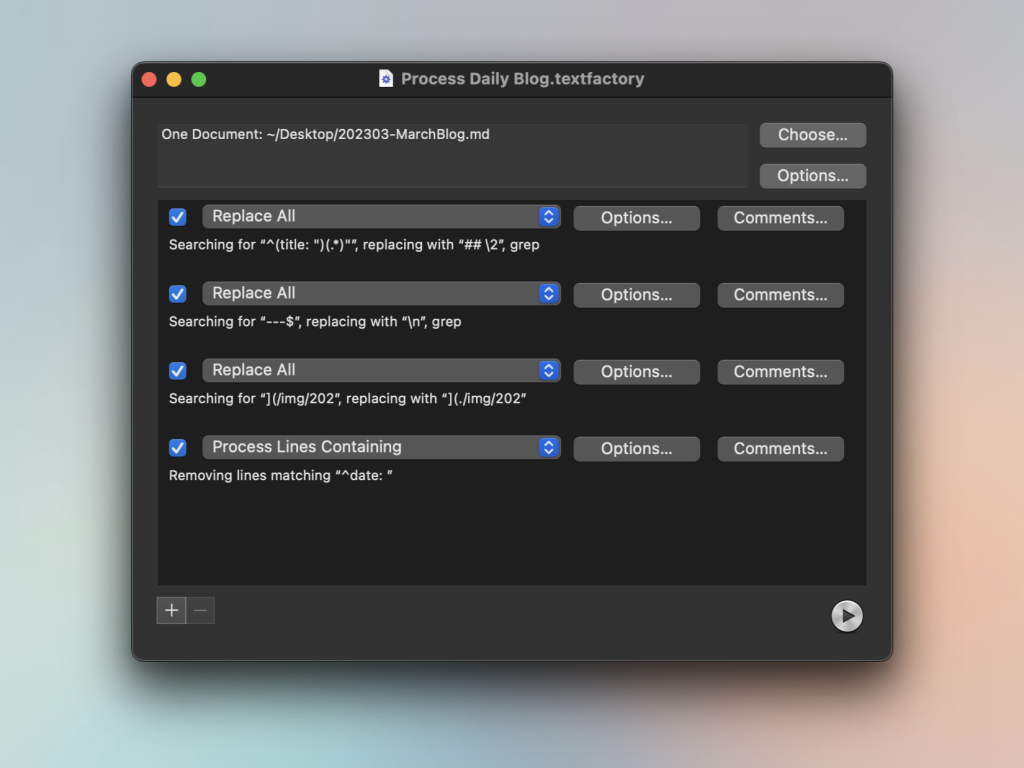
This worked fine, and I assumed I was finished, but I wondered if there might be an easy way to do the same thing in Emacs. I’m terrible at writing lisp, so I cheated and asked ChatGPT to write it for me. To create the prompt, I copied those descriptions from the same screenshot shown above. It was a list of things like `”Search and replace “](/img/202” with “](/img/202″`
ChatGPT wrote the function, added comments, and then summarized how it came up with it. It was wrong about a couple of things, but it got me maybe 75% of what I needed in 2 minutes. Say what you will about AI, but it’s still darn helpful. After some tweaking, I ended up with the following function:
(defun jab/process-daily-blog-export ()
  "Converts Markdown file of concatenated daily.baty.net entries"
  (interactive)
  (save-excursion
    ;; Replace title: lines with ## heading
    (goto-char (point-min))
    (while (re-search-forward "^title: \"\\(.*\\)\"$"  nil t)
      (replace-match "## \"))

    ;; Remove YAML delimiters "---"
    (goto-char (point-min))
    (while (re-search-forward "---$" nil t)
      (replace-match "\n"))

    ;; Make image paths relative
    (goto-char (point-min))
    (while (re-search-forward "](\/img\/202" nil t)
      (replace-match "](./img/202"))

    ;; Remove lines matching "^date: "
    (goto-char (point-min))
    (while (re-search-forward "^date: .*" nil t)
      (delete-region (line-beginning-position) (line-end-position)))))
Like I said, I’m terrible at writing Lisp, and there may be a dozen better ways of approaching this, but this works and was easy to do (with AI’s help).
All that remains is to add my usual Pandoc header and print using the same template as I use for Printing web pages and I have a nice, printed copy of my blog.