Hydratec™ for Revit Ver 7.0 12/15/17
Annotate Pipes
Step 1:
Select pipes to be tagged.
Make a selection of pipes from your model.
To tag vertical pipe with Up or Dn tags, use the System Walker for selection. The direction of the vertical pipes will be determined by the flow direction from the 1st pipe selected for the System Walker.
Step 2:
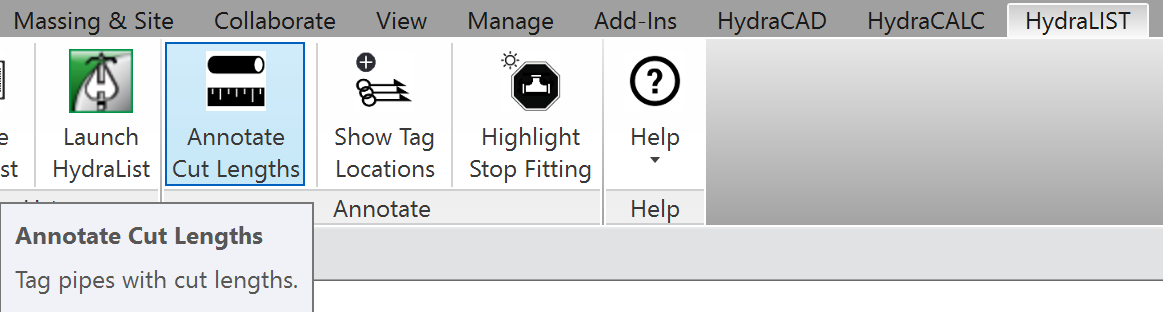
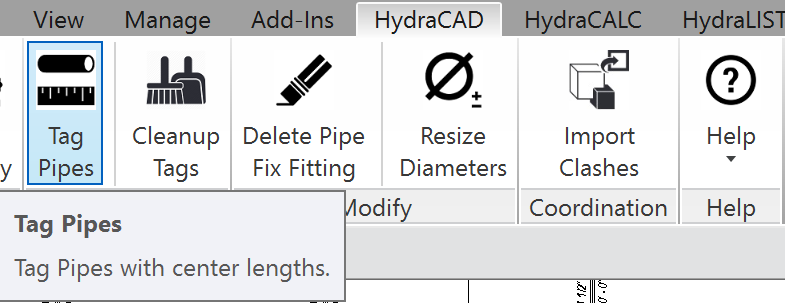
Choose Tag Pipes from the HydraCAD ribbon, or Annotate Cut Lengths from the HydraLIST ribbon.
HydraCAD™ for Revit
HydraLIST™ for Revit
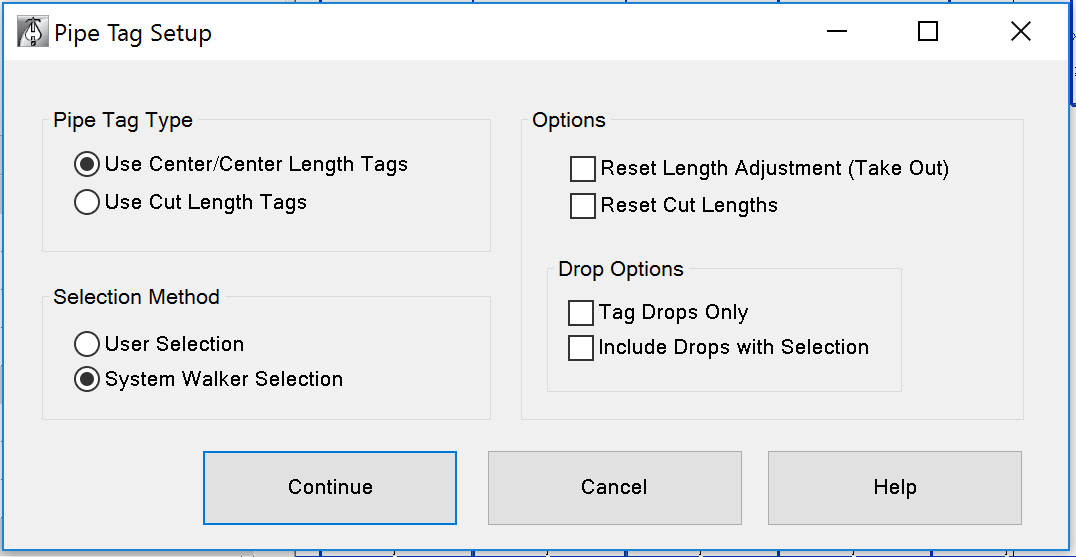
The Pipe Tag Setup dialog will appear.
Pipe Tag Type
Use Center/Center Length Tags will add pipe tags with calculated length extended to the insertion point (center) if the fittings attached to the ends of the pipe.
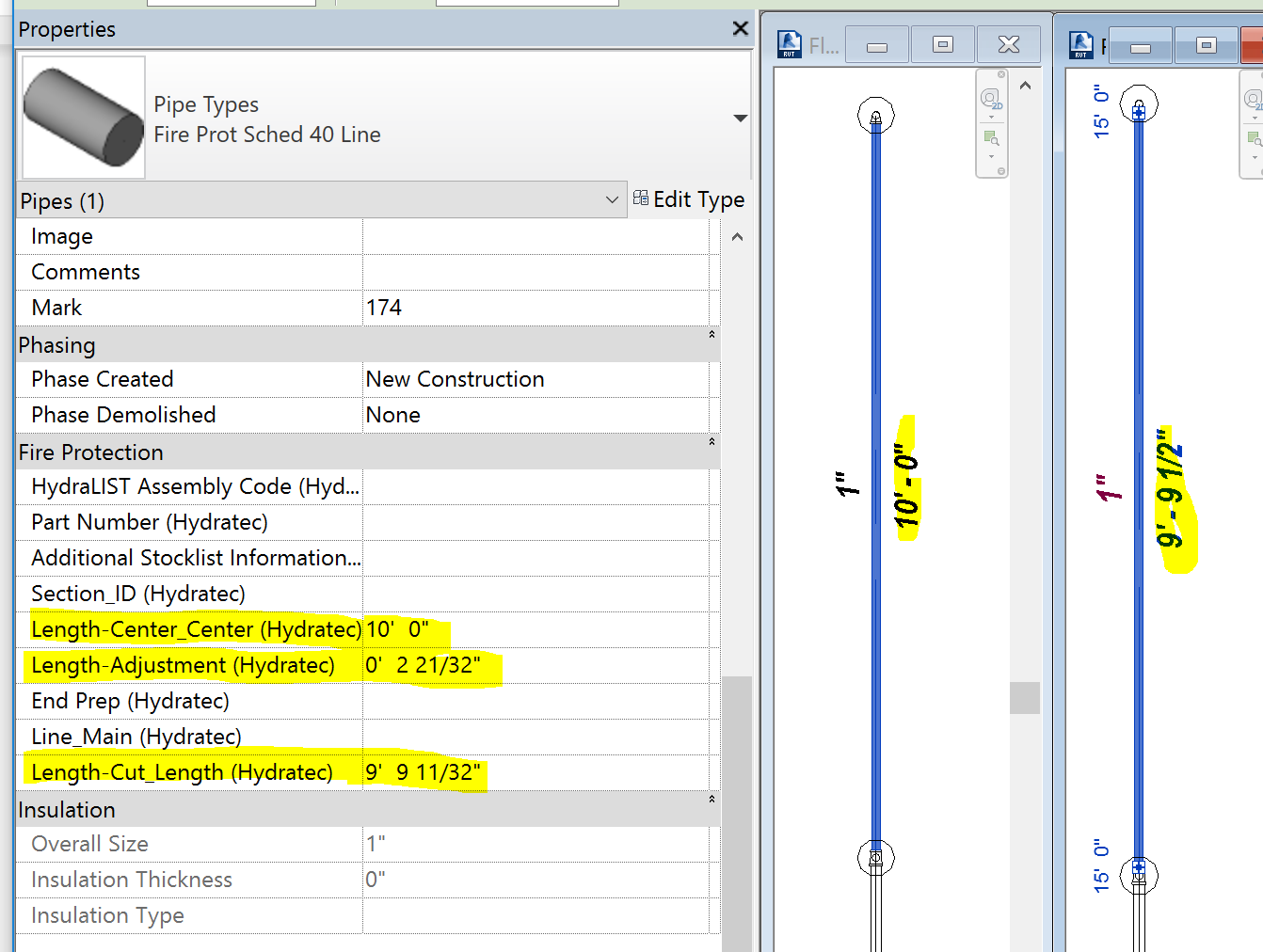
Use Cut Length Tags will add pipe tags based on values of Hydratec added properties of the pipe.
Selection Method
User Selection:
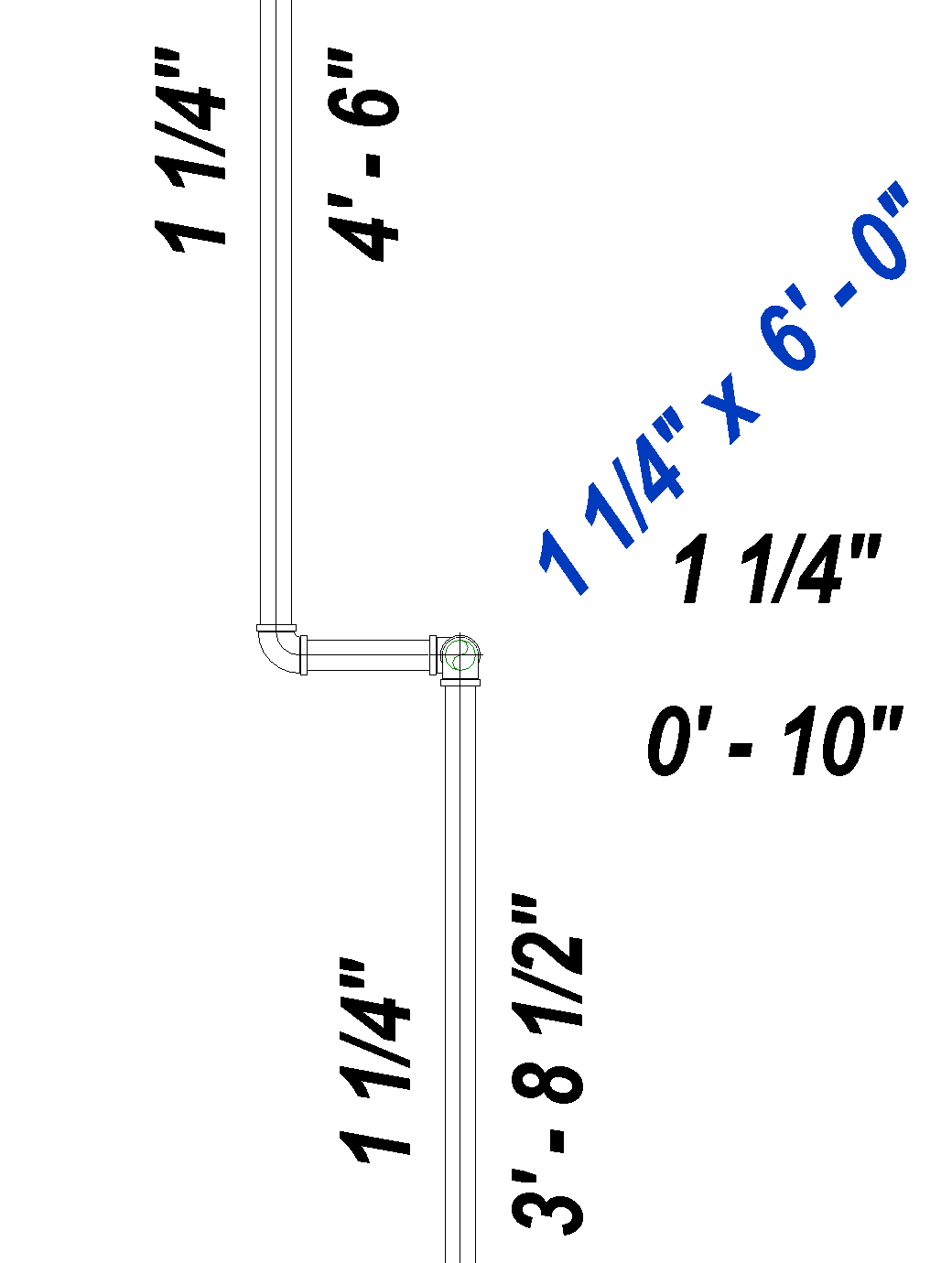
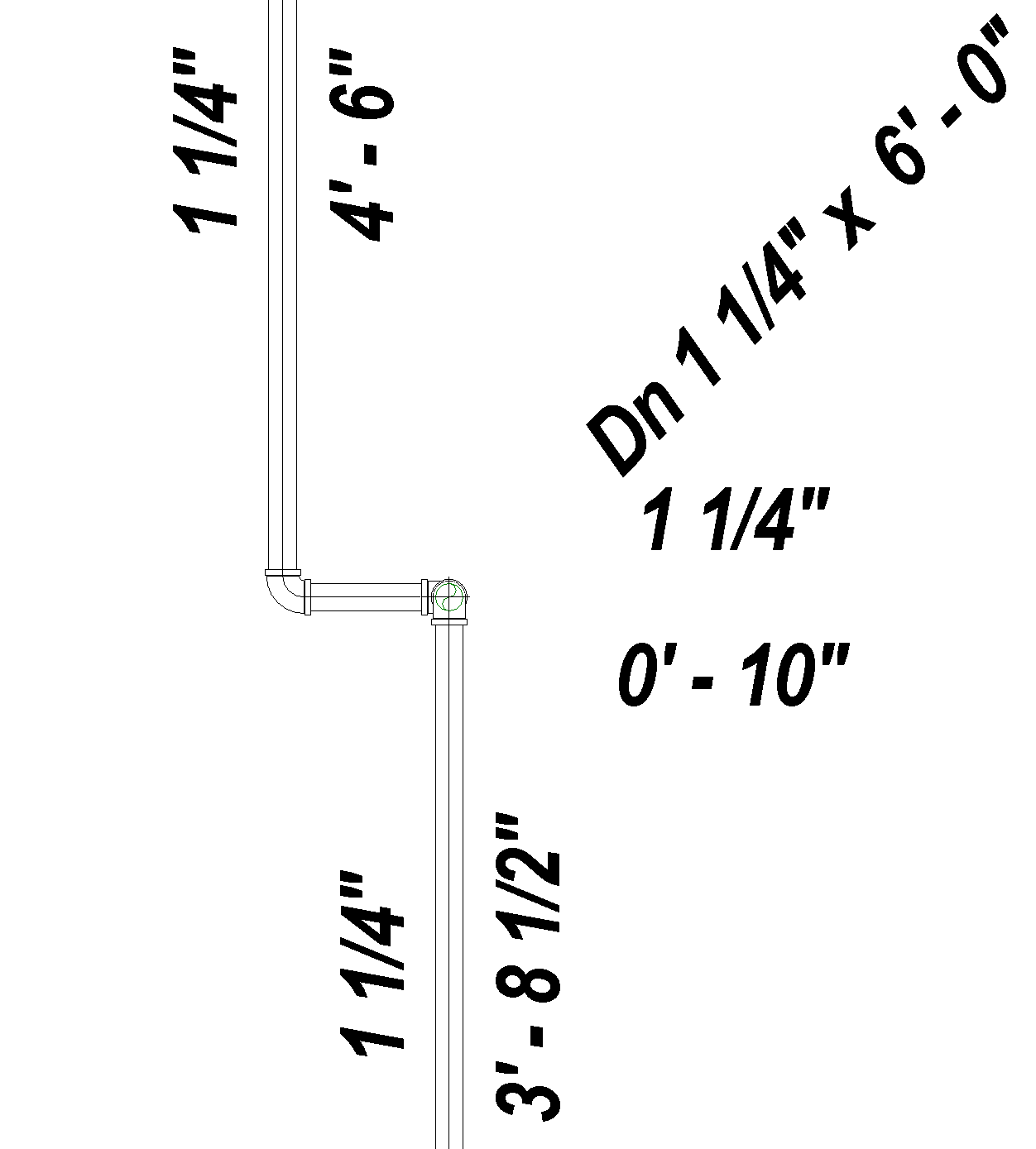
Vertical pipes in the selection will have pipe diameter x length tag added.
No direction will be indicated.
System Walker Selection:
Vertical pipes in the selection will have (Up or Dn) pipe diameter x length tag added.
The direction of the vertical pipes will be determined by the flow direction from the 1st pipe selected for the System Walker.
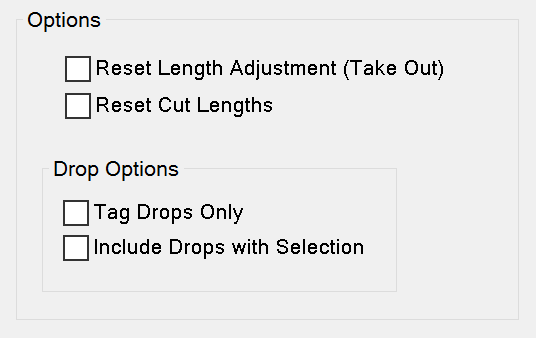
Options
Reset Length Adjustment (Take Out) when checked
If the Length-Cut_Length (Hydratec) property value is manually changed, the Length-Adjustment (Hydratec) property will be recalculated from the Length-Center_Center (Hydratec) minus the Length-Cut_Length (Hydratec) value when the pipe is redimensioned.
Reset Cut Lengths when checked
If the actual model pipe has been lengthened or shortened, the Length-Cut_Length (Hydratec)
Property will be recalculated from the new Length-Center_Center (Hydratec) minus the existing Length-Adjustment (Hydratec) value when the pipe is redimensioned.
If the Length-Adjustment (Hydratec) property value is manually changed, the Length-Cut_Length (Hydratec) property will be recalculated from the Length-Center_Center (Hydratec) minus the Length-Adjustment (Hydratec) value when the pipe is redimensioned.
Tag Drops Only
Only pipes determined to be drops will be tagged.
Include Drops with Selection
All pipes, including drops, selected will be tagged.