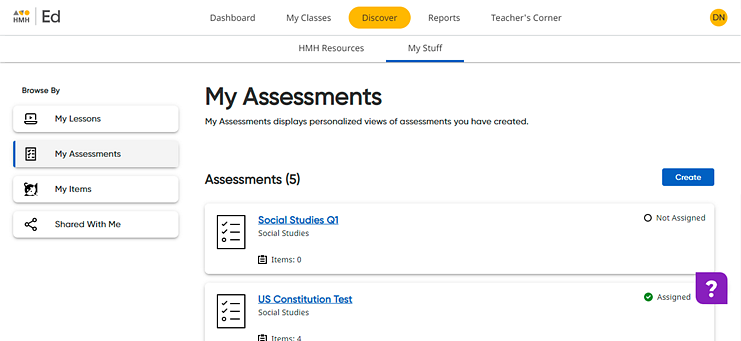
You can share both assigned and unassigned custom assessments with teachers and administrators within your organization.
1 Open the custom assessment to be shared by doing the following:
A Click the Discover tab and My Stuff tab, and then on the left Browse By panel, click the My Assessments link. The My Assessments page appears listing your saved assessments.
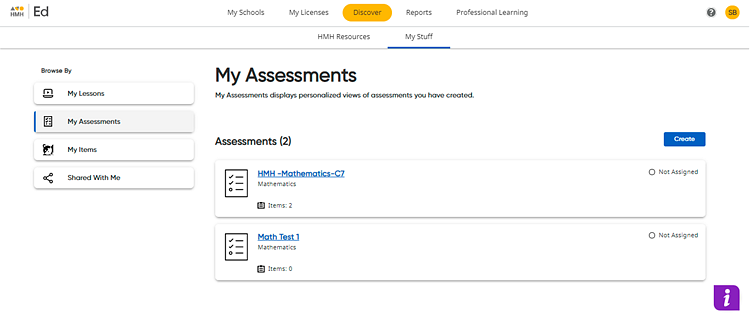
B In the My Assessments list, click the title of the assessment to be shared. The selected assessment opens.
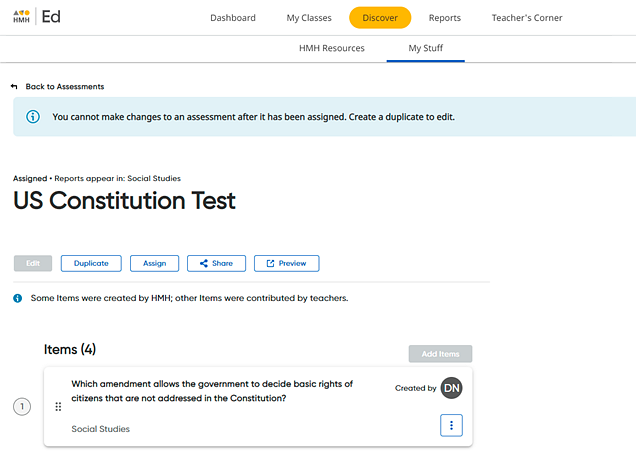
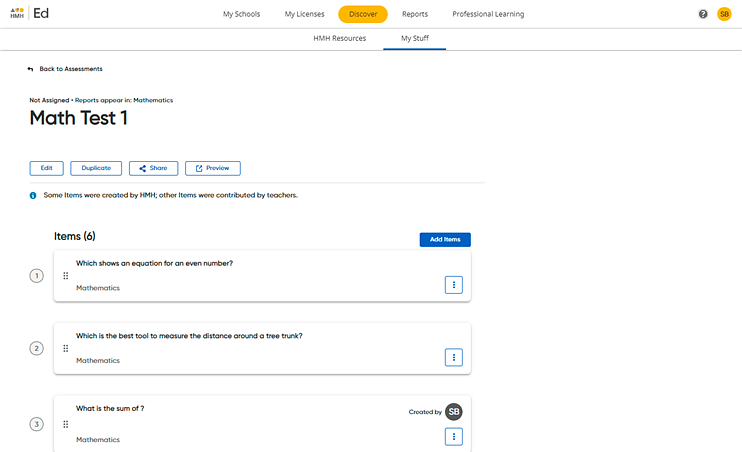
2 Click the Share  button. A Share Your Assessment dialog box appears.
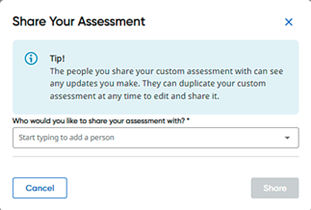
3 In the field provided, type the name of a teacher or administrator with whom you want to share the assessment. As you type, matching names appear in the list.
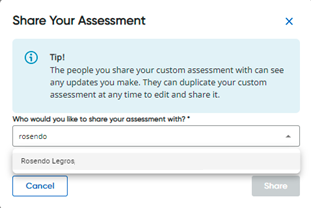
4 Select a name from the list. The selected name appears in the dialog box.
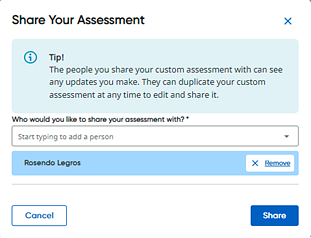
Note: You can remove selected names by clicking the Remove button.
5 Type and select any additional names with whom you want to share the assessment.
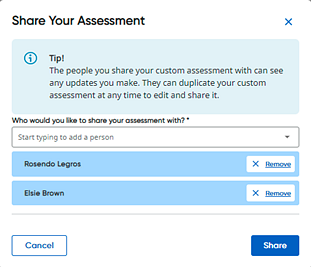
6 Click the Share button. A copy of the custom assessment is now available in each of the selected user's Shared With Me list, and a success message appears at the top of your page.

Note: Any edits that you make to the original custom assessment are also made to the shared custom assessment.