Sign In
Once the app installs on the device:
- Click on the RMM MSP or Remote Management icon
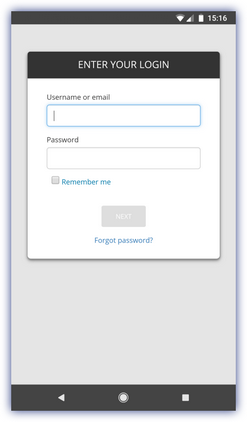
- Enter your Dashboard login Email address and Password
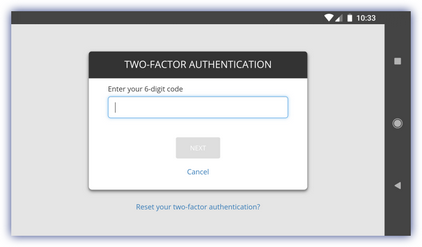
- For Two Factor Authentication users (supported from RMM app 1.1.0)
- Go to the authenticator app and copy the Security Code
- Enter the 6-digit code in the RMM app Two Factor Authentication Security Code box
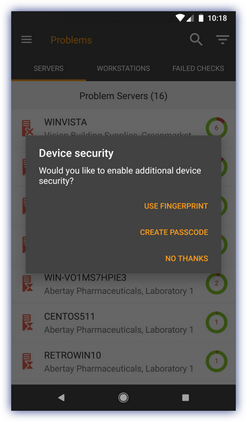
- On first sing-in, the user is prompted to choose to use additional device security: Use Fingerprint or Use Passcode (where supported on the device)
|
Sign in |
Two Factor Authentication |
Device Security |
|
|
|
|