Dashboard Access post-activation
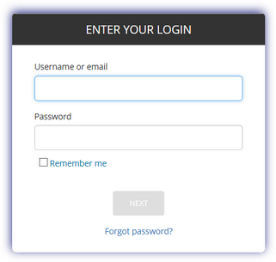
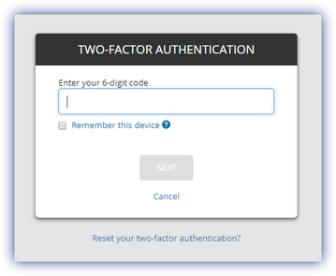
After 2FA is activated, the user is prompted to enter their username, password and authenticator security code whenever they attempt to login to the Dashboard
- Go to the login screen
- Populate the Username and Password
- Enter the 6-digit access code from the authenticator
- Next to login
The security code screen includes the option to Reset your two-factor authentication and set the web browser and computer as a trusted device, for the next 14 days the user is not prompted to enter their security code.