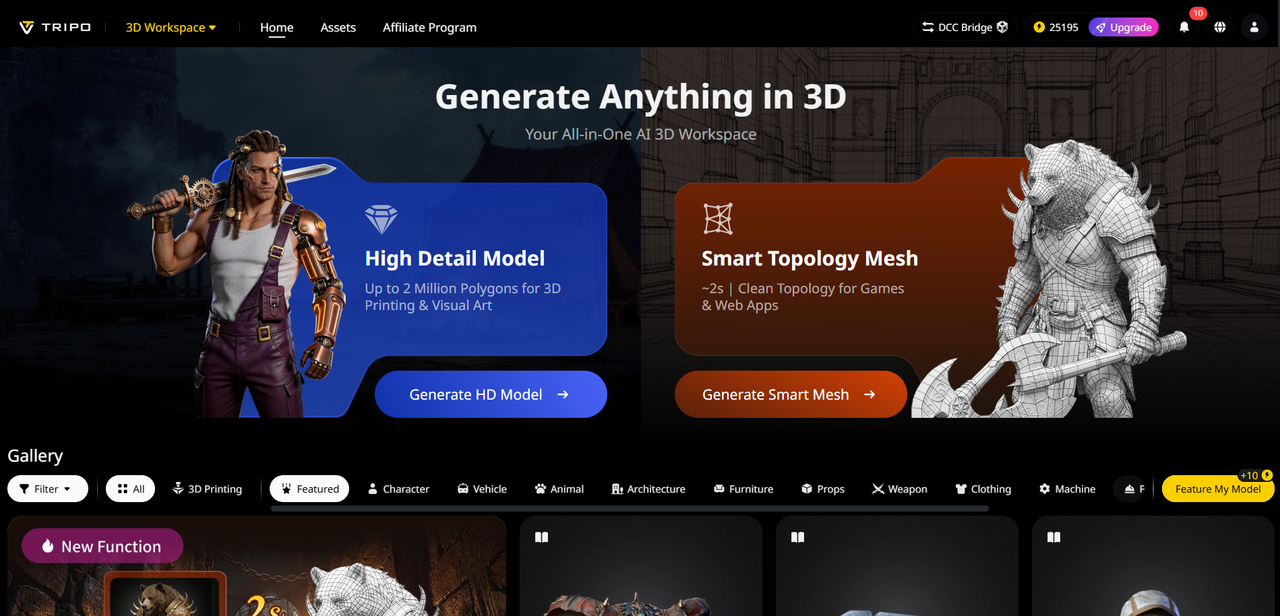
For businesses and developers leveraging Amazon S3’s industry-leading object storage, managing 3D data—from models and textures to animations—can be a logistical challenge. 3D files are often large, difficult to organize, and time-consuming to create, especially when you need to scale production for data lakes, cloud-native apps, or AI/ML projects. Manual 3D modeling slows down workflows, and disjointed tools force you to switch between creation, storage, and management platforms, wasting valuable time. The solution? An AI-powered 3D tool that integrates seamlessly with Amazon S3, letting you create, optimize, and store 3D assets in one streamlined workflow. Tripo Studio is that tool—designed to work with S3’s scalability and reliability, helping you unlock the full potential of 3D data for your business.
Tripo Studio’s Core AI 3D Features: Built for Scalable Cloud Workflows
Tripo Studio’s features are engineered to complement Amazon S3’s strengths, making it easy to create high-quality 3D assets and store them securely in your S3 buckets. Here’s how each feature enhances your S3-powered workflows:
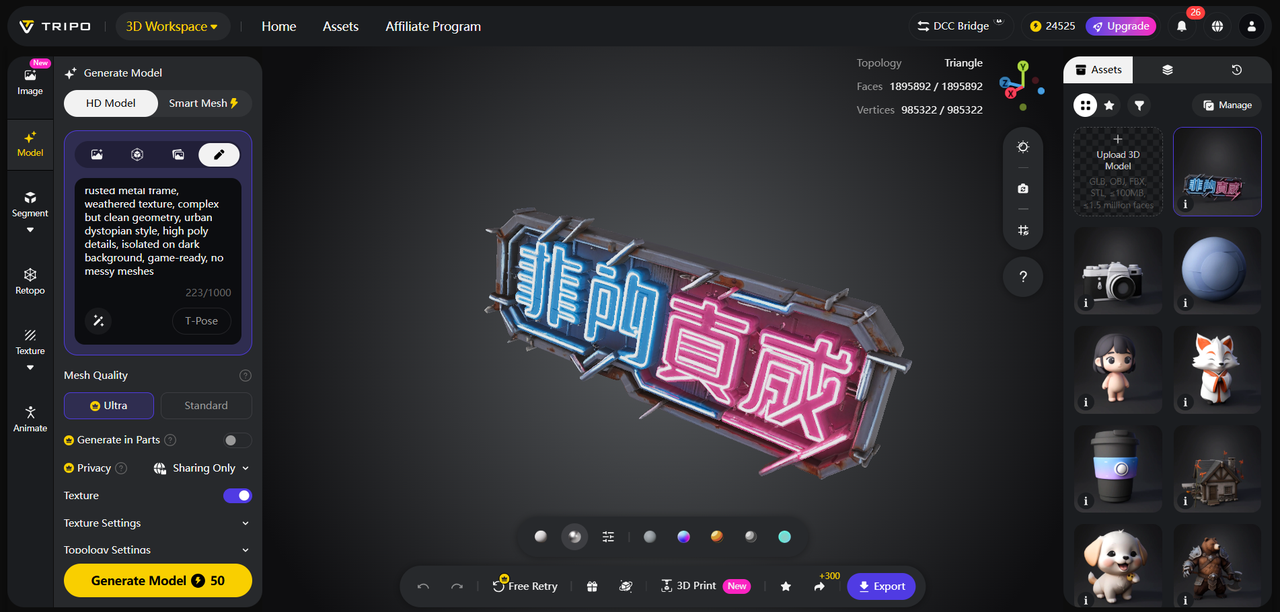
1. Text to 3D Model: Generate 3D models from text prompts in seconds, perfect for scaling 3D asset production for cloud-native apps, data lakes, or AI training. Whether you need hundreds of 3D objects for a virtual environment or custom models for a mobile app, just type your prompt (e.g., “industrial sensor with a metallic finish”) and let AI generate consistent, high-quality models. This solves the problem of slow, manual 3D creation, letting you scale production without adding extra team members. The result? Fast, cost-effective 3D asset generation that integrates seamlessly with S3’s scalable storage.
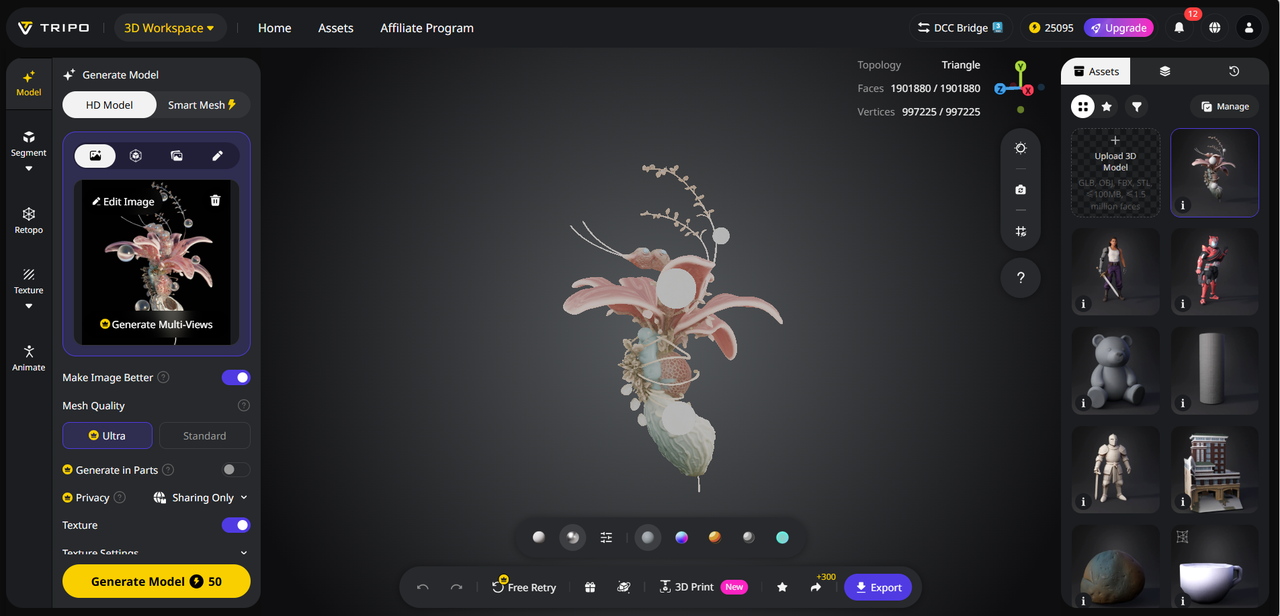
2. Image to 3D Model: Convert 2D images (from your S3 storage or local files) into editable 3D models with a single upload. For businesses using S3 to store product photos, schematics, or historical images, this tool lets you repurpose existing 2D assets into 3D models for AR/VR apps, product visualization, or AI training. Our Image to 3D Model tool preserves image details while creating production-ready 3D assets, reducing the need to create models from scratch.
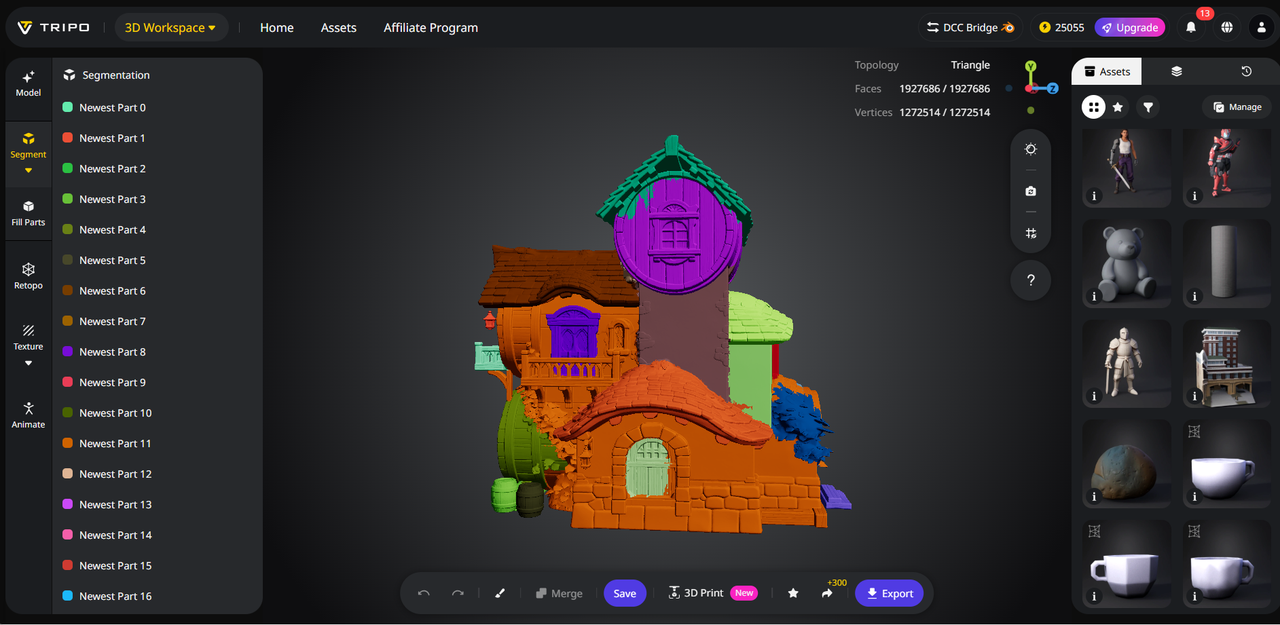
3. AI Model Segmentation: Split 3D models into individual components for precise editing and organization. When storing 3D assets in S3, segmentation lets you save individual parts (e.g., a car’s wheels, chassis, and interior) as separate files, making it easier to manage and reuse assets. This tool solves the problem of disorganized 3D data, ensuring your S3 buckets stay clutter-free and your assets are easy to access. Our Segmentation/Split 3D Model feature works with large 3D files, making it ideal for enterprise-scale workflows.
4. AI Retopology: Optimize 3D models for storage and performance, reducing file sizes without sacrificing quality. Large 3D files can strain S3 storage costs and slow down app performance—AI Retopology cleans up mesh geometry, creating smaller, more efficient files that are easier to store and transfer. This solves the problem of bloated 3D assets, helping you optimize S3 storage costs and improve workflow efficiency.
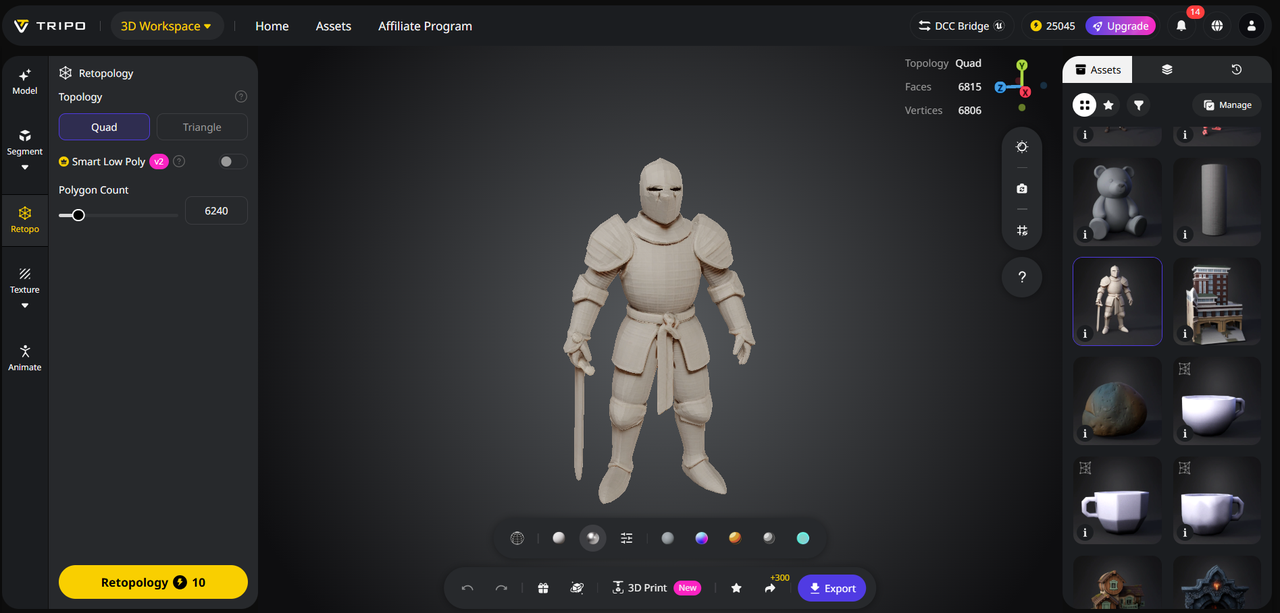
5. AI Texturing: Apply high-quality textures to 3D models, then store texture files in S3 for easy access and reuse. Whether you need PBR textures for realistic product visualization or stylized textures for gaming apps, AI Texturing generates consistent, high-resolution textures that integrate seamlessly with your S3 asset library. This tool eliminates the need to manually create textures, saving time and ensuring brand consistency across all 3D assets.
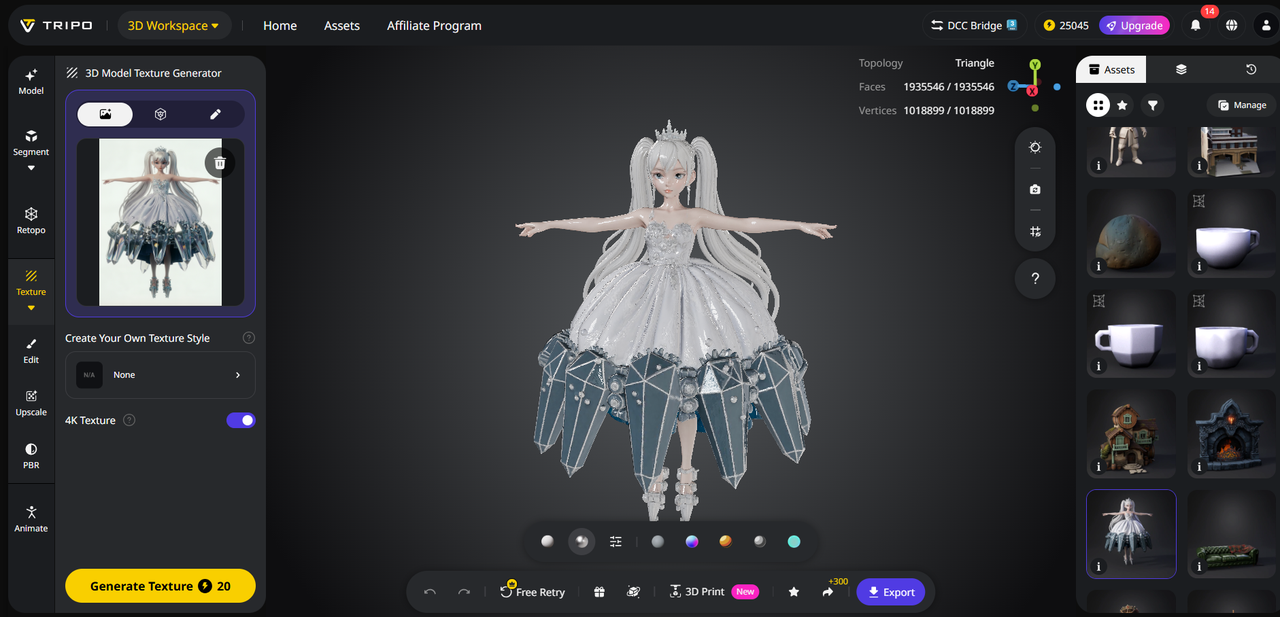
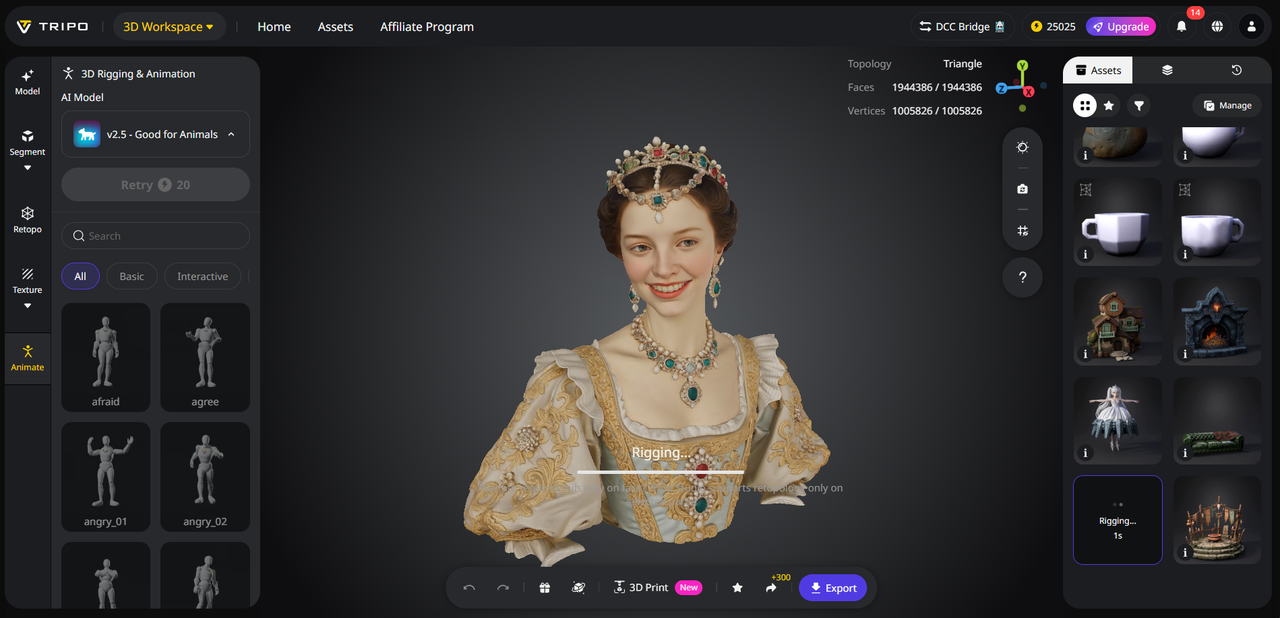
6. AI Rigging: Animate 3D models for interactive apps, then store rigged models and animation data in S3. Rigging adds skeletal structures to 3D models, letting you create animations for AR/VR experiences, mobile apps, or training simulations. This solves the problem of static 3D assets, making your S3-stored 3D data more versatile and valuable.
Practical Uses for Amazon S3 Users
Tripo Studio and Amazon S3 work together to power a range of enterprise use cases:
Data Lakes: Generate 3D assets for AI/ML training and store them in S3 data lakes, enabling advanced analytics and model training.
Cloud-Native Apps: Create 3D assets for AR/VR apps, mobile games, or enterprise tools, then store and retrieve them from S3 for seamless app performance.
Product Design: Convert 2D schematics (stored in S3) into 3D models for prototyping, then store iterations in S3 for version control.
Archival & Backup: Store optimized 3D assets in S3 Glacier for long-term archival, ensuring data durability and compliance.
Why Tripo Studio + Amazon S3 Is a Game-Changer
Tripo Studio’s integration with Amazon S3 eliminates workflow bottlenecks by combining AI 3D creation with scalable, secure storage. Unlike other 3D tools that require manual file transfer, Tripo Studio lets you export directly to S3 buckets, saving time and reducing human error. It’s fast (generate models in seconds), scalable (batch generate hundreds of assets), and cost-effective (optimize file sizes to reduce S3 storage costs). For businesses relying on S3 for data management, Tripo Studio is the missing piece in your 3D workflow.
Quick Tutorial: Create & Store a 3D Asset in Amazon S3 with Tripo Studio
Follow these steps to streamline your 3D asset creation and storage workflow:
Sign up for Tripo Studio and connect your Amazon S3 account (secure integration with IAM permissions).
Use “Text to 3D” or “Image to 3D” to generate your 3D model—for example, type “smart home device” or upload a product photo from S3.
Refine the model with AI Retopology and add textures with AI Texturing.
Use AI Model Segmentation to split the model into parts (if needed), then export directly to your designated S3 bucket.
Access and manage your 3D asset in S3, and reuse it for future projects.
Unlock the power of AI 3D creation and scalable cloud storage with Tripo Studio and Amazon S3. Whether you’re building cloud-native apps, managing data lakes, or optimizing product design workflows, Tripo Studio makes it easy to create, optimize, and store 3D assets. Sign up for a free trial today and streamline your 3D data workflows. Visit Tripo Studio to learn more.