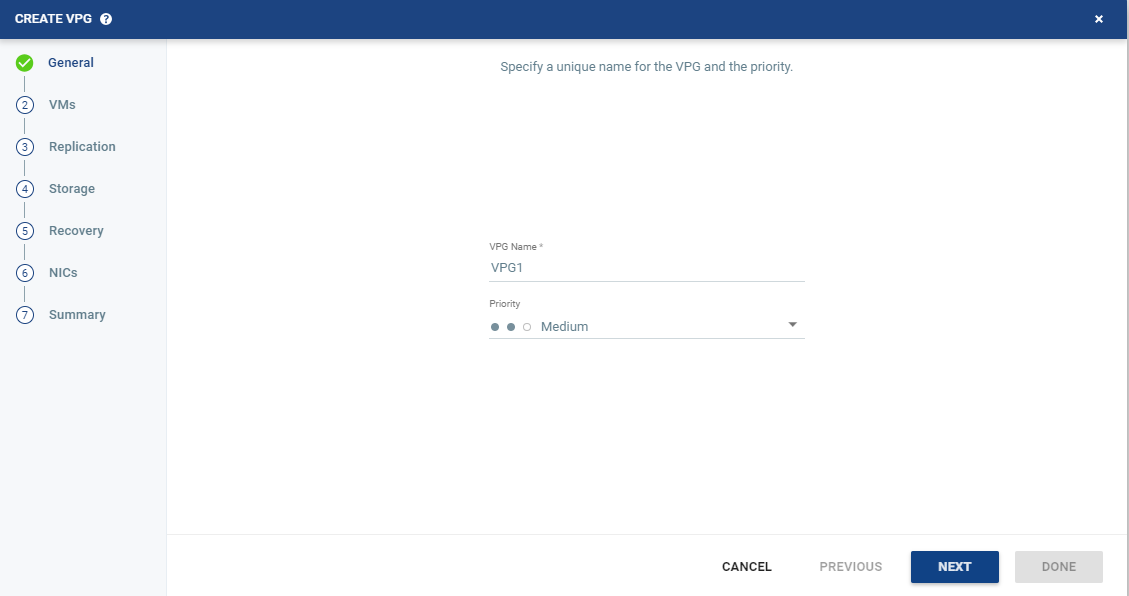
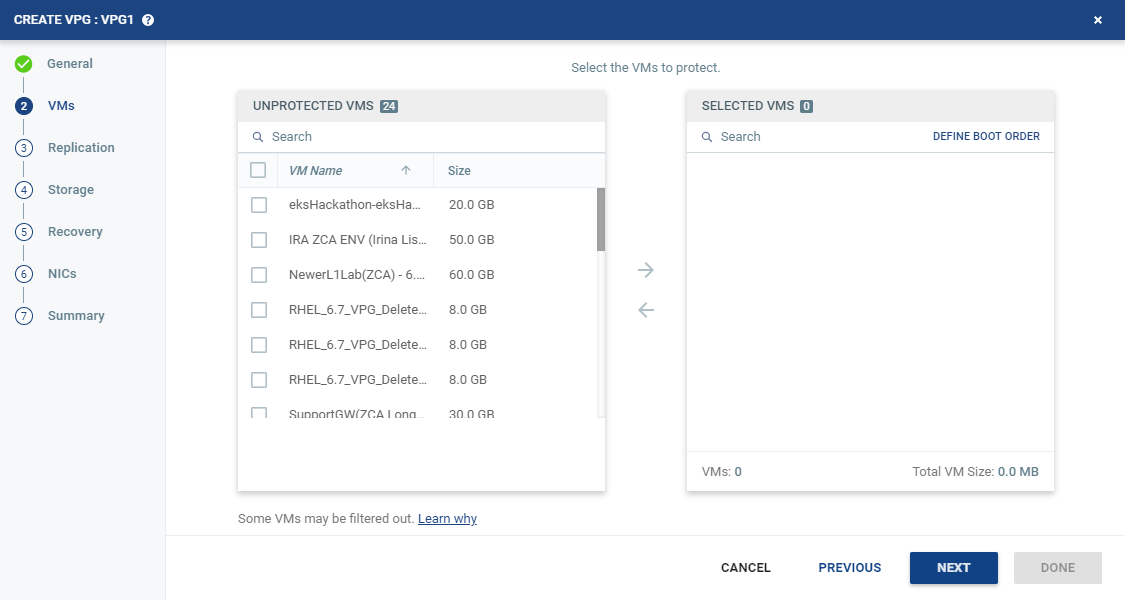
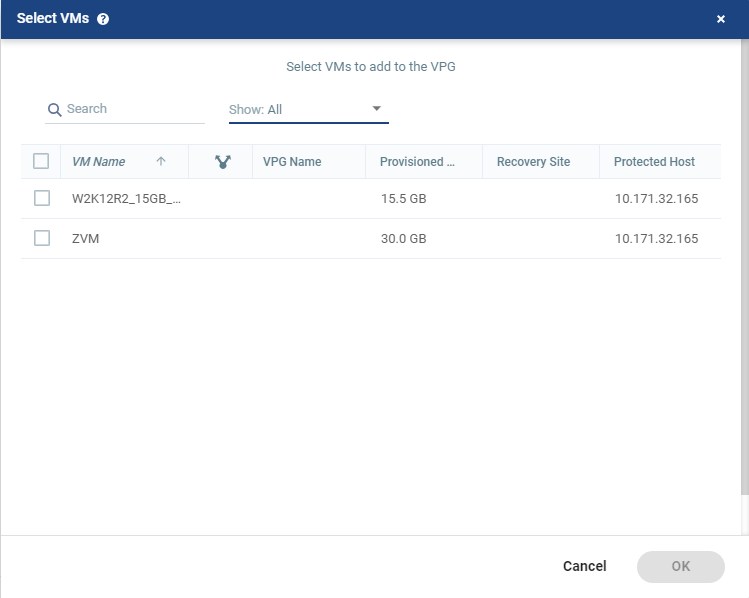
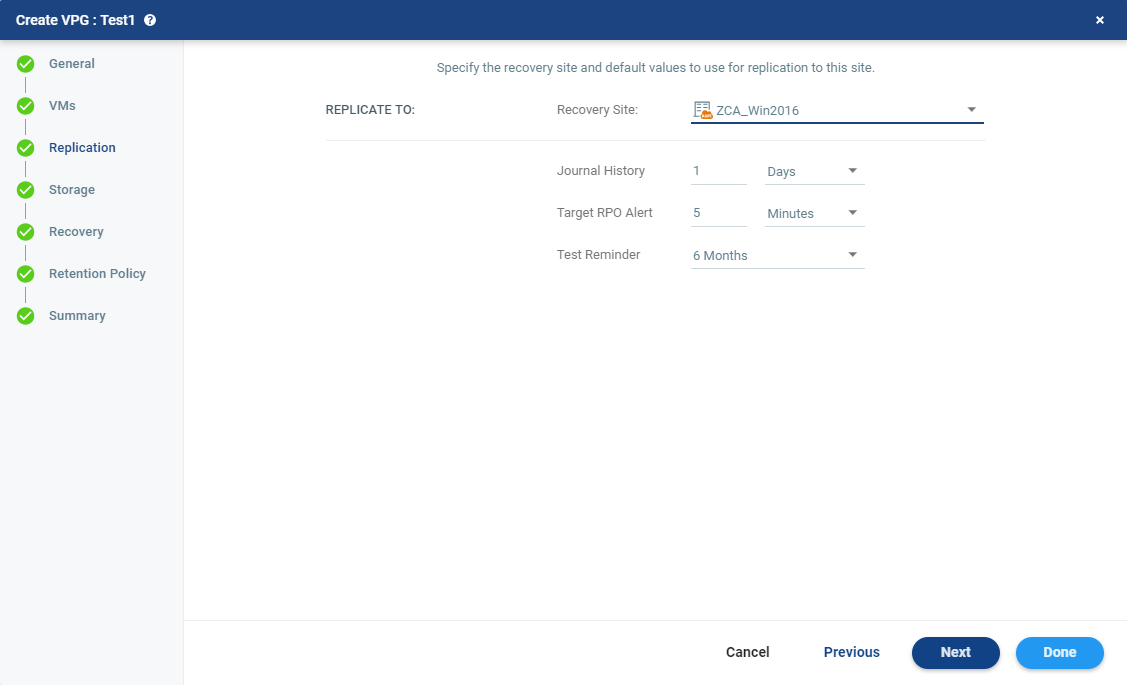
Parameter | Field | Description |
SLA | Journal History | Specify the time-frame in which information is saved in the journal for the group, and which will apply to every virtual machine in the group. The longer the information is saved in the journal, the more space is required for each journal in the VPG. Select one of the following time-frames: ■ Number of hours: From 1 to 24 ■ Number of days: From 2 to 30 |
Target RPO Alert | The maximum desired time between each automatic checkpoint write to the journal before an alert is issued. Default value is X hours. | |
Test Reminder | The time recommended between testing the integrity of the VPG. A warning is issued if a test is not done within this time frame. |

Field | Description |
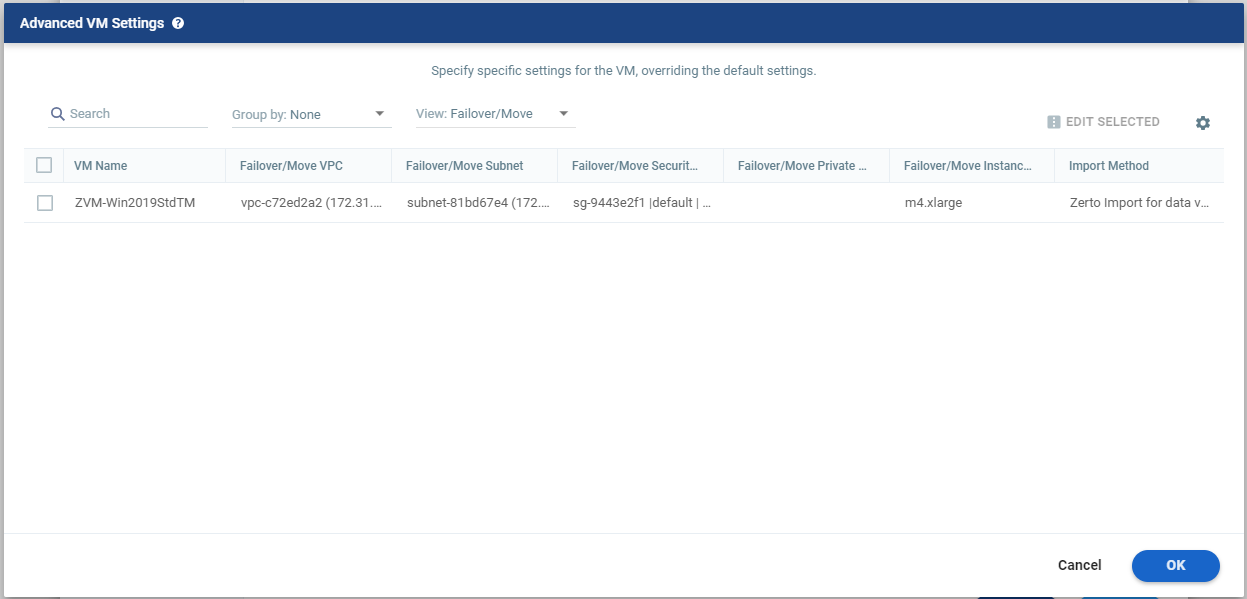
Import Method | ■ Zerto Import for data volumes – This method is the default setting and has a faster RTO than AWS Import. This method uses a combination of the AWS import-instance API for the boot volume, and the zImport method for data volumes. |
■ Zerto Import for all volumes – This method uses the zImport method for all volumes and ensures the fastest RTO. When using this import method, the following setup steps must be performed on the protected virtual machine prior to the start of recovery operations to ensure that the virtual machine will be able to run on the recovery site. This is applicable if the protected virtual machine using this import method is running Windows. a) Go to https://www.xenproject.org/downloads/windows-pv-drivers/winpv-drivers-81/winpv-drivers-820.html b) Follow the instructions at the site for downloading and installing all the Windows PV Drivers 8.2.0 drivers. When using C5/M5 instance types only, the following additional drivers need to installed: a) Download ENA (Enhanced Network Adapter) from this link. b) Extract and execute "InstallEna.ps1" c) Download the NVMe driver from this link. d) Extract and execute "Dpinst.exe" Notes: ■ C5/M5 instance types are supported with the Zerto Import for All Volumes import method only. ■ C5/M5 instance types are supported with Windows 2012R2 and Windows 2016 only ■ This import method cannot be used for the recovery of protected virtual machines running Windows Server 2008R2. To support this operating system please contact Zerto support. ■ If these drivers are installed on a VM running Windows Server 2008R2, the import of the VM using either the Zerto Import for data volumes or AWS Import method will fail. | |
■ AWS Import: This method uses a combination of the AWS import-instance and import-volume APIs for the boot and data volumes respectively. This was the only method supported until version 5.5. For more information about Import Methods. see Import Methods for AWS | |
VPC Network | The virtual network dedicated to your AWS account. A security group and subnet must be assigned to this VPC. |
Subnet | The subnet for the VPC network. The list of available subnets depends on the selected Import Method. Note: The zImport virtual machine must have Internet access in order to access the S3 Bucket and the AMI in EC2. The only network in the customer environment that is certain to have Internet access is the network that the ZCA is connected to. If the import method is not AWS Import, then the user can select only subnets that are part of the same Availability Zone as the one in which the ZCA resides. Other Subnets are disabled. Note: If a subnet is chosen in a network that is not in the same Availability Zone as the one in which the ZCA resides, options that utilize the zImport method will not be made available for selection. |
Security Group | The AWS security to be associated with the virtual machines in this VPG. |
Instance Family | The instance family from which to select the type. AWS instance families are optimized for different types of applications. Choose the instance family appropriate for the application being protected in the VPG. |
Instance Type | The instance type, within the instance family, to assign to recovered instances. Different types within an instance family vary, for example in vCPU, RAM, and local storage size. Choose the instance type appropriate for the application being protected in the VPG. The price per instance is related to the instance configuration. Note: C5/M5 instance types are supported with the Zerto Import for All Volumes import method only. |

Text Box | Description |
Command to run | The full path of the script. The script must be located on the same machine as the Zerto Virtual Manager for the recovery site. |
Params | The parameters to pass to the script. Separate parameters with a space. |
Timeout | The time-out, in seconds, for the script to run. ■ If the script runs before executing a failover, move, or test failover, and the script fails or the timeout value is reached, an alert is generated and the failover, move, or test failover is not performed. ■ If the script runs after executing a failover, move, or test failover, and the timeout value is reached, an alert is generated. ■ The default time-out value is specified in Site Settings > Performance and Throttling tab. |
NOTE: |
Pre and post recovery scripts run in parallel. Therefore, ensure that the pre and post recovery scripts don’t use common resources. |