Note: |
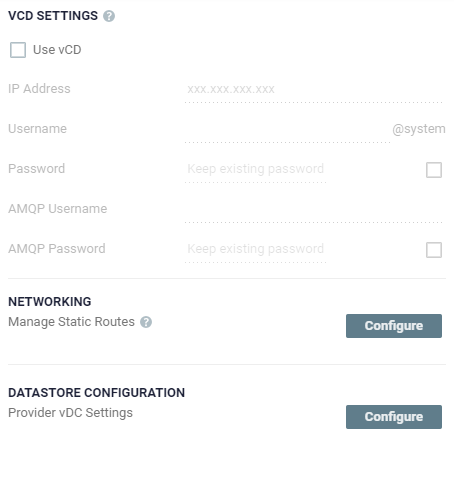
Before setting up Zerto to work with vCD, you must have an AMQP server installed. ■ Zerto provides an AMQP installation kit if you do not have one installed for vCD, available as a download from the Zerto Support Portal, from the downloads page. ■ Run ZertoAMQPInstallWizard.exe from the kit and when prompted enter the IP or host name of the vCD and the administrator user and password to access this vCD. ■ The Zerto Virtual Manager connects to the vCD and checks whether an AMQP server is installed. ■ If an AMQP server is not installed, Zerto recommends using RabbitMQ, which in turn requires Erlang/OTP. ■ Links to the sites to install both Erlang/OTP and RabbitMQ are provided as part of the Zerto AMQP installation. Use these links to install Erlang/OTP and then RabbitMQ, then you can continue with the Zerto AMQP installation. ■ If an AMQP server was already installed, change the connection details displayed to those defined in vCD. ■ If you installed the AMQP server as part of the Zerto AMQP installation, the default settings for these installations are displayed, with a user and password of guest. ■ At the end of the Zerto AMQP installation, vCD is updated with these settings, in AMQP Broker Settings under Administration > Blocking Tasks > Settings. |