Site Settings
The Site Settings dialog enables configuring various site settings. These include the default script timeout and protection policies such as the commit policy for a failover or move operation.
To specify site information:
1. In the Zerto User Interface (top right), click
SETTING (

) and select
Site Settings.
The Site Settings dialog is displayed.
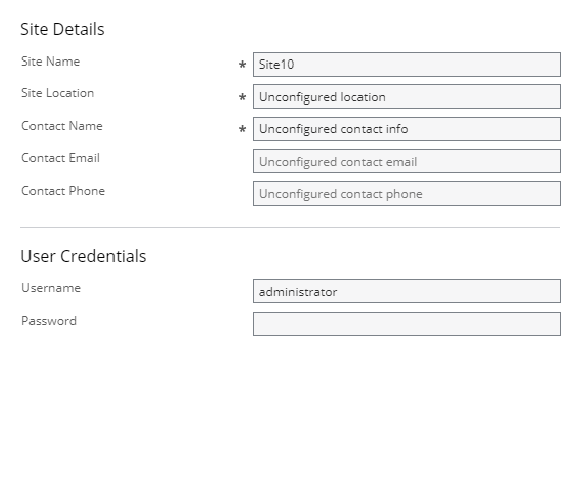
■ In vSphere and Hyper environments, the following window is displayed.
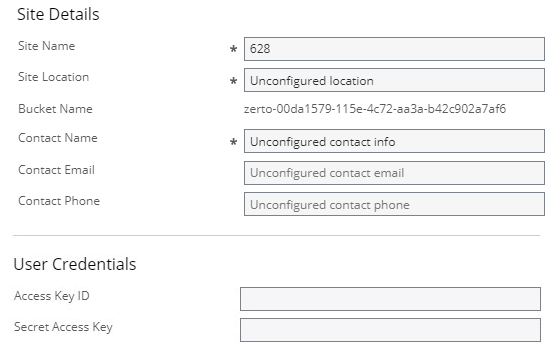
■ In AWS environments, the following window is displayed.
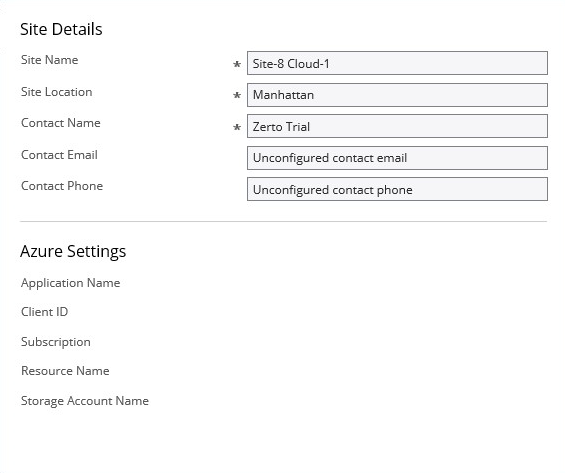
■ In Azure environments, the following window is displayed.
2. Make any required changes to the settings, click SAVE and then APPLY. The following settings can be defined:
Licensing is described in
Seeing What is Licensed.