Deploy Zerto Cloud Appliance from Azure Marketplace Portal
In order to install Zerto Virtual Replication, you must first deploy Zerto Cloud Appliance VM. You will find Zerto Cloud Appliance in the Azure marketplace portal.
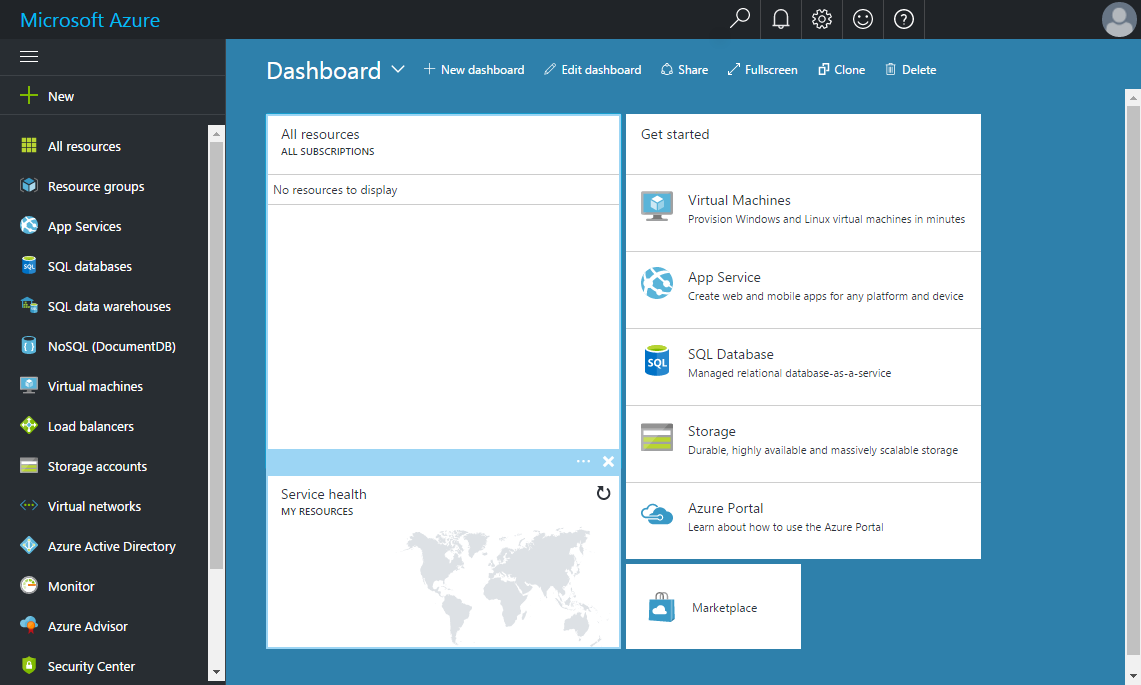
To deploy Zerto from the Microsoft Azure Marketplace:
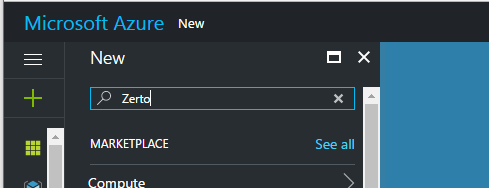
2. In the left pane at the top, click New, and in the search field that appears, enter the text Zerto.
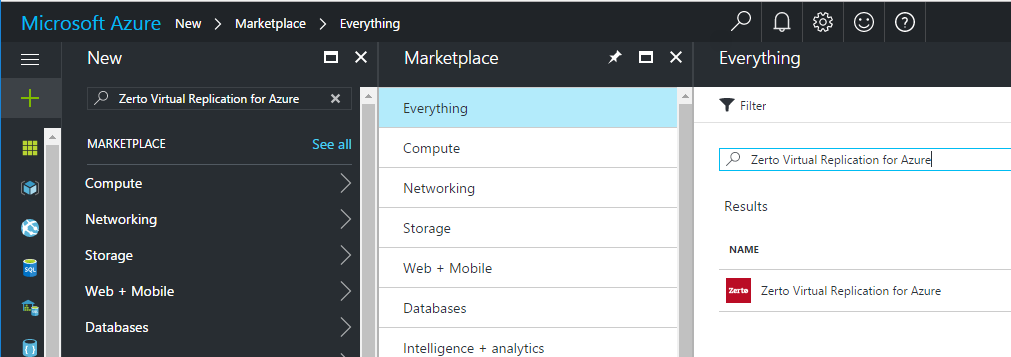
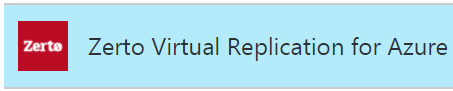
The predefined name, Zerto Virtual Replication for Azure, appears in a drop-down.
3. Select the predefined name, Zerto Virtual Replication for Azure.
The Zerto Virtual Replication for Azure application appears in the right pane.
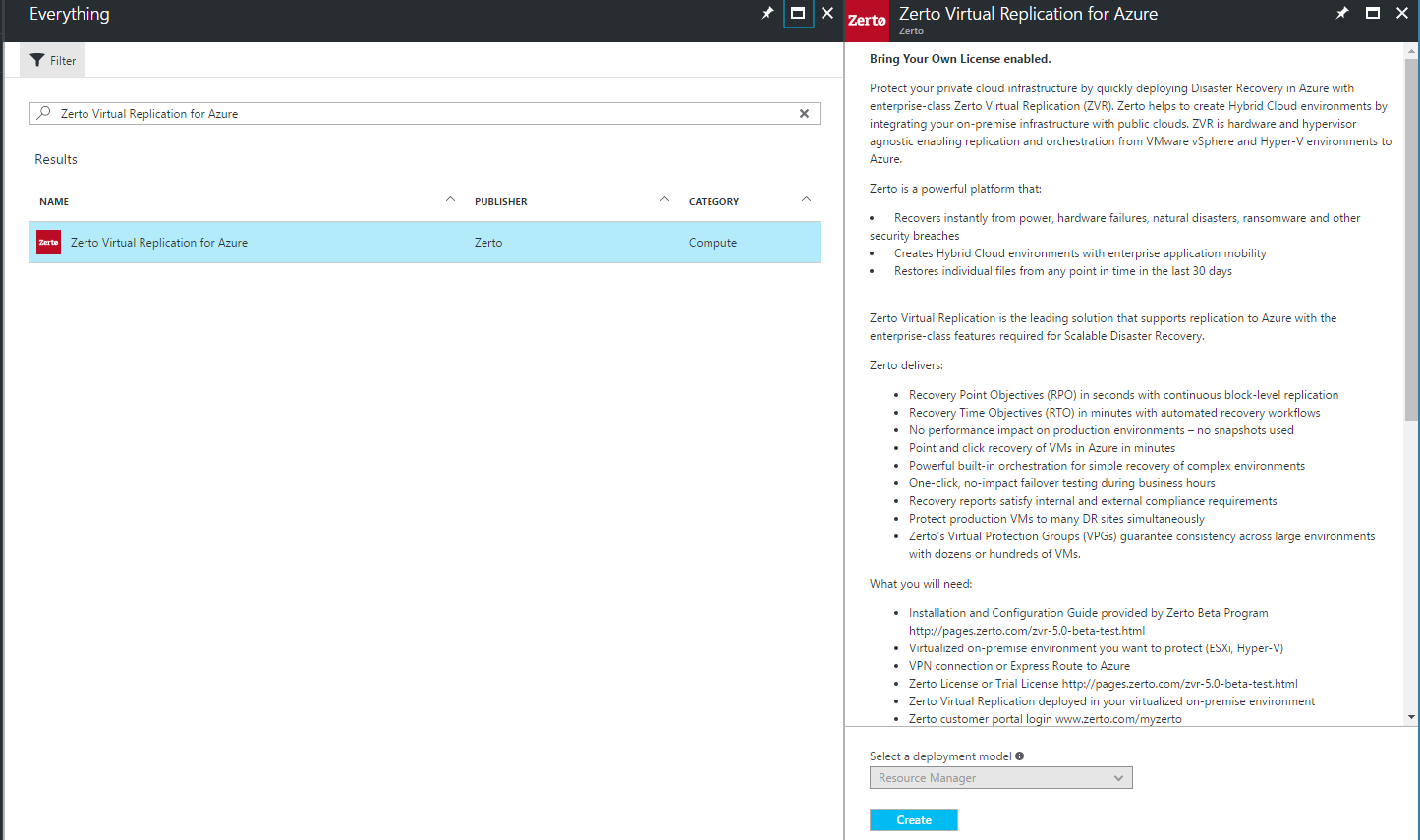
4. Click the Zerto Virtual Replication for Azure application icon.
.
The Zerto Virtual Replication for Azure application page appears.
Scroll down to read the section What you will need, and verify
5. Click Create, then define and deploy the VM. This VM is your Zerto Cloud Appliance.