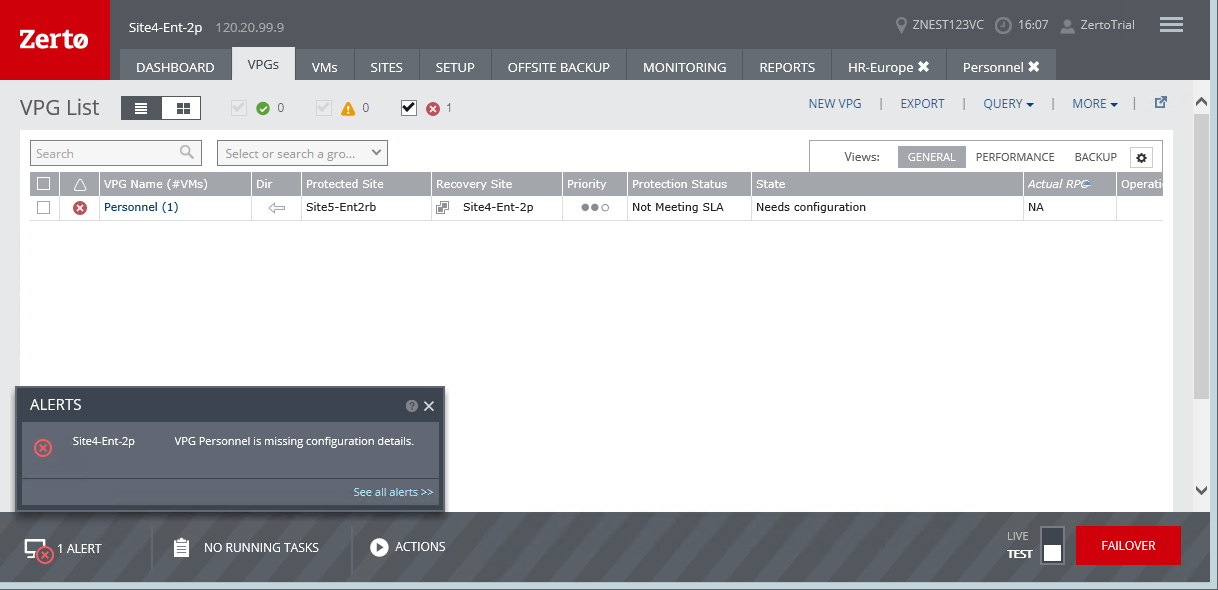
Troubleshooting: “Needs Configuration” Problems
When the VPG status changes to Needs Configuration, the settings in the VPG need to be checked and, when necessary, updated.
The following scenarios result in the VPG status changing to Needs Configuration:
■ A protected disk resize operation fails, for example when there is not enough disk space.
■ When a volume is added to a protected virtual machine and the VPG settings are not updated because of a site disconnection or a Microsoft Azure error. In some situations, after the sites reconnect, the state corrects itself automatically.
■ If the user protects the VM to Azure and then increases the disk size above the Azure limit (currently 4TB), the disk will go into the state needs configuration.
■ Possible Cause: The user exceeded the disk size limit allowed on Azure
■ Possible Resolution:
■ Remove the resized disk from the VM
- or -
■ Remove the VM with the resized disk from the VPG