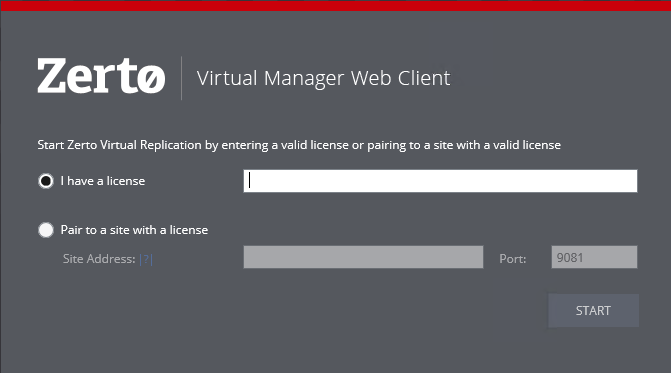
Registering the Zerto Virtual Replication License
On the very first access to the Zerto User Interface, you must do one of the following:
■ Either register your use of Zerto Virtual Replication, by entering the license key supplied by Zerto,
■ Or, pair to a site where a license has already been entered.
A customer using a Cloud Service Provider (CSP) to manage the disaster recovery, pairs to the CSP using the IP address supplied by the CSP and does not enter a license key.
After entering a valid license, the DASHBOARD tab is displayed with a summary of the site.
Before you can start protecting virtual machines in this site, you must install Virtual Replication Appliances on the hosts in the site and then pair the protected and recovery sites, as described in the following sections: