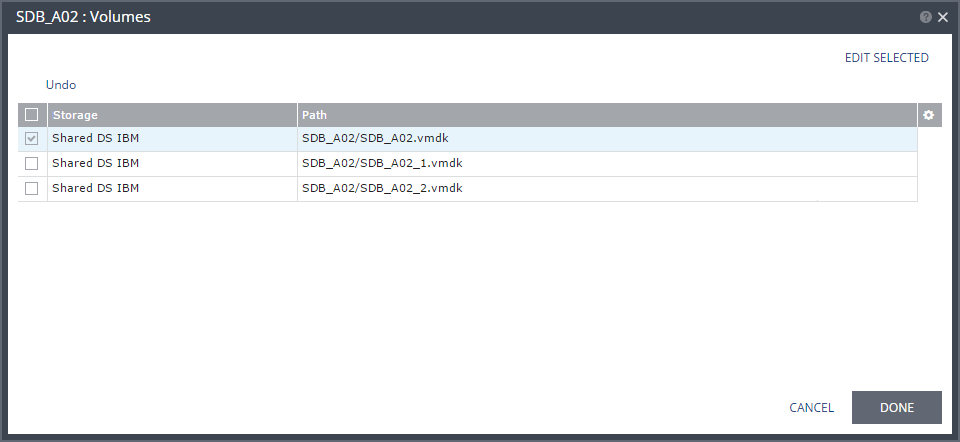
Volumes Dialog
When restoring an offsite backup to the recovery site, this dialog shows the storage for a selected virtual machine in the VPG. You can choose to edit information in a field by clicking the field and updating the information. You can choose to edit several storage settings at the same time by selecting the volumes and clicking EDIT SELECTED.