Enabling Replication to the Same Site
When a single SCVMM is used, for example with remote branch offices, when replicating from one datacenter to another datacenter, both managed by the same SCVMM, you must enable replication to the same SCVMM and pairing is not required. In this case, replication to the same SCVMM must be set in the Site Settings dialog.
To enable replication to the same SCVMM:
1. In the Zerto User Interface, click
SETTING (

) in the top right of the header and select
Site Settings.
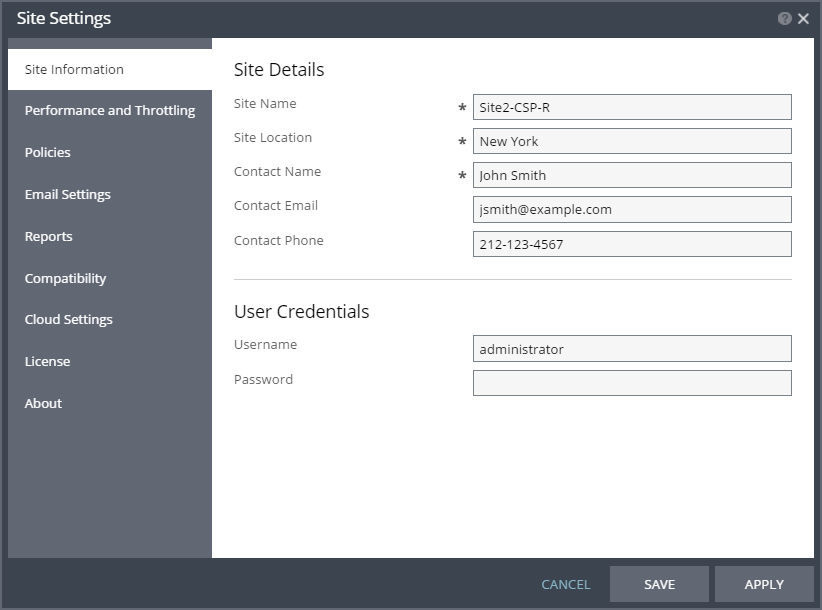
The Site Settings dialog is displayed.
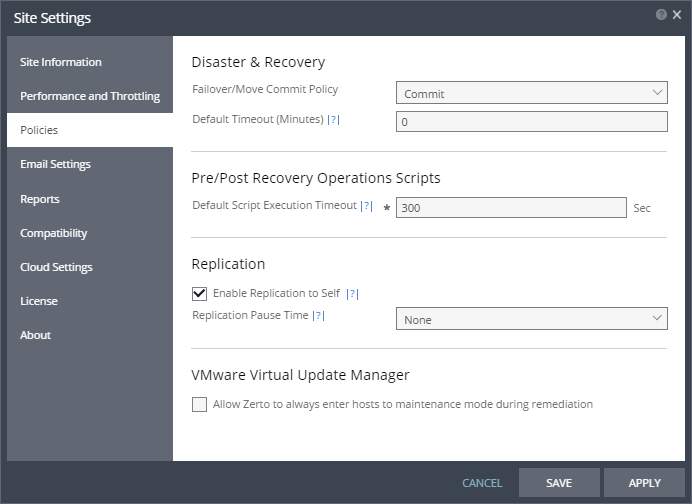
2. Click Policies.
3. Select the Enable Replication to Self checkbox.
4. Click APPLY or SAVE.
The Zerto Virtual Manager, when used to protect to itself, can manage the protection of up to 5000 virtual machines.