Reverse Protection for a Failed Over VPG
When you specify Reverse Protection, the virtual machines are recovered on the recovery site and then protected using the values specified during the failover. The original virtual machines are removed from the original protected site and then on the target site the data is promoted from the journal to the recovered virtual machines and then synchronization with the original site is performed so that the VPG is fully protected. The synchronization used is either a Delta Sync or if there is only one volume to synchronize, a Volume Delta Sync is performed. A sync is required since the recovered machines can be updated while data is being promoted.
Notes:
■ If Reverse Protection is selected and the virtual machines or vCD vApp are already protected in other VPGs, the virtual machines or vCD vApp are deleted from the protected site and to the journals of these VPGs to be reset. This will result in the removal of these virtual machines from other VPGs that are protecting them, or the removal of the entire VPG, in the event of vCD vApp or if no other virtual machines are left to protect.
Protecting virtual machines or a vCD vApp in several VPGs is enabled only if both the protected site and the recovery site, as well as the VRAs installed on these sites, are of version 5.0 and higher.
For the Failover operation to complete successfully, when Reverse Protection is specified, the original protected site must have enough storage available to fail back the failed over virtual machines.
■ When Reverse Protection is specified for a VPG residing on a vCD site that is replicating to either a vSphere or Hyper-V site, the boot order settings will not reserve the start delay vCD vApp settings for virtual machines with the same order number.
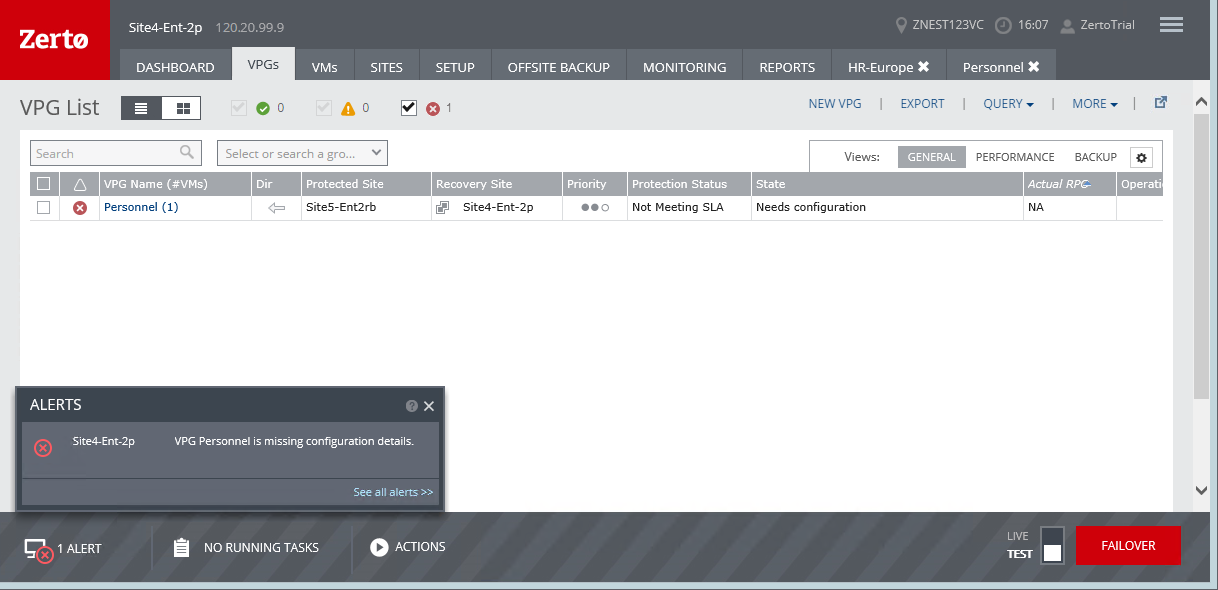
■ If you do not specify Reverse Protection, the VPG definition is kept with the status Needs Configuration and the reverse settings in the VPG definition are not set.
■ Clicking EDIT VPG displays the Edit VPG wizard with the settings filled in, using the original settings for the virtual machines in the VPG from the original protected site, except for the volumes. To start replicating the virtual machines in the VPG, specify the disks to use for replication and optionally, make any other changes to the original settings and click DONE.