Site Settings
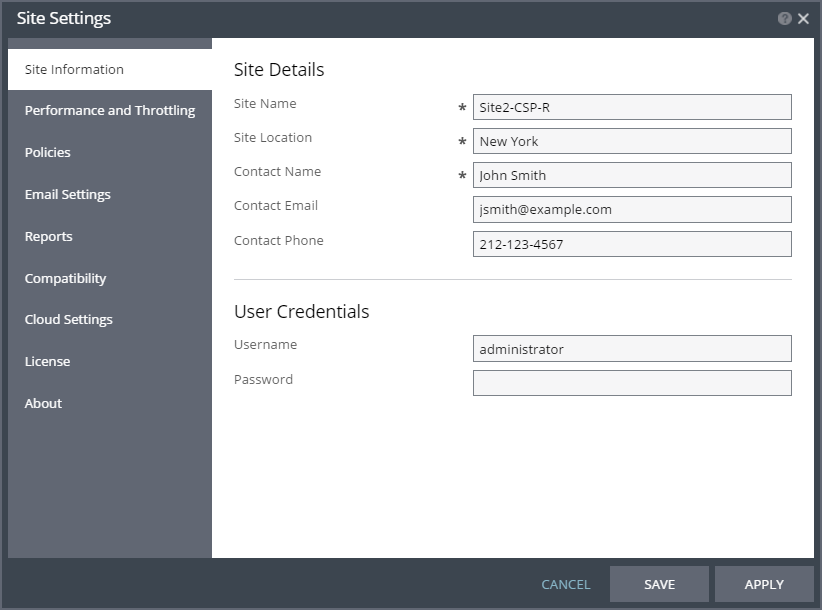
The Site Settings dialog enables configuring various site settings. These include the maximum bandwidth that Zerto Virtual Replication uses between the protected and recovery sites, default script timeout, and protection policies such as the commit policy for a failover or move operation.
To specify site settings:
1. In the Zerto User Interface, in the top right of the header click
SETTING (

) and select
Site Settings.
The Site Settings dialog is displayed.
2. Make any required changes to the settings, click SAVE and then APPLY. The following settings can be defined:
Licensing is described in
Seeing What Is Licensed. You also use the
Site Settings to set up Zerto cloud connector static routes and VMware vCloud Director from the
Cloud Settings item. For details, refer to
Zerto Cloud Manager Administration Guide.