Resetting the Host Passwords Required By More Than One VRA
VRAs installed on ESXi 4.x and 5.x hosts require a password to access the host. This password is supplied as part of the installation of each VRA. The password is required for situations such as rebooting or upgrading the host. If the password for a host is changed you can change the password stored by the VRA by editing the VRA, either for a specific VRA, or when multiple hosts have their passwords changed, each with the same password, you can update the password information for the affected VRAs.
The Zerto Virtual Manager checks the password is valid once a day. If the password was changed, an alert is triggered, requesting the user enter the new password.
To reset the host password required by one or more VRAs:
1. In the Zerto User Interface, click SETUP > VRAs, select the VRAs that need to be updated, and click MORE > Change Host Password.
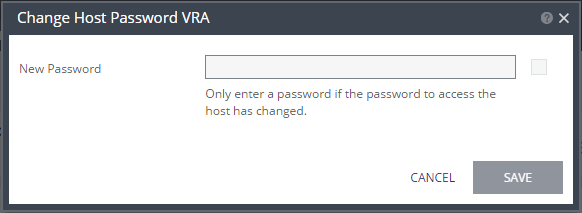
The Change Host Password VRA dialog is displayed.
2. Edit the host root password:
New Password – Enter the new password.
3. Click SAVE.