Delete a Note
- Open the report, graph/chart or dashboard that contains the note that you want to delete.
- Open the Main Menu bar. A counter appears on the Notes button indicating the number of notes attached to the report, graph/chart or dashboard.
- Click
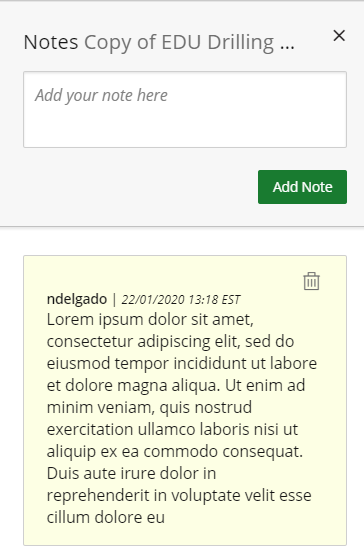
 . The saved note(s) display in the Note box.
 - Click
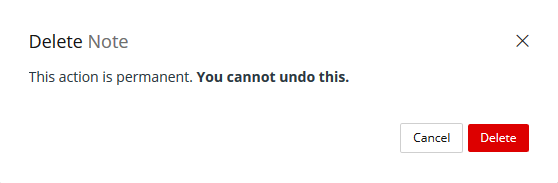
 . A confirmation message displays.
 - Click Delete. The counter number will reflect the deletion.