How to View Your Version of ConnectivityHub
- From the main product page, click Tools > Configuration Settings.
- Click the System Info tab to see the product version information.
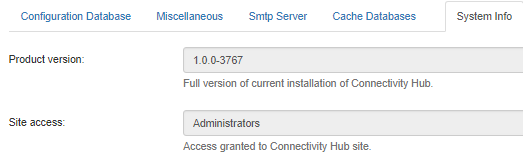
- Product version: See the current version of ConnectivityHub that is installed.
- Site access: See the access level that is required for ConnectivityHub.