Capturing Application Issue(s) Using Logs
About
If you encounter an error or issue with Connectivity Hub and your Connector web service, BA Insight recommends you troubleshoot the problem by using Verbose logging to collect detailed logs.
- Enable verbose logging to detailed information about the behavior of your Connectivity Hub instance and any Connectors your are using.
- The topic below details how to use the verbose logging feature.
How to Use Verbose Logging
- Open Connectivity Hub.
- Edit your web service content source.
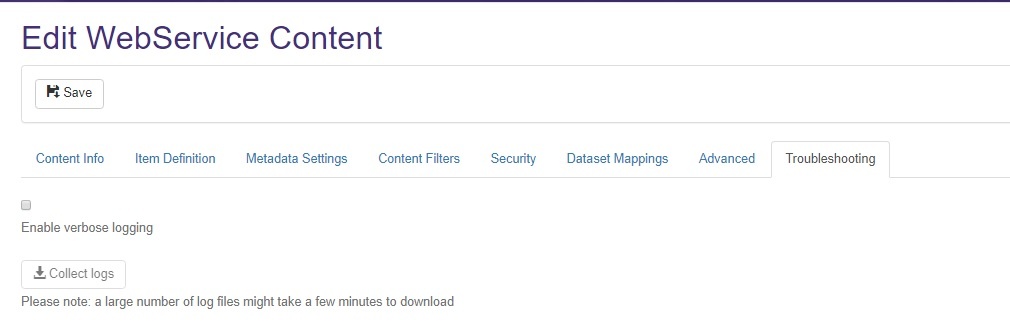
- Select the Troubleshooting tab.
- Check Enable verbose logging.
- Separately, perform (repeat) the action that causes the problem/error.
- Return to the Troubleshooting tab,
- Click the Collect logs button to download the corresponding Connectivity Hub and web service logs.
Enabling verbose logging can result in slower application performance.
For this reason, we recommend you enable verbose logging only when troubleshooting your instance of Connectivity Hub.