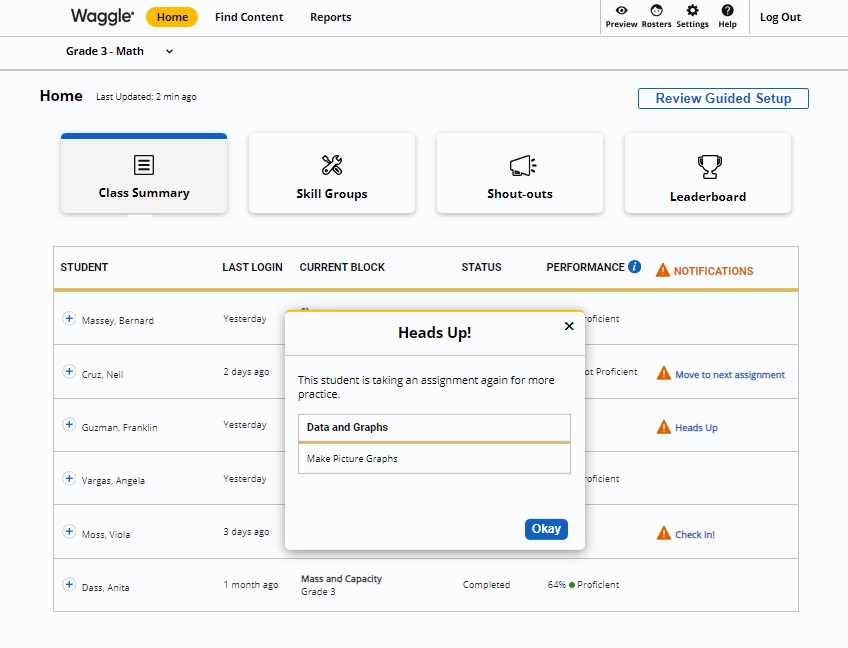
Teachers will see a Heads Up! notification under a student’s name when that student is repeating an assignment for more practice.
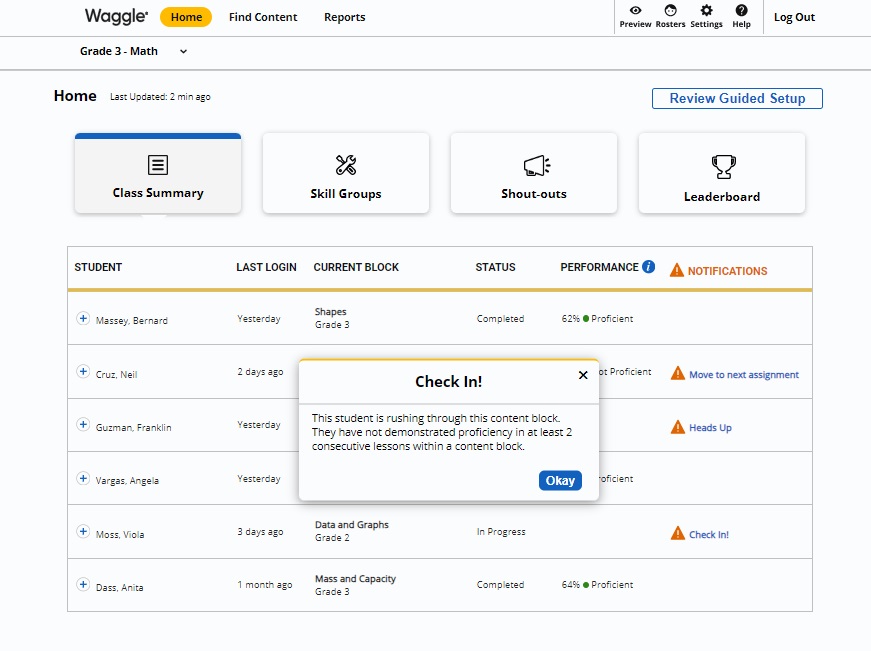
A Check In! notification will appear if the student is moving through a content block without demonstrating proficiency in at least two consecutive lessons within the block.
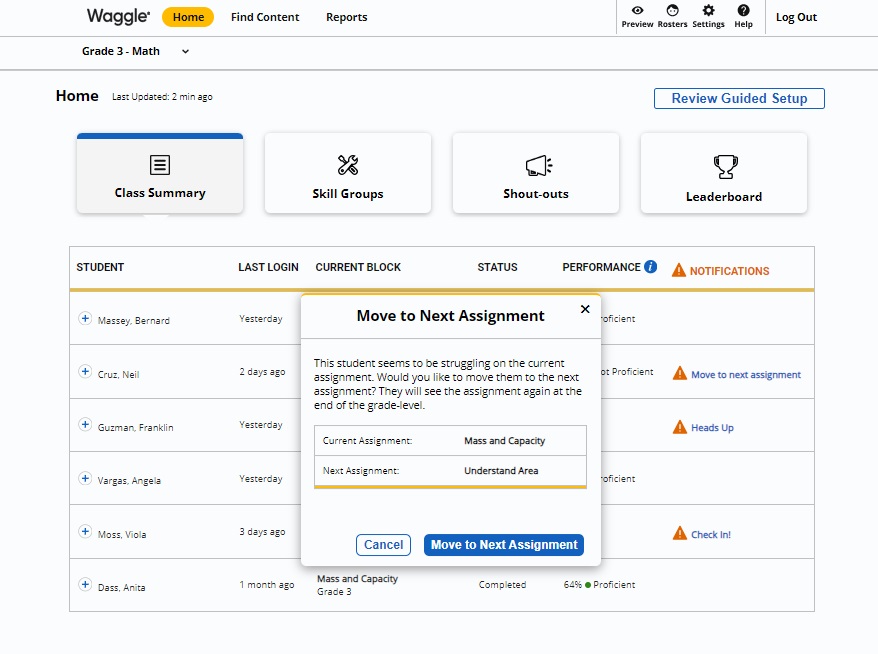
When students who have worked in any single skill for 30 minutes without reaching proficiency or have been working in an assignment for at least 90 minutes, their teacher will see a Move Along alert on their Dashboard. This will inform the teacher that the student may need additional help, and the teacher may move the student to the next assignment.
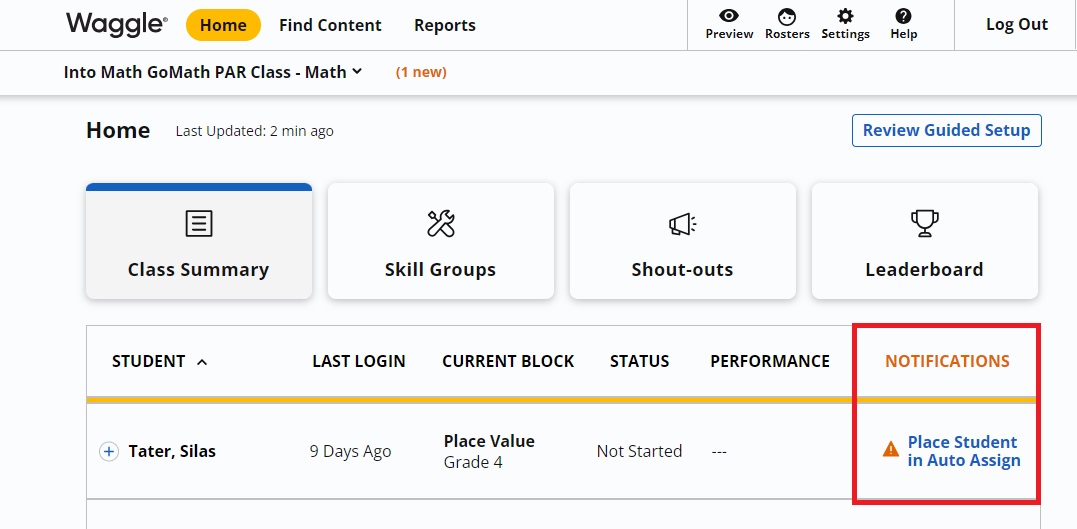
Teachers see this alert when a student has not been placed in Auto-Assign content yet. Check that the student has taken the placement assessment.
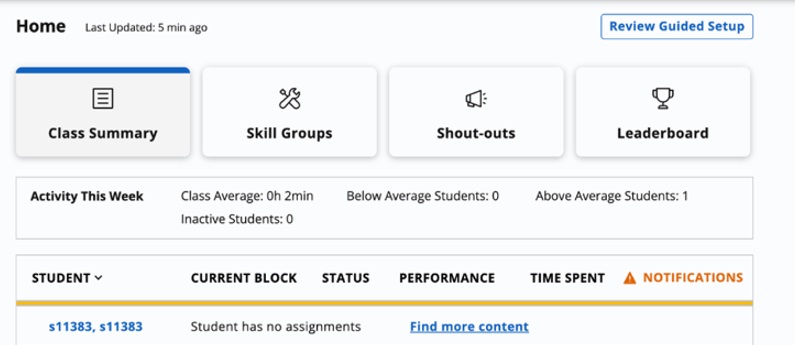
When students have completed all missions through eighth grade or have no assignments left assigned to them, their teacher will see a Student Has No Assignments message next to their name on their Dashboard, along with a Find More Content link to additional assignments which may be manually assigned.