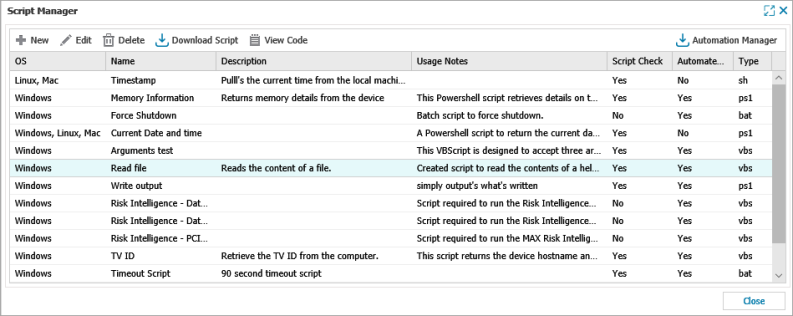
Script Manager
To open the Script Manager via the Dashboard
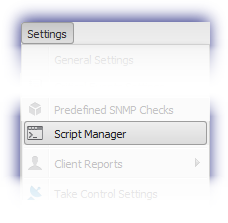
Go to Settings > Script Manager
Field |
Notes |
|---|---|
|
OS |
Operating System the script was selected for - Windows, Linux or Mac OS. |
|
Description |
Descriptive name to enable easy identification of the script on the Dashboard and Reports. |
|
Usage |
The information displayed in the Test Parameters section when adding or editing the Script Check or Automated Task. This may be used to provide additional detail on the script’s function or an example of the command line parameters to ensure any user can correctly configure the script. |
|
Script Check |
Script is available as a Script Check. |
|
Automated Task |
Script is available as an Automated Task (Windows or Mac). |
| Type | Script's language. |