Team Management
Add Team
When clicking on the Add Team action on the central information section you are presented with the Create a new Team dialog.
Enter the Name and Description then Create Team to generate.
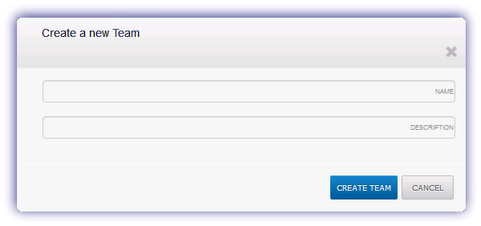
Please note, blank spaces characters are not permitted for the team name.
Add Contact
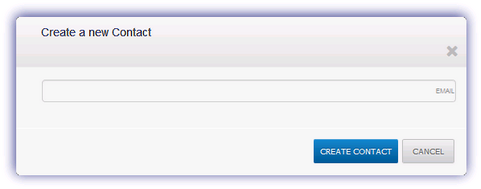
When clicking on the Add Contact action from a Team node you are presented with the Create a new Contact dialog. Enter their Email address and click Create Contact to add a member under the selected Team.
Edit Team
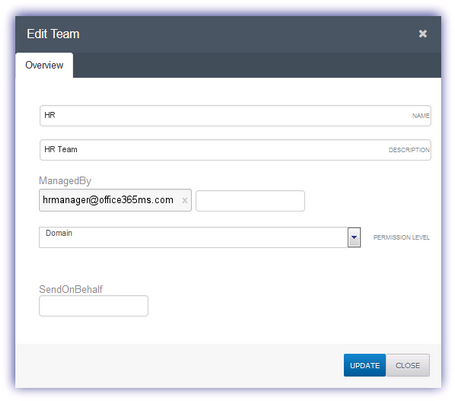
When clicking on the Edit Team action you are presented with the Edit Team dialog.
From here you can amend the Name and Description, enter the team manager in the ManagedBy field, choose the Permission Level (for example Member, Domain, Anyone) and enter the email address to SendOnBehalf of.
Click Update once complete to apply.
Please note, blank spaces characters are not permitted for the team name.
Delete Team
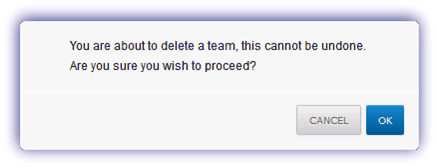
If you wish to remove a Team select Delete Team and click OK in the returned dialog to complete.
Note
Once deletion is confirmed this action cannot be undone or the team retrieved.