Organization Management
|
|
|


Add Organization
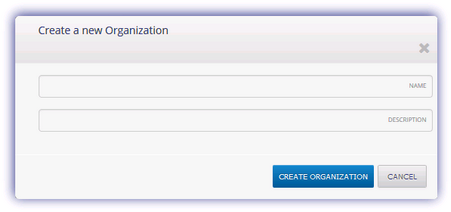
When clicking on the Add Organization action under the domain or an organization node you are presented with the Create a new Organization dialog which adds a sub-organisation under the selected node.
Enter the Name and Description then Create Organization to generate.
Edit Organization
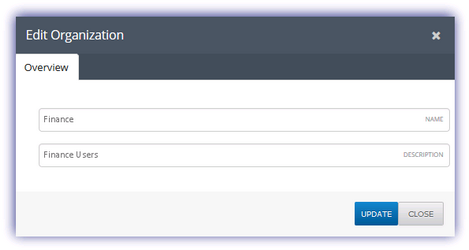
When clicking on the Edit Organization action you are presented with the Edit Organization dialog.
Amend the Name and Description information and enter Update to apply.
Delete Organization
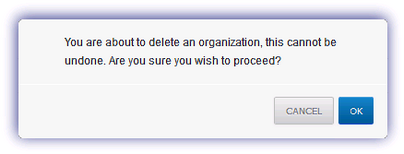
If you wish to remove an organization select Delete Organization and click OK in the returned dialog to complete.
Notes
Please be aware that an organization cannot be deleted where it has any associated child organizations or users.
Once deletion is confirmed this action cannot be undone or the organization retrieved.
This operation is not available for the root organization.