UI Language
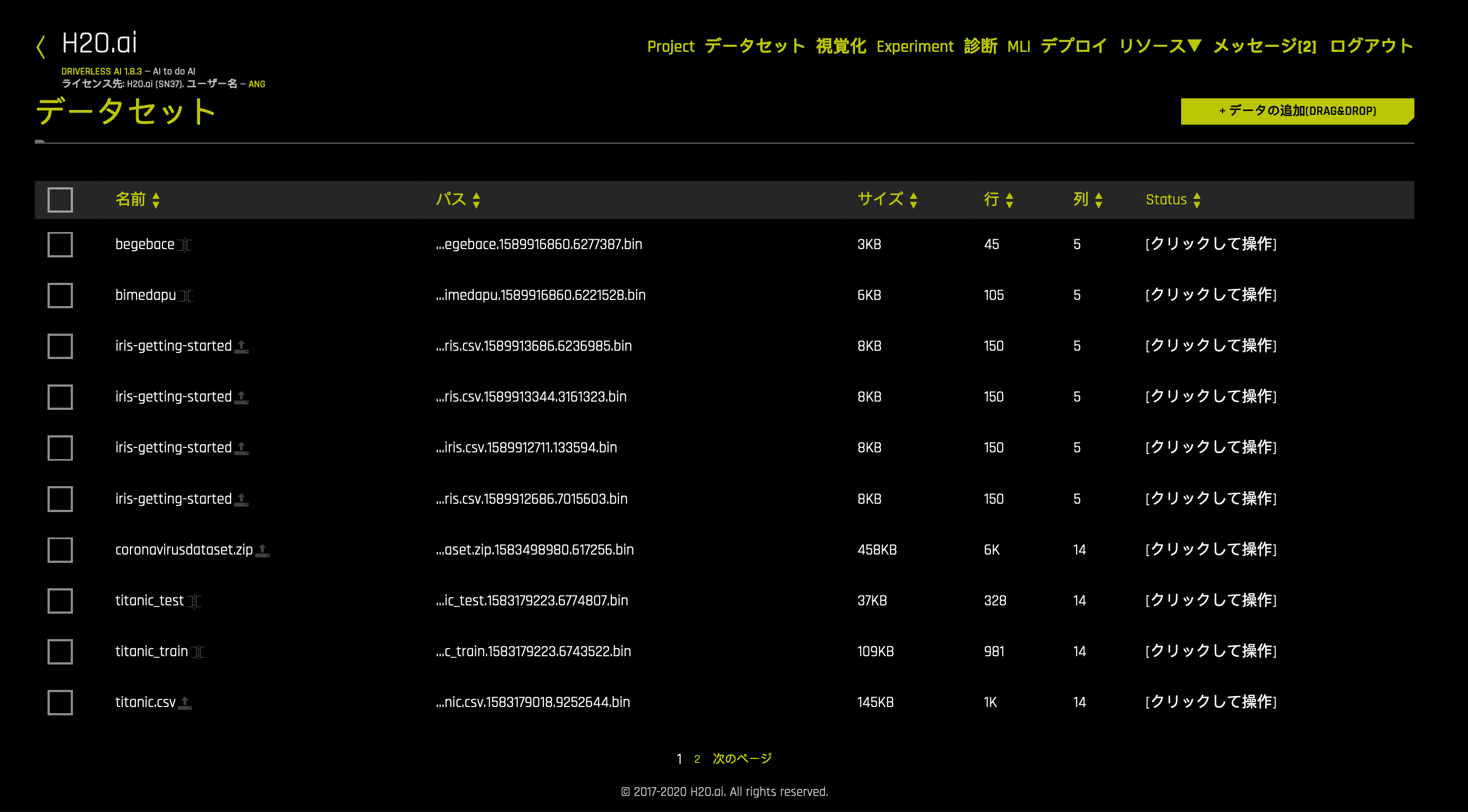
The Driverless AI UI is available in English (default), Japanese, Chinese (Simplified), and Korean. This section describes how you can use the app_language config setting/environment variable to change the language of the UI before starting Driverless AI.
When using app_language, the following options can be specified:
en: English (default)ja: Japanesecn: Chinese (Simplified)ko: Korean
Examples
The following examples show how to change the app language from English to Japanese.
To change the application language in Docker images, specify the APP_LANGUAGE environment variable. Note that this variable must be prepended with DRIVERLESS_AI_. Replace nvidia-docker with docker in the example below if necessary.
nvidia-docker run \
  --pid=host \
  --init \
  --rm \
  --shm-size=256m \
  -p 12345:12345 \
  -u `id -u`:`id -g` \
  -e DRIVERLESS_AI_ENABLED_FILE_SYSTEMS="file,s3,hdfs" \
  -e DRIVERLESS_AI_APP_LANGUAGE="ja" \
  -v `pwd`/data:/data \
  -v `pwd`/log:/log \
  -v `pwd`/license:/license \
  -v `pwd`/tmp:/tmp \
  h2oai/dai-centos7-x86_64:1.9.1-cuda10.0.23
This example shows how to configure Minio options in the config.toml file, and then specify that file when starting Driverless AI in Docker.
Configure the Driverless AI config.toml file. Set the following configuration option.
app_language="ja"
Mount the config.toml file into the Docker container. Replace
nvidia-dockerwithdockerif necessary.
nvidia-docker run \
  --pid=host \
  --init \
  --rm \
  --shm-size=256m \
  --add-host name.node:172.16.2.186 \
  -e DRIVERLESS_AI_CONFIG_FILE=/path/in/docker/config.toml \
  -p 12345:12345 \
  -v /local/path/to/config.toml:/path/in/docker/config.toml \
  -v /etc/passwd:/etc/passwd:ro \
  -v /etc/group:/etc/group:ro \
  -v /tmp/dtmp/:/tmp \
  -v /tmp/dlog/:/log \
  -v /tmp/dlicense/:/license \
  -v /tmp/ddata/:/data \
  -u $(id -u):$(id -g) \
  h2oai/dai-centos7-x86_64:1.9.1-cuda10.0.23
Native installs include DEBs, RPMs, and TAR SH installs. The example below shows how to use the app_language configuration option in the config.toml file to change the language to Japanese.
Export the Driverless AI config.toml file or add it to ~/.bashrc. For example:
# DEB and RPM
export DRIVERLESS_AI_CONFIG_FILE="/etc/dai/config.toml"

# TAR SH
export DRIVERLESS_AI_CONFIG_FILE="/path/to/your/unpacked/dai/directory/config.toml"
Open the config.toml file and edit the
app_languagevariable. The config.toml file is available in the etc/dai folder after the RPM or DEB is installed.# Default application language - options are 'en', 'ja', 'cn', 'ko' app_language = "ja"
Start (or restart) Driverless AI. Note that the command used to start Driverless AI varies depending on your install type.
# Linux RPM or DEB with systemd
sudo systemctl start dai

# Linux RPM or DEB without systemd
sudo -H -u dai /opt/h2oai/dai/run-dai.sh

# Linux TAR SH
./run-dai.sh