Adding a Data Recipe
Driverless AI allows you to create a new dataset by modifying an existing dataset with a data recipe. (Refer to the Modify By Recipe section for more information.) This example shows you how to use the Live Code option to create a new dataset by adding a data recipe.
- Navigate to the Datasets page, then click on the dataset you want to modify.
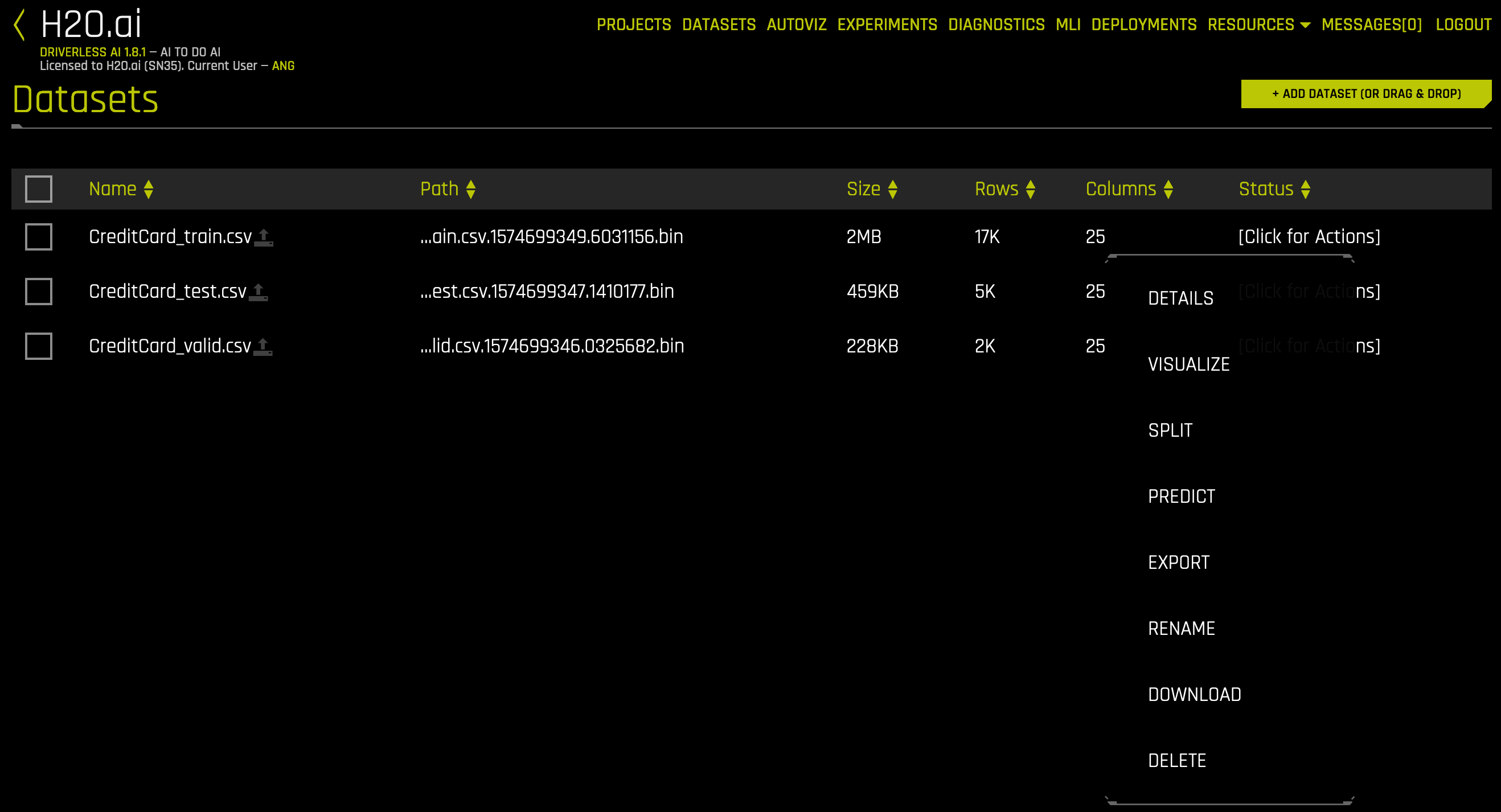
- Click Details from the submenu that appears to open the Dataset Details page.
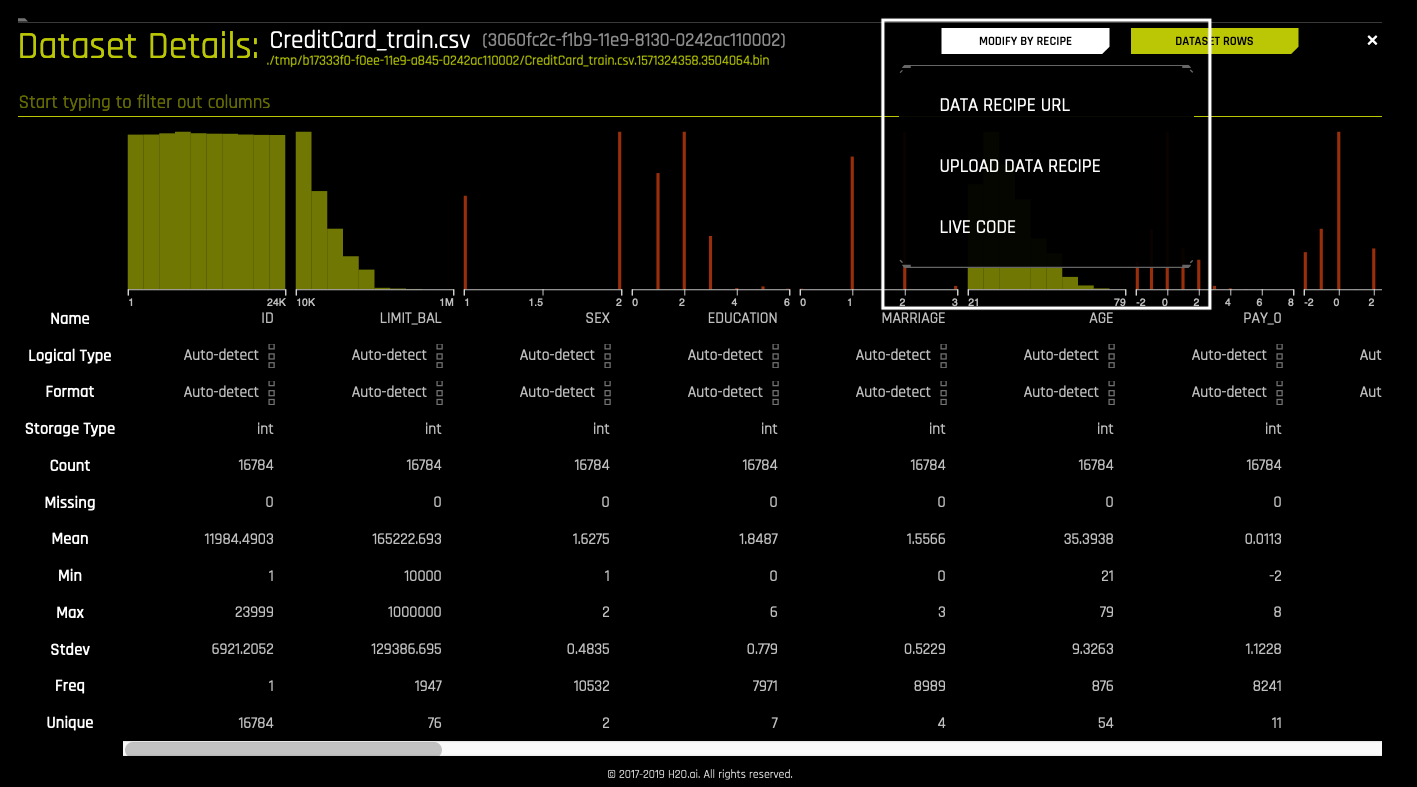
- Click the Modify by Recipe button in the top right portion of the UI, then click Live Code from the submenu that appears.
- Enter the code for the data recipe you want to use to modify the dataset. Click the Get Preview button to see a preview of how the data recipe will modify the dataset. In this simple example, the data recipe modifies the number of rows and columns in the dataset.
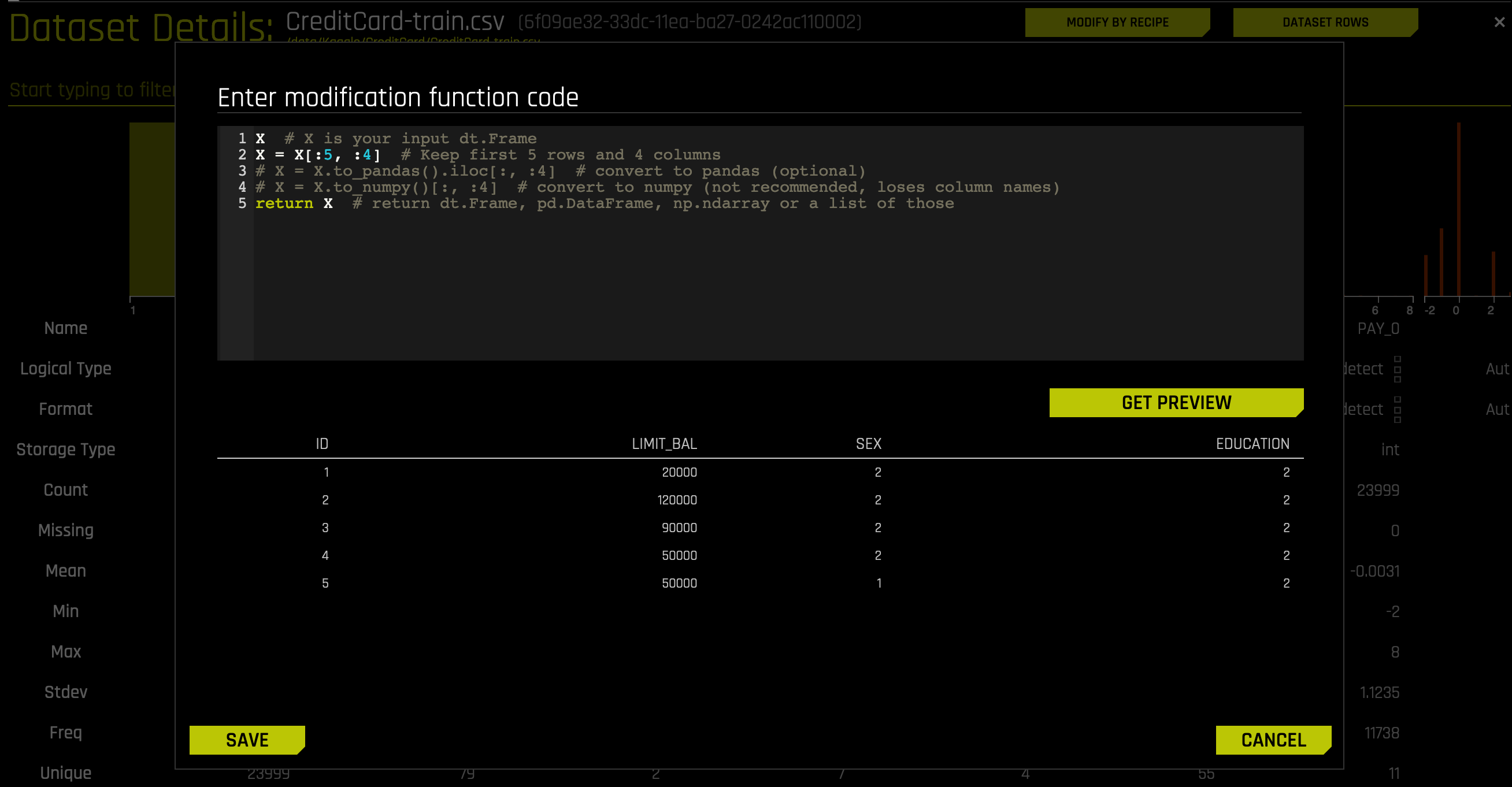
- Click the Save button to confirm the changes and create a new dataset. (The original dataset will still be available on the Datasets page.)